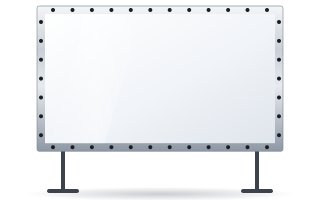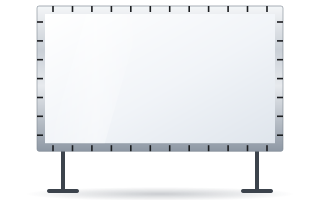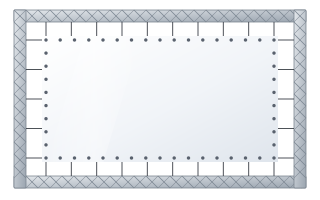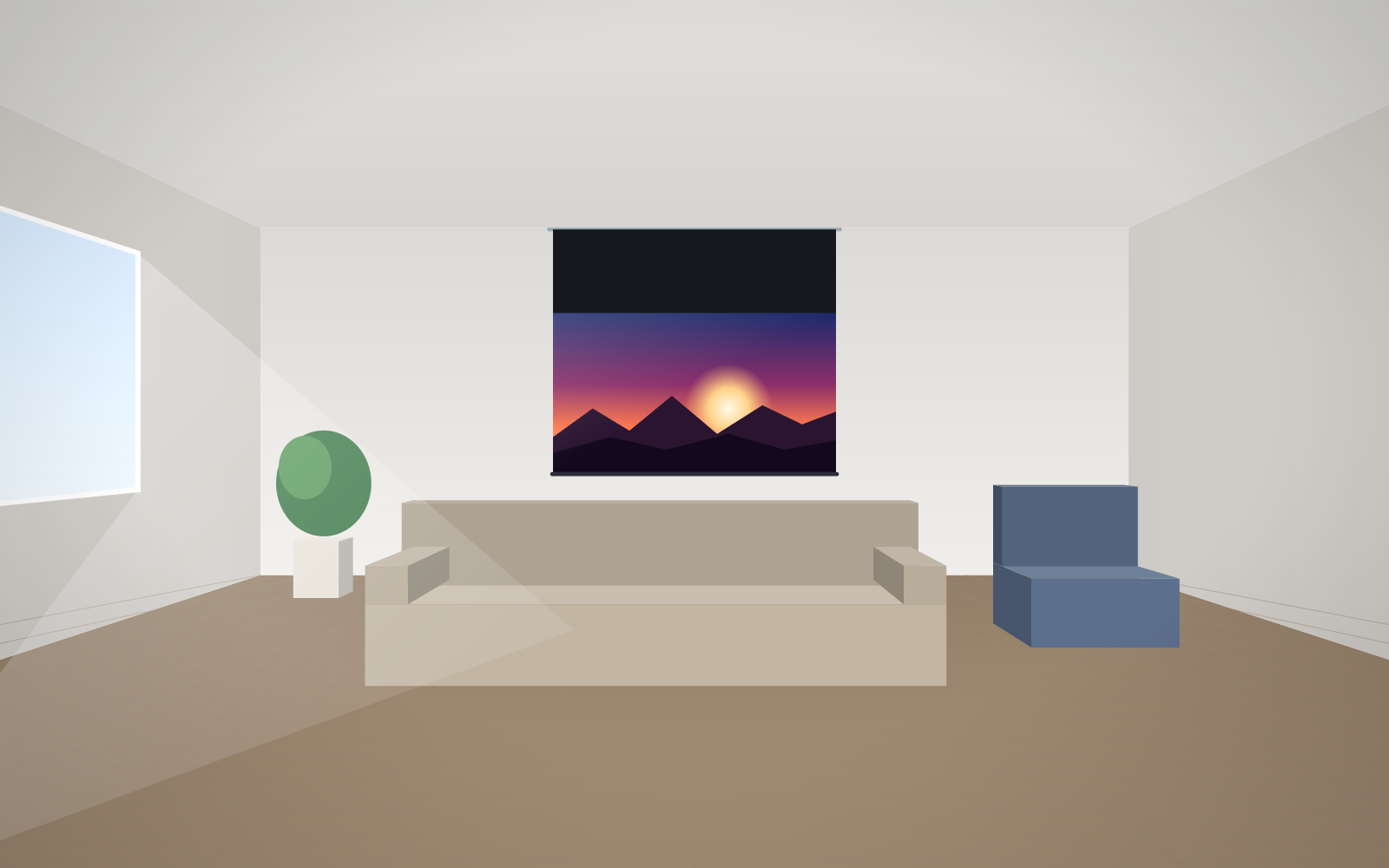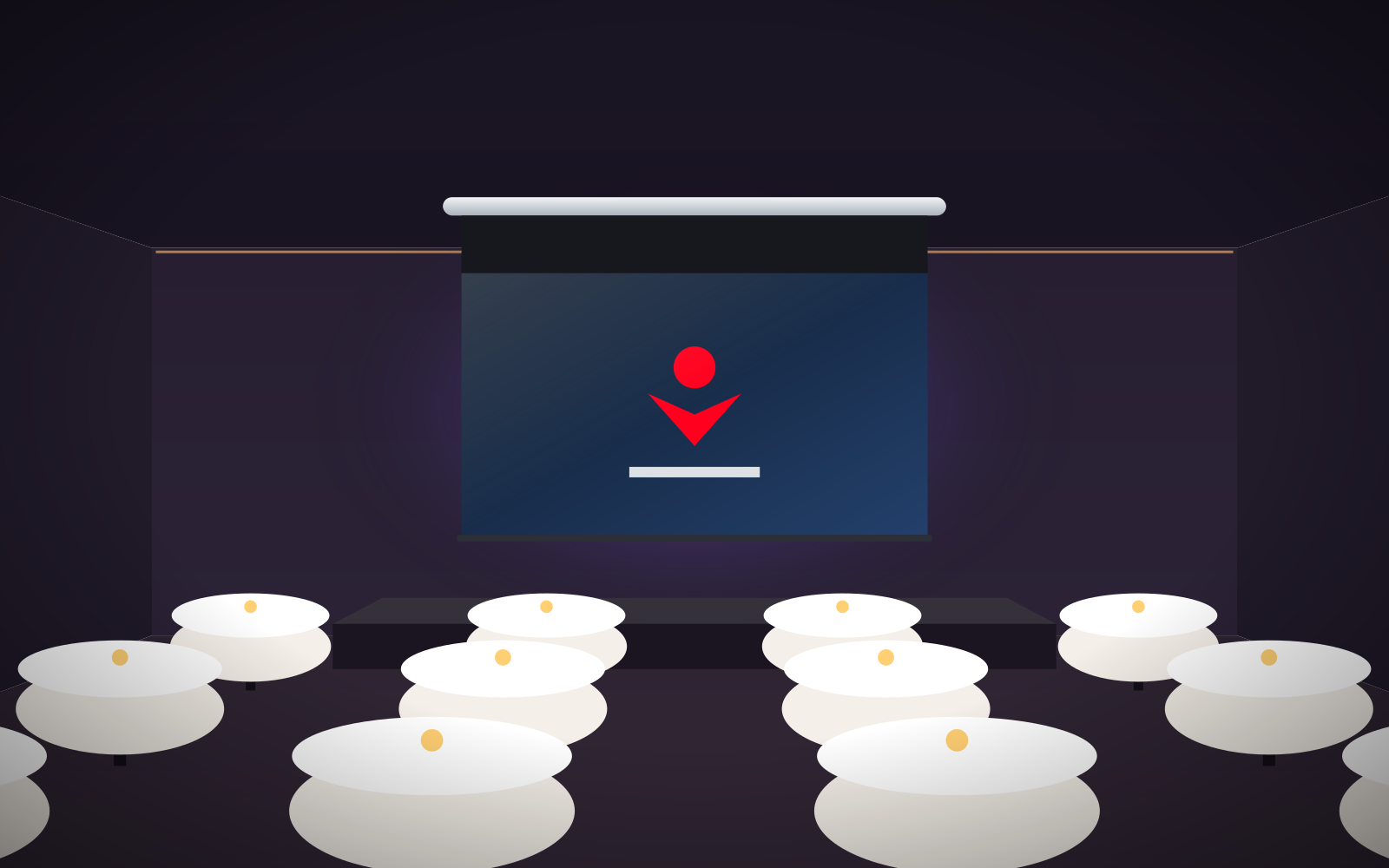
- The first letter tells you which side of the frame the fabric is attached to (F – front, R – rear), the second how it is attached (B – snap buttons, E – elastic cords).
- FB and RB use Vision Fold 2 or Vision Fold Rear 2 fabrics, which resist creasing; these are the rental and event versions.
- FE has spacers that hold the frame away from the wall and uses Vision White Pro (temporarily unavailable), Ambient Grey 2 or Ambient Grey fabrics.
- RE takes the full list of fabrics, mounts flush with the wall and is also recommended by the manufacturer for home cinemas.
- The frame splits for transport; image width reaches approx. 5.8 m (FE up to 3.5 m).
What FramePro is
FramePro is an aluminium fixed-frame screen that can be taken apart, transported and reassembled on site. It is the successor to the Frame model. The frame splits into two parts along its base and, in larger sizes, along its height as well. The corners are reinforced, because in rental use the screen is assembled and dismantled many times.
The manufacturer provides three ways to set it up: on a wall, on professional stands or on aluminium truss. The screen comes in four versions, which differ in how the fabric is attached.
What the letters FB, RB, FE and RE mean
| Version | Fabric attached | Fixing method | Image width | Typical use |
|---|---|---|---|---|
| FB – Front Buttons | at the front of the frame | snap buttons | 1840–5840 mm | rental, events, conferences |
| RB – Rear Buttons | at the rear of the frame | snap buttons | 1840–5840 mm | stages, studios, trade fairs |
| FE – Front Elastic | at the front of the frame | elastic cords | 2000–3500 mm | multi-purpose rooms, wall installations |
| RE – Rear Elastic | at the rear of the frame | elastic cords | 1840–5840 mm | permanent installations, home cinema, stages |
A note on naming. In the shop's product pages, the RB and RE versions are described as rear-projection screens. The manufacturer describes them as versions with the fabric attached at the rear of the frame. In practice, whether rear projection is possible depends on the fabric. Vision Fold Rear 2 and Vision Rear DB are used for rear projection. With a white front-projection fabric, the RE screen works like an ordinary front-projection screen.
FB – quick fabric changes at events
The fabric snaps onto the front of the frame. Assembly and dismantling are quick, and the black edge of the fabric masks the signs of wear that inevitably appear in rental use. The manufacturer notes that FB is available in standard sizes only.
There are two fabrics designed for rental use:
- Vision Fold 2 – white, elastic, crease-resistant, 160° viewing angle. Manufacturer sources give a gain of 0.9 or 1.0.
- Vision Fold Rear 2 – grey, for rear projection, gain 0.6, 120° viewing angle.
RB – fabric at the rear, same materials
RB has the fabric snapped onto the rear of the frame and the same two fabrics as FB. With Vision Fold Rear 2 it works well on stage when the projector stands behind the screen and the audience sees neither the device nor the presenter's shadow. The principles of this type of projection are described in our guide to rear projection.
FE – frame held away from the wall
FE has the fabric at the front, attached with elastic cords. The kit includes spacers that hold the frame a few centimetres away from the wall, for example to fit backlighting behind it. The manufacturer describes this version as architecturally minimalist.
The fabrics for FE are Vision White Pro (temporarily unavailable), Ambient Grey 2 and Ambient Grey. It is the choice for a wall installation in a room with some ambient light, where grey ALR fabrics improve contrast. Remember that Ambient Grey 2 does not work with ultra-short-throw projectors. For UST, choose Ambient Grey. The image width of the FE is 2–3.5 m.
RE – the widest choice of fabrics
RE has the fabric at the rear, attached with elastic cords, and mounts flush with the wall. It takes the full list of fabrics: white, grey, ALR, acoustic (including Vision Macro Acoustik) and Vision Rear DB, which works for both front and rear projection. The manufacturer also recommends this version for home cinemas, and the shop offers aspect ratios up to 2.40:1.
Where to set up FramePro
- On a wall or below the ceiling – RE mounts flush with the wall, FE on spacers, and a ceiling-mount bracket is also available for the RE and RB versions.
- On legs – adjustable legs for fixed-frame screens (2 legs and 4 rings) fit FramePro and Plano. Height adjusts within 152–284 cm.
- On truss – a set of 4 rings lets you attach the frame to legs or aluminium truss with a tube diameter of up to 45 mm.
You will find the accessories in the screen accessories section.
Assembling the frame – good practice
The exact sequence depends on the version and size. Below are general principles that help avoid damaging the fabric.
- Prepare a clean area. Lay plastic sheeting or a clean cloth on the floor. Never place projection fabric directly on a dusty surface.
- Assemble the frame flat. Join the profile sections and corners, check that all joints are pushed fully home and that the frame lies without twisting.
- Lay the fabric out on a clean surface and do not drag it across the floor. Handle it with clean hands or gloves, as fingerprints show on the image.
- Fix from the middle of each side towards the corners. Start at the centre of each side, then work alternately outwards. This spreads the tension evenly and stops the fabric shifting to one side.
- Check flatness before lifting the frame. Wrinkles are easier to correct while the frame is lying down.
- Lift with two or more people and hold the frame by the profiles, not by the fabric.
You will find more tips in our guide to installing a fixed-frame screen. If you are preparing a stage with truss, compare FramePro with truss surfaces in our guide Easy Surface or Eyelet Surface. A general overview of event screens is given in our guide to screens for events and rental.
Transport and storage
The split frame is FramePro's main advantage for rental. A screen several metres wide fits in a van and goes through standard doors. A few rules extend the screen's life:
- transport the profiles in covers so as not to scratch the finish or damage the connectors;
- Vision Fold 2 and Vision Fold Rear 2 fabrics are crease-resistant, but fold them only when clean and dry;
- fabrics intended for permanent installations in the FE and RE versions are best stored and transported rolled rather than folded;
- after every event, check the snap buttons or cords – a damaged fixing causes local wrinkles in the image.
Quick version selector
- Event company, frequent assembly, front projection – FB with Vision Fold 2.
- Stage with the projector behind the screen – RB with Vision Fold Rear 2 or RE with Vision Rear DB.
- Wall-mounted screen in a brighter room – FE with a grey or ALR fabric.
- Permanent installation with a wide choice of fabrics, including acoustic – RE.
You can check the price of your chosen version, size and fabric in the configurator for business & institutions.
Frequently asked questions
What do the letters in FramePro names mean?
The first letter indicates the side of the frame to which the fabric is attached (F – front, R – rear), the second the fixing method (B – snap buttons, E – elastic cords).
Which FramePro version is suitable for rear projection?
Rear projection depends on the fabric. In the FB and RB versions, Vision Fold Rear 2 is used for this, and in the RE also Vision Rear DB, which works for both front and rear projection.
How large can FramePro be?
The FB, RB and RE versions have an image width of 1840–5840 mm, and the FE version 2000–3500 mm.
Can FramePro stand on legs?
Yes. Adjustable legs for fixed-frame screens fit FramePro and Plano, with the height set within 152–284 cm. The frame can also be attached to aluminium truss using a set of rings.
Which fabric is best for rental?
Vision Fold 2 – white, elastic and crease-resistant. For rear projection at events, the grey Vision Fold Rear 2 is the one to choose.