- Prepare a clean, smooth surface larger than the screen and work in clean gloves.
- Assemble the frame flat and check the diagonals first; only then attach the fabric.
- Tension the fabric alternately, working from the middle of each side towards the corners.
- The Plano hangs on a concealed bracket, the Frameless is fixed magnetically flush with the wall, and the FramePro can also stand on legs or truss.
- Set the mounting height by viewing angle: no more than about 15° up from the viewer's eyes to the centre of the image.
What is in the box of a fixed-frame screen
ADEO fixed-frame screens have an aluminium frame over which the fabric is tensioned. On most models, rods sit in the fabric hem on all four sides and are attached to the frame with elastic cords. Some models use springs instead of cords. The differences are as follows:
| Model | Frame | Fabric tensioning | Wall mounting |
|---|---|---|---|
| Plano | aluminium profile bevelled on the inside, black paint or velvet | elastic cords | bracket slotted into the back of the frame, concealed, frame sits against the wall |
| Prestige | ultra-thin frame approx. 10 × 6 mm | springs | wall brackets (kit up to 3500 mm) |
| Frameless | profile approx. 108 × 32 mm hidden beneath the fabric | metal springs | magnetic kit, screen flush with the wall |
| FramePro | folding, splits for transport | press studs (Buttons) or cords (Elastic) | wall, legs, truss |
Choosing between the models is covered in our guide Plano, Prestige or Frameless. Here we focus on the installation itself.
Preparing the space and tools
- Work surface – clean, dry and larger than the screen. A clean floor covered with plastic sheeting or cardboard works well. Avoid working on carpet, as fibres cling to the fabric.
- Two people – with screens over about 2.5 m wide, one person cannot hold the frame without twisting it.
- Clean cotton gloves – greasy fingerprints on the fabric will later show on a bright image.
- Tools – a spanner or screwdriver for the corner screws, a spirit level, a tape measure, a drill and wall plugs to suit the wall.
- Time – do not install the screen in a hurry or in a room where dusty work is under way.
Installation step by step
- Lay out the parts and count them against the list in the box. Arrange the profiles in a rectangle around the spot where the fabric will lie.
- Assemble the frame – join the profiles with the corners and tighten the screws, but not fully yet. On split frames such as the FramePro, join the side segments first.
- Check the geometry – measure both diagonals. If they are equal, the frame is square. Only then fully tighten the corner screws.
- Lay out the fabric projection side down, inside the frame. Do not drag it across the floor or fold it.
- Insert the rods into the hem channels on all sides (on models with rods).
- Attach the fabric – start at the middle of each side: top, bottom, left, right. Then attach the next cords, springs or press studs alternately, working towards the corners. Leave the corners until last.
- Check the tension – lift the frame slightly at an angle and look at the fabric against the light. Creases along one side mean the tension is too low there.
- Fit the brackets on the wall, legs or truss (see below) and hang the screen.
On the Plano, the frame profile is bevelled on the inside so that light reflected off the edges falls outside the image and away from viewers. When assembling, make sure all the profiles face the same way.
Even tensioning from the middle of each side is a general rule when working with tensioned fabrics. If you start from one corner, the fabric will shift towards the opposite side and diagonal creases will be hard to remove.
Ways to hang a fixed-frame screen
On the wall
The Plano has a wall bracket that slots into the back of the frame – once hung it is invisible and the frame sits against the wall. The Frameless is fixed flush with the wall using a magnetic kit, giving the effect of an image "floating" in the wall. For Frameless and Prestige screens up to 3500 mm wide there are dedicated wall brackets (set of two). Brackets and other components are in the screen accessories category.
Before drilling, mark the fixing line with a spirit level and check for cables in the wall. Choose wall plugs to suit the wall type – different ones for concrete and for plasterboard.
Under the ceiling
For the Plano and FramePro Rear (Elastic and Buttons) there is a ceiling bracket for fixed-frame screens. For wider screens the manufacturer recommends using two brackets.
On legs and truss
Adjustable legs for fixed-frame screens (a set of two legs and four rings) are designed for the Plano and FramePro. They let you set the frame at a height of approx. 152–284 cm. A separate set of four rings lets you attach a fixed-frame screen to the legs or to aluminium truss with a tube diameter of up to 45 mm. The FramePro can also be hung on a wall. The FramePro versions are described in detail in our guide FramePro – FB, RB, FE and RE versions.
The FramePro Front Elastic version has spacers that hold the screen a few centimetres off the wall – leaving room, for example, for wall backlighting. The FramePro Rear Elastic mounts flush with the wall.
At what height to hang the screen
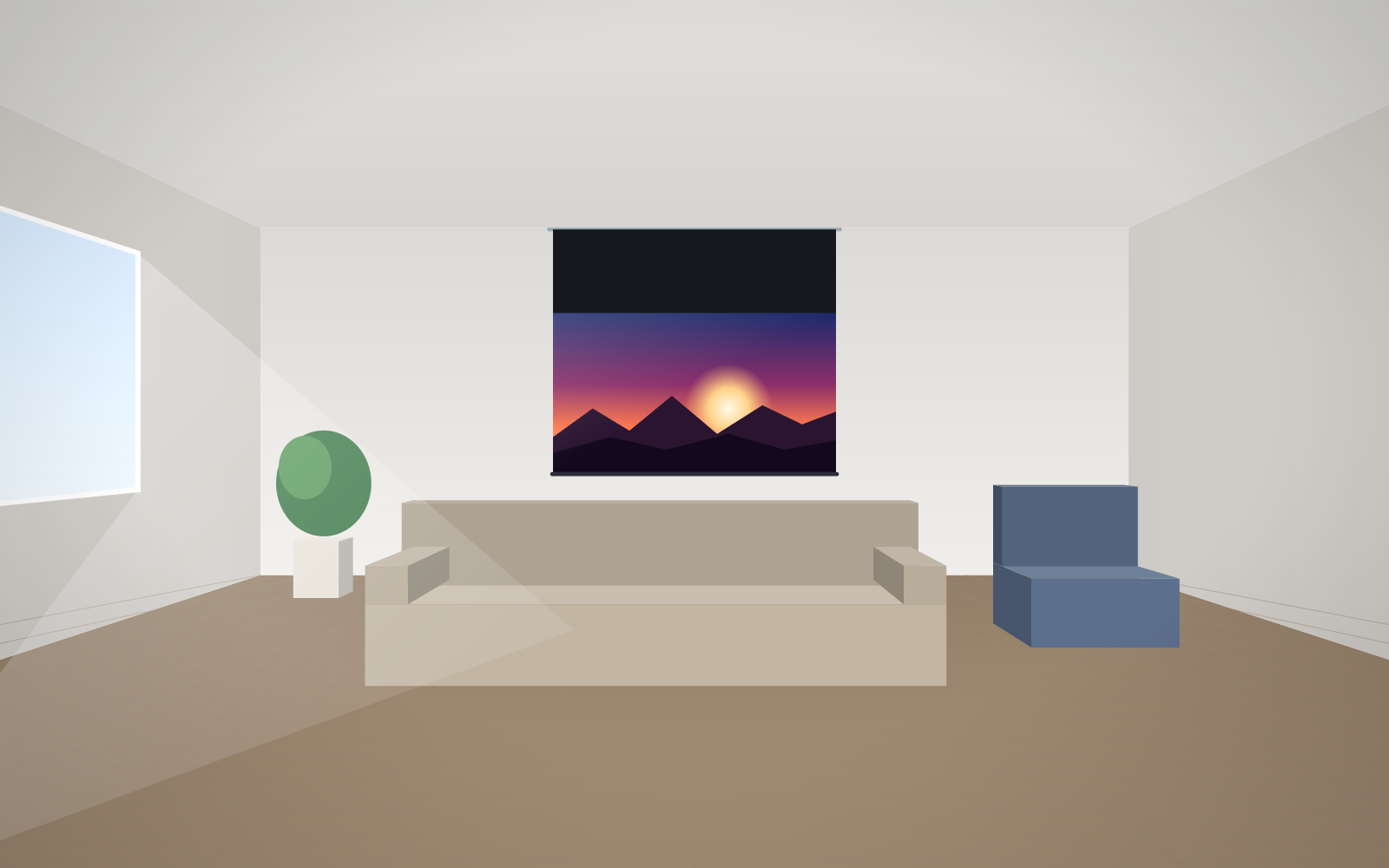
According to the manufacturer, the vertical angle from the viewer's eyes to the centre of the image should not exceed about 15°. In a home cinema this usually means the bottom edge of the image hangs only slightly above the eye level of a seated viewer; in a conference room, high enough that heads in the front rows do not block the image. The calculations are in our guide how to choose screen size.
With an acoustically transparent screen, leave room behind the fabric for speakers – which is why cinema rooms often use mounting with a gap from the wall rather than flush mounting.
Curved and very large screens
The Plano Curved and Frameless Curved are installed in a similar way, but the radius of curvature is matched to the screen dimensions and the frame is rigid in an arc shape. Do not try to straighten or bend it. Large Cinema screens (up to 23 m) have structural rods every 4–5 m, and the Cinema Curved kit includes steel connectors, corners, wall brackets, braces and M8 bolts. Installations like these are carried out by an installation team.
Common mistakes when installing a fixed-frame screen
- Tightening the corners before checking the diagonals – the frame ends up slightly out of square and the fabric wrinkles diagonally.
- Tensioning from one corner instead of from the middle of each side.
- Working on a dirty surface or without gloves – marks on the fabric.
- Hanging the screen too high – stiff necks in the front row.
- Installing in full sun or above a radiator – the manufacturer advises avoiding such locations.
More typical mistakes are described in common screen installation mistakes, and installing roller screens in our guide installing a motorised screen. For looking after the fabric after installation, follow our guide cleaning and maintaining your screen.
Frequently asked questions
Can I install a fixed-frame screen myself?
Yes, smaller fixed-frame screens can be assembled on your own, but for widths over about 2.5 m you need two people. Very large screens, such as the Cinema, are installed by an installation team.
Where should I start tensioning the fabric?
From the middle of all four sides, then alternately towards the corners. Fix the corners last.
How do I hang a Frameless screen flush with the wall?
The Frameless has a magnetic mounting kit that lets you fix the screen flush with the wall. The frame is hidden beneath the fabric.
Can a fixed-frame screen stand on the floor?
Yes. Adjustable legs are available for the Plano and FramePro, setting the screen at a height of approx. 152–284 cm.
At what height should I hang a fixed-frame screen in a home cinema?
So that the upward angle from the viewer's eyes to the centre of the image does not exceed about 15°. Usually the bottom edge of the image hangs only slightly above the eye level of a seated viewer.