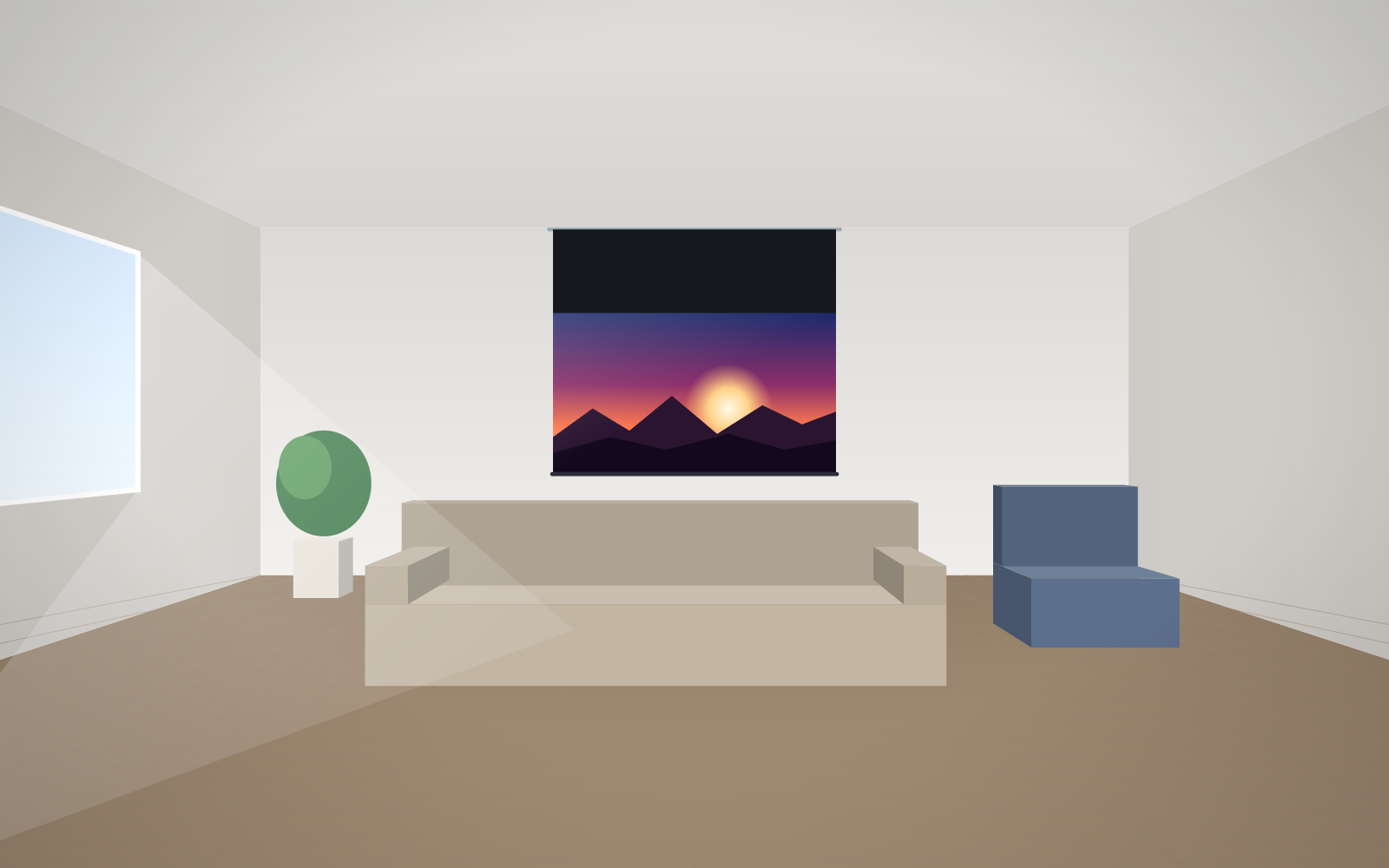
- First decide where the image sits relative to the projector and viewers, and only then where the case goes.
- The case must be perfectly level – a crooked installation makes the fabric roll unevenly.
- When the case hangs high below the ceiling, lower the image with a black top drop or bracket extensions.
- Universal bracket extensions of 300, 450, 600 and 750 mm are rated for up to 180, 120, 90 and 70 kg per bracket respectively.
- The 230 V motor should be connected by a qualified electrician.
Step 1: decide where the image should be
Installation starts with the image, not the case. First set the height of the bottom and top edges of the image, and only then work out the position of the case. Take into account:
- The viewers – in meeting rooms and classrooms, a bottom image edge at approx. 1.1–1.2 m means the heads of people in the front rows do not block the screen. The manufacturer also recommends that the upward angle from the nearest viewer's eyes to the centre of the image should not exceed approx. 15°.
- The projector – the image must fall within the lens shift range or follow from the projector position. Avoid keystone correction, as it reduces sharpness. Work out the size and distance in the guide how to match a screen to a projector.
- Obstacles – doors, windows, sills, radiators, furniture, light fittings, curtain rails. The lowered fabric must not catch on anything.
Choose the image size using the rules in the guide how to choose the screen size. Remember that the image size is not the overall size – the case is wider than the image, and the border and top fabric drop add height.
Wall or ceiling mounting
| Method | Advantages | What to watch out for |
|---|---|---|
| On the wall | simple installation, easy access, case close to the wall | load-bearing capacity of the wall, obstacles below the case, fabric distance from the wall |
| Below the ceiling | case higher up, wall below it free, can be set away from the wall | load-bearing capacity of the slab; in a suspended ceiling, fix to the structure, not to the tiles |
| In-ceiling | when retracted, only a slot is visible | coordination with the ceiling contractor – separate guide |
The standard brackets on ADEO screens are wall/ceiling brackets, so the same set allows both options. In-ceiling screens for suspended ceilings are described in the guide in-ceiling screens.
Mounting brackets for individual models
Dedicated bracket sets are available for ADEO models. Examples:
- Rugby – set for small screens: 2 wall/ceiling brackets with plastic wedges; for large screens: 3 brackets (white or black).
- Linear SE – sets for small and large screens, each with 2 wall/ceiling brackets (white or black).
- OnSuperior – 2 wall/ceiling brackets.
- Alumid – 3 wall/ceiling brackets.
- Max One – sets with 1 or 2 brackets and 2 chains with carabiners.
- Big One – wall/ceiling bracket with bolts and a safety block.
On stages and in event rooms the screen can be hung from a truss: a set with 2 clamps (50 mm diameter) for screens up to 2570 mm overall width and a set with 3 clamps for screens from 3071 to 4570 mm. All parts can be found in the screen accessories section.
Bracket extensions and their load ratings
Extensions are useful when the case has to hang lower than the slab or further from the wall. Universal wall/ceiling extensions (white, RAL 9010, matte) have the following load ratings per bracket, as given by the manufacturer:
| Extension | Maximum load per bracket |
|---|---|
| 300 mm | up to 180 kg |
| 450 mm | up to 120 kg |
| 600 mm | up to 90 kg |
| 750 mm | up to 70 kg |
The longer the extension, the lower the load rating – for large, heavy screens, check the screen weight on the product page and choose the number and length of extensions with a safety margin.
For Rugby screens there are also dedicated extensions (separately for the small and large case):
- horizontal 200, 300, 400, 500 and 600 mm – for wall mounting when the case has to be set away from the wall, e.g. above a window sill, board or trim;
- ceiling in ranges of 150–200, 200–300, 300–500, 500–900 and 900–1700 mm – the manufacturer intends these for angled mounting.
Black drop – lowering the image without lowering the case
When the case hangs just below a high ceiling, the image would start too high and viewers would have to crane their necks. The solution is a black drop – an extended top strip of black fabric between the case and the top edge of the image. The image starts lower while the case stays below the ceiling.
The length of the top drop follows from a simple calculation: the distance from the bottom of the case to the planned top edge of the image. Example: 3.2 m ceiling, case right below it, 16:9 image 2.66 m wide (height approx. 1.50 m), bottom edge of the image at 1.1 m. The top edge of the image comes to approx. 2.6 m, so the distance from the ceiling to the top edge of the image is approx. 0.6 m – the strip above the image must be that length minus the case height and what the standard finish already provides. Confirm the exact dimensions with an adviser when ordering, as they depend on the model and finish.
The alternative is to lower the case using ceiling extensions – the better solution when there is free space above the case anyway, for example in tall rooms.
Fabric distance from the wall and roll direction
As standard, many models have a back roll, with a front roll or Reverse Roll available as options. The roll direction changes the fabric's distance from the wall. This matters when there is a sill, trim, sockets or protruding elements below the case – the fabric should not touch them. Check this on the technical drawing before ordering.
230 V power and control cables
A motorised screen has a tubular motor powered at 230 V. Preparing the installation is a job for a qualified electrician – both running the cable and connecting the motor and switch. Plan:
- The motor side – as standard the motor is on the right (viewed from the front); the left side can be chosen as an option on many models. Run the power cable on the side where the motor is.
- The control method – a wall switch needs a cable to the switch; a radio remote needs power only; control from the projector or room system needs additional signal cables. The options are described in the guide controlling a motorised screen.
- Spare cable length and neat routing – in the wall or in trunking, with no cables dangling near the fabric.
Cables are best prepared before the walls are painted or the ceiling is closed.
Installation step by step
- Mark the image position and derive the case position from it; check for obstacles.
- Check the substrate: concrete, brick, blocks, plasterboard. Choose plugs and anchors to suit the substrate and the screen weight. Do not mount the screen to plasterboard alone without reinforcement or fixing to the structure.
- Fit the brackets in a straight line and level them. Even a slight tilt makes the fabric roll unevenly and may cause wrinkling at the edge.
- Hang the case and secure it in the brackets according to the manufacturer's instructions.
- The electrician connects power and control.
- Lower and raise the screen several times. Check the limit positions – the lower one (is the image where it should be?) and the upper one (does the fabric roll up fully?).
- Set up the projector to the image: size, focus, lens shift.
Common mistakes when installing a motorised screen
- Case installed before positioning the projector – the image misses the fabric or needs keystone correction.
- Not level – uneven rolling, folds at the edge of the fabric.
- Power cable on the wrong side – the cable has to be run in plain view.
- Mounting to plasterboard alone or to suspended ceiling profiles.
- Extensions too long for a heavy screen – load rating exceeded.
- Image too high – no black drop or extensions in a tall room.
- Large screen with ALR fabric without tensioning – ripples visible in the image. The solution is a version with Tensio tensioning.
Who installs the screen
A smaller screen in a case can be installed by a competent contractor together with an electrician. Large-format screens such as Max One, in-ceiling screens and installations integrated with a control system are best entrusted to an experienced installation team. ABC Prezentacji does not install screens – we advise on preparing the site (ceiling recess, power supply, control), ship at no extra transport cost and provide service. Every screen comes with the manufacturer's mounting instructions – contact us.
Frequently asked questions
At what height should a projection screen be installed?
Start with the bottom edge of the image – in meeting rooms and classrooms usually approx. 1.1–1.2 m above the floor. The case position follows from the image height, the top fabric drop and the case dimensions.
What are the load ratings of bracket extensions?
Universal wall/ceiling extensions are rated per bracket: 300 mm – up to 180 kg, 450 mm – up to 120 kg, 600 mm – up to 90 kg, 750 mm – up to 70 kg.
What is a black drop?
It is an extended black strip of fabric above the image. It lets you lower the image when the case hangs high below the ceiling, without lowering the case itself.
Can I connect a motorised screen myself?
The motor runs on 230 V, so the connection should be made by a qualified electrician. You can prepare the location and fit the brackets yourself.
Which side is the motor on?
As standard on the right, viewed from the front; on many models the motor can be ordered on the left. Run the power cable on the motor side.
Can the screen be hung from a truss?
Yes, sets with clamps for 50 mm tubes are available: for screens up to 2570 mm overall width and from 3071 to 4570 mm.