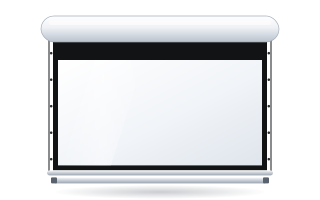
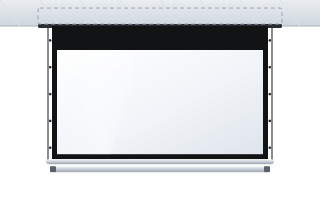
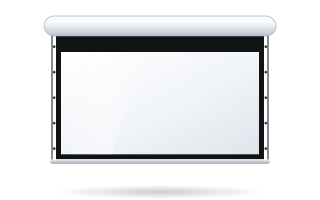
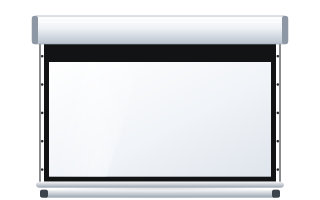
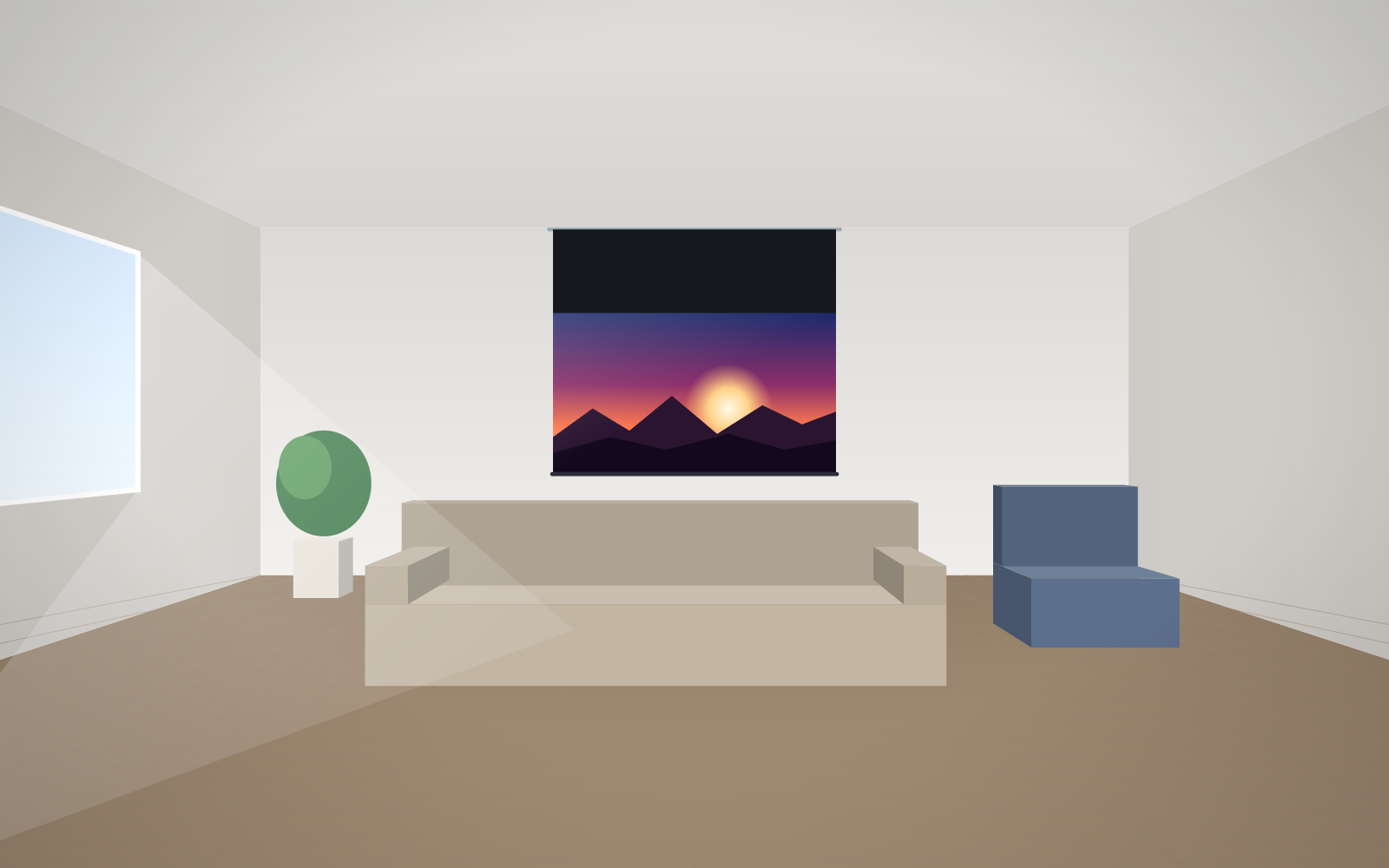
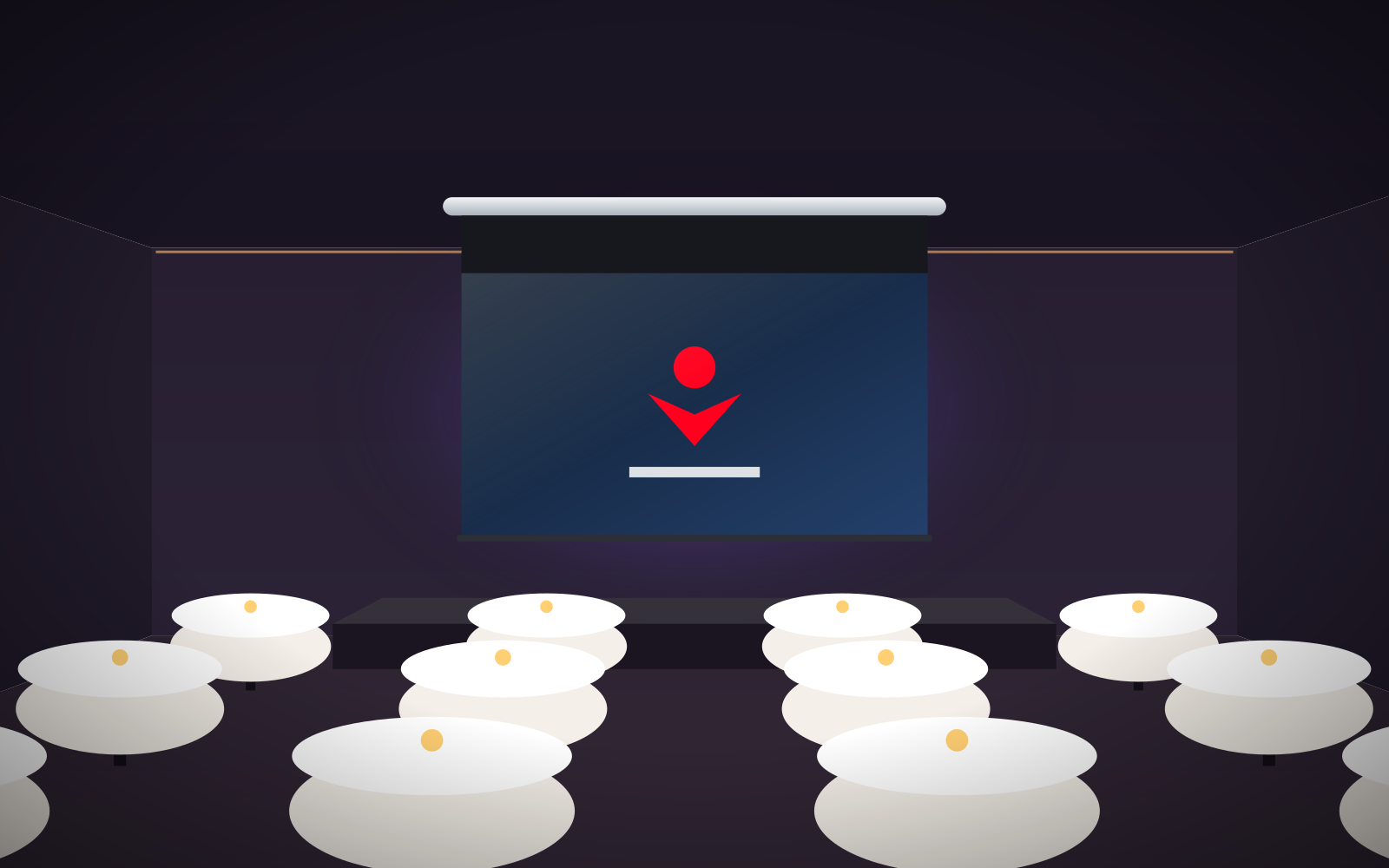
- The drop (black top drop) is a black band of fabric between the case and the top edge of the image that lowers the image.
- On Rugby and Inceel the drop is 5–45 cm, on OnSuperior and InSuperior 5–140 cm, on tensioned Max Inceel 10–20 cm.
- According to the manufacturer, the angle from the nearest viewer's eyes to the centre of the image should not exceed approx. 15°.
- You can calculate the drop length from the case mounting height, the image height and the planned height of the bottom edge.
- If you need a much longer band, consider a screen lift or bracket extensions.
What a black top drop is and why to use one
The drop, also called the black top or black drop, is a black band of fabric above the image. When the screen is lowered, the case stays below the ceiling and the image starts several tens of centimetres or more than a metre lower down. As a result:
- the image sits at viewers' eye level, so they do not have to tilt their heads back;
- the top edge of the image is black, which improves perceived contrast;
- you can mount the case high up – where it does not clash with windows, doors and light fittings – and the image will still be in the right place.
How long the drop can be – ranges on ADEO models
The length of the black band is configured when ordering, in 5 cm steps, within the limits set for each model. According to the manufacturer and distributor, it looks like this:
| Model | Drop range | Notes |
|---|---|---|
| Rugby Plus and Rugby Pro | 5–45 cm | standard and Tensio versions |
| Inceel | 5–45 cm | built into a suspended ceiling |
| Alumid, tensioned | 10–45 cm | non-tensioned version: 10–40 cm |
| Max Inceel, tensioned | 10–20 cm | large-format, in-ceiling |
| OnSuperior | 5–140 cm | for wall or ceiling; the manufacturer recommends it for very high walls and ceilings |
| InSuperior | 5–140 cm | in-ceiling; longer drop to order |
The distributor points out that only OnSuperior and InSuperior offer a black top drop of up to 140 cm – these models have a double bottom bar which, according to the distributor, allows the image to be lowered by 130–140 cm below the ceiling while keeping the fabric taut. On other models the band length is limited by the construction.
At what height the image should be
The manufacturer gives a rule: the upward angle from the nearest viewer's eyes to the centre of the image should not exceed approx. 15°. At a larger angle, viewers in the front rows have to crane their necks. In addition:
- in conference rooms and classrooms the bottom edge of the image is usually set approx. 1.1–1.2 m above the floor so that heads in the front rows do not block the image;
- in a home cinema, where viewers sit in one or two rows, the image can start lower;
- in an auditorium with raked seating the bottom edge can be higher – visibility from the back row is what counts.
The front row should sit at a distance of at least the image width. More on size in our guide how to choose screen size.
How to calculate the drop length – an example
For the calculation you need three values: the height of the underside of the case, the image height and the planned height of the image's bottom edge.
Drop = height of case underside − (height of image bottom edge + image height)
Example: a conference room with a ceiling height of 3.6 m. The case is mounted below the ceiling, with its underside at approx. 3.5 m. A 16:10 screen 2.4 m wide has an image 1.5 m high. The bottom edge of the image is to be at 1.2 m.
- top edge of the image: 1.2 m + 1.5 m = 2.7 m;
- drop: 3.5 m − 2.7 m = 0.8 m, i.e. 80 cm.
80 cm is more than models with a 5–45 cm range can offer. Such a room suits OnSuperior (wall or ceiling mounting) or InSuperior (built into a suspended ceiling). The alternative is a model with a shorter drop hung lower on bracket extensions.
A second example: a living room with a ceiling height of 2.7 m, a case with its underside at approx. 2.6 m, a 16:9 image 2.2 m wide and approx. 1.24 m high, with the bottom edge of the image at 0.9 m. Top edge: 0.9 + 1.24 = 2.14 m; drop: 2.6 − 2.14 = approx. 0.46 m. This is right at the limit of the 5–45 cm range – it is worth lowering the case by a few centimetres or choosing a model with a longer drop.
Drop, bracket extensions or lift
| Solution | When | Notes |
|---|---|---|
| Short drop (5–45 cm) | typical rooms up to approx. 3 m high | simplest, most roller models |
| Long drop (up to 140 cm) | high conference rooms, function rooms, living rooms with a mezzanine | OnSuperior, InSuperior |
| Bracket extensions | when the case can hang lower below the ceiling | universal 300–750 mm; ceiling extensions for Rugby up to 1700 mm |
| Screen lift | very high interiors where the screen must disappear completely | lowers the entire screen; see Lift Screen screen lift |
Universal extensions have a load capacity of up to 180 kg (300 mm), 120 kg (450 mm), 90 kg (600 mm) and 70 kg (750 mm) per bracket. A case on extensions is, however, visible in the room, whereas a long drop lets you keep it discreetly below the ceiling or built in.
Drop, tensioning and fabric flatness
A long band of fabric above the image means the weight bar acts over a greater length of material. On tensioned screens such as OnSuperior and InSuperior, the double-bar system keeps the fabric flat even with a long drop. At great heights and with fabrics that demand flatness, this is a significant advantage. More on tensioning in our guide to Tensio tensioned screens.
Drop with in-ceiling installation
With screens for suspended ceilings, the image height depends on two things: the drop length and the level of the suspended ceiling. Inceel and InSuperior come with 8 threaded rods 50 cm long, which allow the case to be hung up to approx. 1 m below the structural ceiling. Max Inceel has two fixing systems – for ceilings with access from inside and without such access. Details in our guide to in-ceiling screens.
When to choose a lift instead of a drop
A screen lift (Lift Screen) lowers the entire roller screen – according to the distributor, by as much as 400 cm. It was designed for very high interiors where the screen should disappear below the ceiling after use. Versions were available for cases with an overall width of up to 250, 350 and 450 cm, and the lift and screen are controlled separately, e.g. with a two-channel remote. On the Rugby Plus and Rugby Pro datasheets the lift is listed as an optional accessory. Confirm compatibility with a specific model before ordering.
What to watch out for
- Measure from the underside of the case, not from the ceiling – the thickness of the case and brackets changes the result by a few centimetres.
- Check the projector position – the image from the lens must hit the marked rectangle.
- With in-ceiling installation, agree the suspended ceiling height with the contractor before ordering.
- Bring 230 V power to the motor position; the connection is made by an electrician.
Typical mistakes when planning height are described in our guide to screen installation mistakes. You set the drop length in the configurator, and the price is shown straight away.
Frequently asked questions
What is the drop on a projection screen?
It is a black band of fabric between the case and the top edge of the image. It lowers the image to a comfortable height when the case hangs high below the ceiling.
How long can the black top drop be?
It depends on the model: 5–45 cm on Rugby and Inceel, 10–20 cm on tensioned Max Inceel, and 5–140 cm on OnSuperior and InSuperior. The length is chosen in 5 cm steps.
How do I calculate the drop length?
From the height of the case underside, subtract the sum of the height of the image's bottom edge and the image height. For example, 3.5 m − (1.2 m + 1.5 m) = 0.8 m.
At what height should the image be in a conference room?
The bottom edge of the image is usually set approx. 1.1–1.2 m above the floor. The manufacturer recommends that the angle from the nearest viewer's eyes to the centre of the image should not exceed approx. 15°.
What should I do if the ceiling is very high?
Choose a model with a long drop (OnSuperior, InSuperior), hang the case lower on bracket extensions, or consider a screen lift that lowers the entire screen.