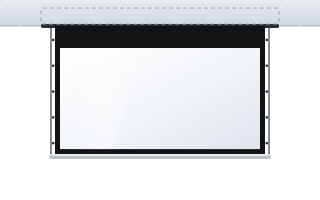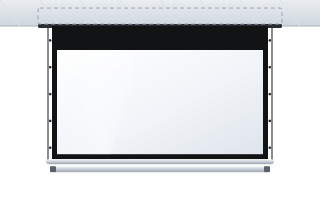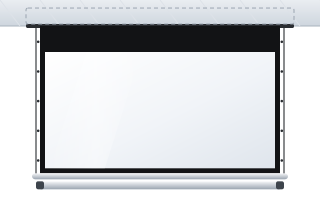
- ADEO offers three in-ceiling screens: Inceel (1.8–4 m), InSuperior with Floating Tab tensioning (2–4.5 m) and Max Inceel (approx. 4.7–6.5 m).
- The case is fixed to the structural slab, not to the profiles or boards of the suspended ceiling.
- Take the recess dimensions from the technical drawing of the model ordered, not from the general catalogue.
- Run 230 V power and control cables to the motor side before the ceiling is closed; have the connection made by a qualified electrician.
- Plan service access to the motor and connections, e.g. an access hatch.
Why an in-ceiling screen
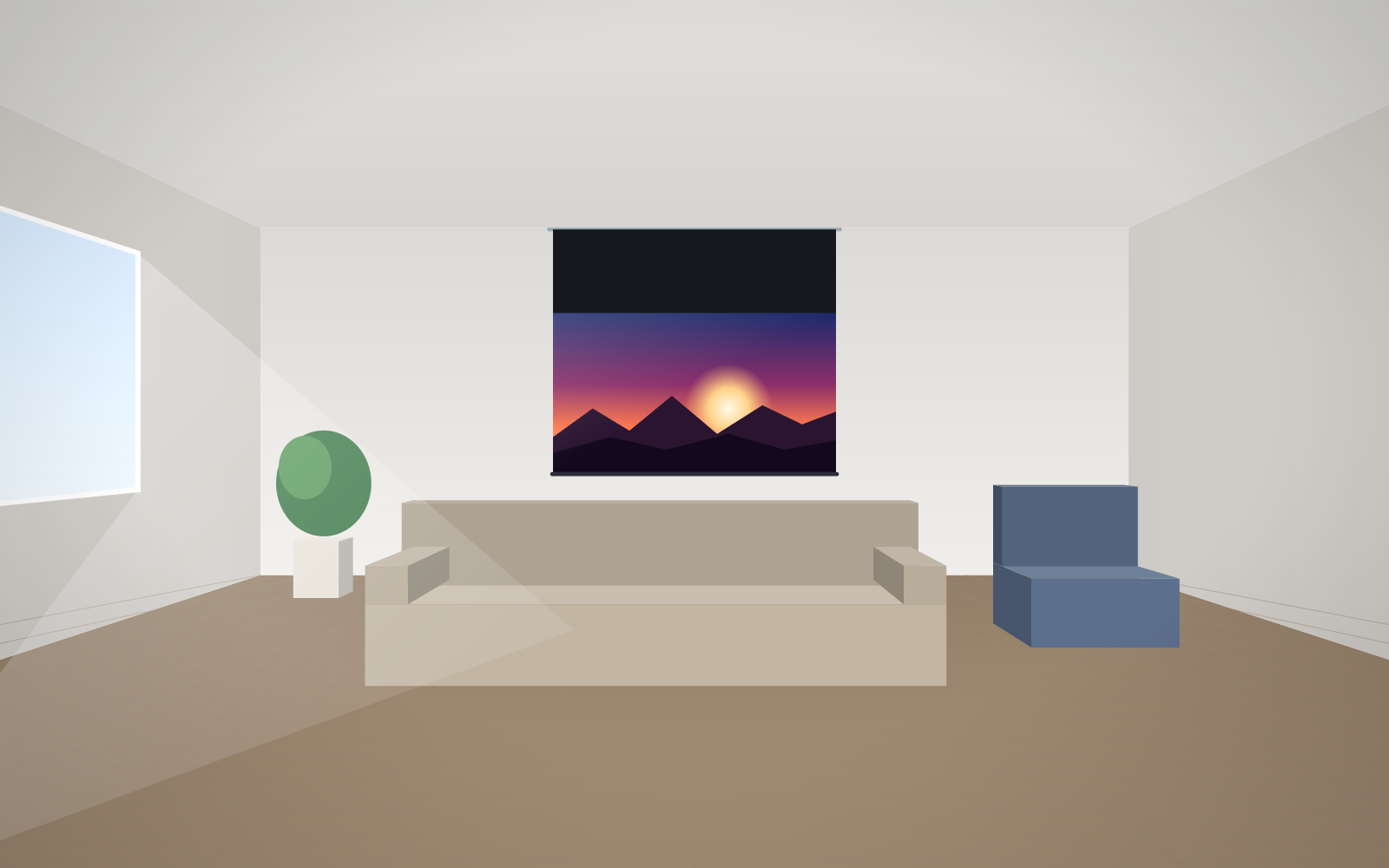
An in-ceiling screen is installed in a suspended ceiling so that the case is hidden above the boards. When the fabric is rolled up, the bottom bar closes the case and only a narrow slot is visible. The wall below the screen stays free – you can hang a whiteboard, a painting or a display on it, and the room does not look like a projection room. The bottom bar that closes the case also protects the fabric from dust.
This solution is most often chosen for:
- conference rooms, boardrooms and council chambers with suspended ceilings,
- prestige rooms where aesthetics matter,
- living rooms with suspended ceilings, where the screen should vanish after the film,
- auditoriums and plenary halls – in the large-format version.
Inceel, InSuperior, Max Inceel – which model
| Feature | Inceel | InSuperior | Max Inceel |
|---|---|---|---|
| Image width | 1800–4000 mm | 2000–4500 mm | 4680–6500 mm |
| Aspect ratios | 1:1, 4:3, 16:10, 16:9, 2.35, 2.40 | 4:3, 16:10, 16:9, 2.35, 2.40 | 4:3, 16:10, 16:9, 2.35, 2.40 |
| Tensioning | versions with border and Tensio Classic | Floating Tab | Floating Tab |
| Fabrics | full range: white, grey, ALR, acoustic, Rear DB, ChromaKey | white, grey, ALR, acoustic, Rear DB | Vision White and acoustic |
| Typical location | conference rooms, living rooms | boardrooms, premium home cinema | auditoriums, plenary halls, congress centres |
The Inceel case measures approx. 154 × 117 mm. An optional io-homecontrol motor with a radio receiver and remote is available for the Inceel and InSuperior models. If you are planning an ALR fabric or a 4K projector, choose a tensioned version – a roller ALR fabric needs flatness, and tensioning provides it (more in the guide tensioned Tensio screens). A full comparison of in-ceiling screens is in the in-ceiling screens category.
Order of works – when to order and when to install
The most common problem with an in-ceiling screen: the ceiling is already finished and the screen has to be “squeezed” into it. It can be done, but it means cutting boards, re-routing cables and touching up paintwork. It is better to plan the screen together with the ceiling.
- Choose the model, size and aspect ratio – at the interior or room design stage. The length of the case and recess depends on this.
- Fix the position – the distance of the slot from the wall, the screen axis relative to the projector and seating, clashes with light fittings, ventilation and air-conditioning grilles, sensors, curtain rails and blinds.
- Get the technical drawing for the model and size ordered. Take the recess dimensions and fixing point spacing from the drawing, not from general tables.
- Prepare the services – 230 V power and control cables to the motor side, with spare length.
- Fix the case to the slab – usually at the stage when the ceiling profiles are in place but the boards are not yet closed, or according to the installation instructions for the model.
- Close the ceiling – the boards are cut to the case, leaving the slot for the fabric to drop through.
- Commission the screen – after the finishing works: test, set the limit positions, set up the projector.
Agree with the ceiling crew who cuts the boards around the case and who is responsible for finishing the edges at the slot. Dust from sanding and painting is the enemy of the fabric – during finishing works the screen should be rolled up and protected.
Fixing the case – to the slab, not to the suspended ceiling
A suspended ceiling is not a load-bearing structure for a screen. The case must hang on its own fixings to the structural slab. For Inceel screens the manufacturer offers a mounting bracket kit that includes M8 threaded rods, M8 threaded plates, nuts and sleeves, among other parts. The rods let you hang the case at the right height and adjust it so that the bottom of the case is flush with the ceiling surface.
- Choose the slab anchors to suit the type of slab and the screen weight.
- Level the case along its entire length – even rolling of the fabric depends on it.
- The case must not carry loads from the ceiling profiles, and vice versa.
General screen installation rules (levelling, substrate, power) are described in the guide installing a motorised screen.
The ceiling recess – what to allow for
- Height of the void above the ceiling – it must accommodate the case and the fixings. For Inceel this means the approx. 154 × 117 mm case plus the suspension; larger models need more space.
- Length – the case is longer than the image width. Allow for the overall size from the drawing.
- Services above the ceiling – ventilation ducts, cable trays, sprinklers, beams. Check for clashes before setting out the screen axis.
- Distance from walls and windows – the lowered fabric must not rub against the wall, window sill, blinds or curtains. With wider tensioned screens, leave room for the side cables.
- Position relative to the projector – the screen and projector axes should coincide; allow for the lens shift range.
Power, control and service access
The screen motor runs on 230 V. Run the power cable and control cables above the ceiling, to the motor side, before the ceiling is closed. Have the connection made by a qualified electrician.
Decide in advance how the screen will be controlled: wall switch, radio remote, 12 V trigger from the projector or a room control system. Each option requires different cabling – a comparison is in the guide controlling a motorised screen. With radio control, pay attention to range – a receiver above the ceiling may be screened by metal elements.
Plan service access. The case is hidden, but the motor, electrical connections and any receiver or control interface must be reachable without dismantling the ceiling. The simplest option is an access hatch in the ceiling on the motor side; confirm how the case is accessed in the installation instructions for the chosen model. Without access, a simple task – such as adjusting a limit position – ends with cutting boards.
Checklist before installing an in-ceiling screen
- Model, image width, aspect ratio and fabric chosen.
- Technical drawing with case and recess dimensions.
- Screen axis coordinated with the projector, lighting and ventilation.
- Slab type known and anchors chosen.
- 230 V power and control cables on the motor side.
- Access hatch or other service access.
- Case installation scheduled within the ceiling works programme.
- Fabric protected from dust during finishing works.
Common mistakes
- Screen ordered after the ceiling has been closed – costly rework.
- Case hung from the suspended ceiling profiles.
- Slot too close to the wall – the fabric rubs against the sill or trim.
- Cable run to the wrong side of the case.
- No service access to the motor and connections.
- ALR fabric in a version without tensioning – visible ripples.
Equipping several rooms or a building under construction or renovation? ABC Prezentacji also provides advice on preparing the site and ships at no extra transport cost – contact us. More about choosing a screen for a room in the guide screens for conference rooms.
Frequently asked questions
Can an in-ceiling screen be installed in a finished ceiling?
Yes, but it involves cutting boards, running cables and making good the finish. It is much simpler to plan the screen before the ceiling is closed.
What is the case of an in-ceiling screen fixed to?
To the structural slab, on its own suspension – e.g. M8 threaded rods from the Inceel kit. The suspended ceiling does not carry the weight of the screen.
Which in-ceiling screen for an ALR fabric?
Choose a tensioned version: InSuperior with the Floating Tab system or Inceel in the Tensio Classic version. ALR fabric needs a flat surface.
What are the dimensions of the Inceel case?
The Inceel case measures approx. 154 × 117 mm. Take the exact recess dimensions and case length for your chosen size from the technical drawing.
Is an access hatch needed?
We recommend planning service access to the motor and connections, most simply via an access hatch on the motor side. Confirm the access method in the instructions for the chosen model.