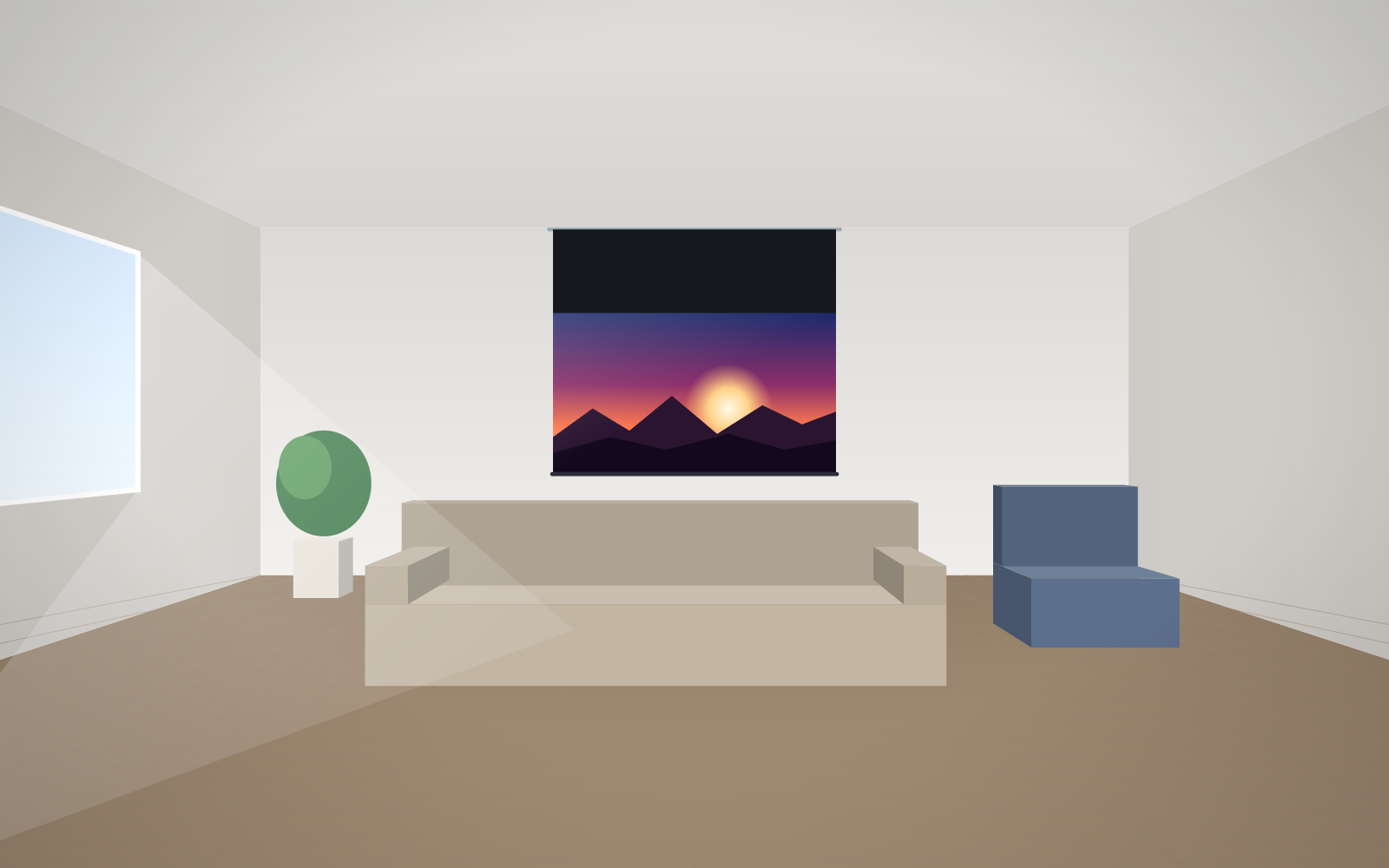
- In meeting rooms and education, image height is D/6 (presentations, video) or D/4 (tables, charts, drawings), where D is the distance to the furthest viewer.
- In home cinema, image height is Ds/2.5 for Full HD and 4K, or Ds/3.3 for HD and SD, where Ds is the distance from the main seat.
- The nearest viewer should sit no closer than a distance equal to the image width.
- The smallest legible character is approx. 1/150 of the viewing distance – from 9 m that is approx. 6 cm.
- Image width is the height multiplied by the aspect ratio: 1.78 for 16:9, 1.6 for 16:10, 2.35 for Scope.
Which measurements you need
Three figures are enough to calculate the screen size. Measure them in the room before you start comparing models:
- D – the distance from the screen to the furthest viewer. In meeting rooms, classrooms and lecture halls this sets the minimum image height, because the person in the last row must be able to read the text.
- Ds – the distance from the screen to the main seat. In home cinema what counts is the sofa or the middle row of seats, because that is where most viewers sit.
- The distance to the front row and the ceiling height. These set the upper size limit and the height at which you can hang the image.
All formulas in this guide give the image height. You get the width by multiplying the height by the aspect ratio: × 1.78 for 16:9, × 1.6 for 16:10, × 1.33 for 4:3, × 2.35 for the Scope cinema format.
Screen size calculator
ADEO's formulas: cinema H = D ÷ 2.5 (4K, Full HD) or ÷ 3.3 (HD), where D is the distance from the main seat; meeting rooms H = D ÷ 6 (presentations) or ÷ 4 (small text), where D is the distance to the furthest viewer.
Manufacturer's formulas for meeting rooms, training rooms and education
In professional rooms the image must be legible from the last seat. ADEO gives two rules:
- H = D/6 – presentations, video, material with large fonts.
- H = D/4 – charts, tables, spreadsheets, technical drawings – anything with fine detail.
The difference is significant: with D/4 the image is half as tall again as with D/6. So first establish what is shown most often in the room. In a boardroom with financial spreadsheets D/4 is the safer choice; in a training room with presentations D/6 is enough.
| Distance to last viewer (D) | Height D/6 | Width 16:10 | Height D/4 | Width 16:10 |
|---|---|---|---|---|
| 5 m | 0.83 m | 1.33 m | 1.25 m | 2.00 m |
| 6 m | 1.00 m | 1.60 m | 1.50 m | 2.40 m |
| 7 m | 1.17 m | 1.87 m | 1.75 m | 2.80 m |
| 8 m | 1.33 m | 2.13 m | 2.00 m | 3.20 m |
| 9 m | 1.50 m | 2.40 m | 2.25 m | 3.60 m |
| 10 m | 1.67 m | 2.67 m | 2.50 m | 4.00 m |
| 12 m | 2.00 m | 3.20 m | 3.00 m | 4.80 m |
| 15 m | 2.50 m | 4.00 m | 3.75 m | 6.00 m |
| 20 m | 3.33 m | 5.33 m | 5.00 m | 8.00 m |
Example: a 9 m long meeting room
The last chair is 9 m from the screen wall, and the room is used mainly for presentations. H = 9 ÷ 6 = 1.5 m. The projector is WUXGA, so the format is 16:10: width = 1.5 × 1.6 = 2.4 m. If spreadsheets were regularly shown in this room, H = 9 ÷ 4 = 2.25 m and the width 3.6 m – that is already a screen for a larger room, e.g. Rugby Plus. In practice an intermediate value is often chosen, along with an appropriate font size in the material.
If the room is long and the screen will not fit in terms of height, consider a second screen or auxiliary displays at the back of the room. More on office rooms in the guide meeting room screens, and on large rooms in auditorium screens.
The 1/150 rule: how big text needs to be
According to the manufacturer, the smallest legible character is approx. 1/150 of the viewing distance. From 6 m a character must be approx. 4 cm tall, from 9 m approx. 6 cm, from 12 m approx. 8 cm. This is the character height on the screen, not in the presentation file. If an image 1.5 m tall holds approx. 25 lines of text, each line gets approx. 6 cm – so from 9 m it is on the limit of legibility. This rule shows clearly why tables and spreadsheets need a bigger screen than presentations.
Formulas for home cinema
In home cinema the aim is immersion in the image, not legibility of small text. ADEO gives:
- H = Ds/2.5 – Full HD and better content (including 4K),
- H = Ds/3.3 – HD and SD content, where pixels and compression artefacts are visible up close.
With 4K content you can sit even closer: roughly 1–1.5 times the image width.
| Distance from sofa (Ds) | Height Ds/2.5 | Width 16:9 | Diagonal 16:9 | Diagonal for Ds/3.3 |
|---|---|---|---|---|
| 2.5 m | 1.00 m | 1.78 m | approx. 80″ | approx. 61″ |
| 3.0 m | 1.20 m | 2.13 m | approx. 96″ | approx. 73″ |
| 3.5 m | 1.40 m | 2.49 m | approx. 112″ | approx. 85″ |
| 4.0 m | 1.60 m | 2.84 m | approx. 128″ | approx. 97″ |
| 4.5 m | 1.80 m | 3.20 m | approx. 145″ | approx. 110″ |
| 5.0 m | 2.00 m | 3.56 m | approx. 161″ | approx. 122″ |
Example: living room, sofa 3.5 m from the wall
You watch mainly 4K and Full HD films. H = 3.5 ÷ 2.5 = 1.4 m. In 16:9 the width = 1.4 × 1.78 ≈ 2.49 m, a diagonal of approx. 112″. Checking the first condition: the sofa is 3.5 m from the screen, i.e. further away than the image width (2.49 m) – condition met. If you also watch a lot of lower-quality TV in the living room, you can move towards the Ds/3.3 formula, i.e. approx. 85″. A sensible choice is 100–110″.
A 2.35:1 cinema screen – calculate the height, not the diagonal
With the Scope format you calculate the image height with the same formula and multiply by 2.35 for the width. For a sofa at 3.5 m: 1.4 × 2.35 ≈ 3.29 m wide. A Scope screen has the same height as a 16:9 screen but is wider – which is why comparing screens of different formats by diagonal is misleading. More in the guide 16:9 or 2.35:1.
The front row: minimum distance and viewing angle
The manufacturer gives two conditions for the nearest viewer:
- a distance at least equal to the image width – any closer and the eyes have to keep “jumping” between the edges,
- vertical angle – when looking at the centre of the image, the viewer should not have to raise their gaze by more than approx. 15°.
The second condition translates into a maximum height for the centre of the image. Assume roughly that a seated viewer's eyes are approx. 1.15 m above the floor. The tangent of 15° is approx. 0.27, so the centre of the image can be at most 0.27 × the distance above eye level.
| Front-row distance | Max. height of image centre above floor |
|---|---|
| 2.5 m | approx. 1.82 m |
| 3.0 m | approx. 1.95 m |
| 4.0 m | approx. 2.22 m |
How high to hang the screen
The bottom edge of the image must be high enough for the heads of people in front not to block it, and low enough for the front row not to have to tilt their heads back. In training and meeting rooms it is usually approx. 1.1–1.2 m above the floor; in a home cinema with a single row of sofa seating the bottom edge is often lower.
Example: an 8 m long classroom
H = 8 ÷ 6 ≈ 1.33 m; in 16:10 the width ≈ 2.13 m. The first desk is 2.5 m from the wall – more than the image width, so the first condition is met. The maximum height of the image centre is approx. 1.82 m, so the bottom edge can be at most approx. 1.82 − 0.67 = 1.15 m. If the bottom edge needs to be at 1.2 m, move the first desk back to 3 m – then the centre of the image can be at approx. 1.95 m. The top edge of the image will be at approx. 1.2 + 1.33 = 2.53 m, so with a 3 m ceiling there is room for the case.
Case, border and black drop
The image size is not the overall size of the screen. Above the image there is the case (on roller screens) or the frame, and on a screen hung from a high ceiling also a black drop – a black strip of fabric that brings the image down to the right height. When planning installation, measure upwards from the bottom edge of the image. More in the guide installing a motorised screen.
Screen size and the projector
The calculated size still has to be checked against the projector. Image width = throw distance ÷ throw ratio. A projector with a throw ratio of 1.5 hung 4.5 m from the screen gives an image 3 m wide. The bigger the screen, the more lumens you need – the area grows with the square of the dimension, so a 120″ screen has approx. 1.44 times the area of a 100″ one. The whole procedure is described in the guide how to match a screen to a projector.
How to convert a diagonal in inches to centimetres
1 inch = 2.54 cm. You can calculate the width and height by multiplying the diagonal in centimetres by the format factor:
| Aspect ratio | Width = diagonal × | Height = diagonal × |
|---|---|---|
| 16:9 | 0.872 | 0.490 |
| 16:10 | 0.848 | 0.530 |
| 4:3 | 0.800 | 0.600 |
| 1:1 | 0.707 | 0.707 |
| 2.35:1 | 0.920 | 0.392 |
Example: a 120″ 16:9 screen has a diagonal of 120 × 2.54 = 304.8 cm, i.e. approx. 266 cm wide and approx. 149 cm high. In the ADEO configurator you enter the image width, because every screen is made to measure. Ready-made dimensions for 60–300″ diagonals are in the diagonal size table.
Common mistakes when choosing screen size
- Calculating from the average distance in the room. In meeting rooms the furthest viewer counts; in home cinema, the main seat.
- Comparing diagonals of different formats. A 120″ 16:10 screen and a 120″ 2.35:1 screen have completely different heights.
- A wall-to-wall screen. An image that is too big tires the front row and needs a more powerful projector.
- Image hung too high. Especially in living rooms, where the case goes right up under the ceiling and the sofa is close.
- Forgetting the case and border. Add the case and brackets to the image width – check that the screen will fit between walls or windows.
Checklist
- Measure D (furthest viewer) or Ds (main seat).
- Choose the formula – D/6, D/4, Ds/2.5 or Ds/3.3 – and calculate the image height.
- Multiply the height by the projector's aspect ratio.
- Check that the front row sits further away than the image width.
- Set the bottom edge and check that the top edge plus the case fits below the ceiling.
- Check that the projector will cover this width from the planned position.
Enter the final size in the configurator for the home or for business.
Frequently asked questions
What size screen for a 3 m viewing distance?
In home cinema with the sofa 3 m from the screen, the Ds/2.5 formula gives a height of 1.2 m, i.e. a width of approx. 2.13 m and a diagonal of approx. 96″ in 16:9. With lower-quality content, approx. 75–85″ is a better choice.
How do I calculate the screen size for a meeting room?
Divide the distance to the last viewer by 6 (presentations) or by 4 (tables and charts) – that is the image height. The width in 16:10 is the height × 1.6.
How far should I sit from a 100-inch screen?
A 100″ 16:9 screen is approx. 1.25 m tall, so according to the Ds/2.5 formula the optimum distance is approx. 3.1 m. The minimum distance is the image width, i.e. approx. 2.2 m.
At what height should a projection screen be hung?
In meeting rooms the bottom edge of the image is usually approx. 1.1–1.2 m above the floor. The centre of the image should be no more than approx. 15° above the eye line of a viewer in the front row.
Can a screen be too big?
Yes. If the front row sits closer than the image width or has to tilt their heads back, viewing is tiring. A screen that is too big also needs a brighter projector.