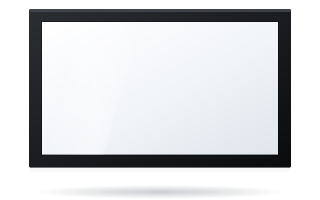
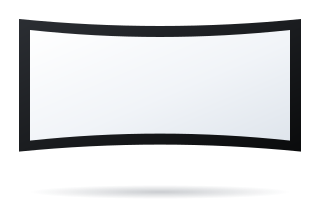
- Choose a screen aspect ratio that matches the projector's native format: 16:9 for Full HD and 4K UHD, 16:10 for WUXGA.
- The 2.35:1–2.40:1 cinema format makes sense in a home cinema with a projector that supports an anamorphic lens or lens memory.
- At the same height, a 2.35:1 screen is approx. 1.32 times wider than a 16:9 screen.
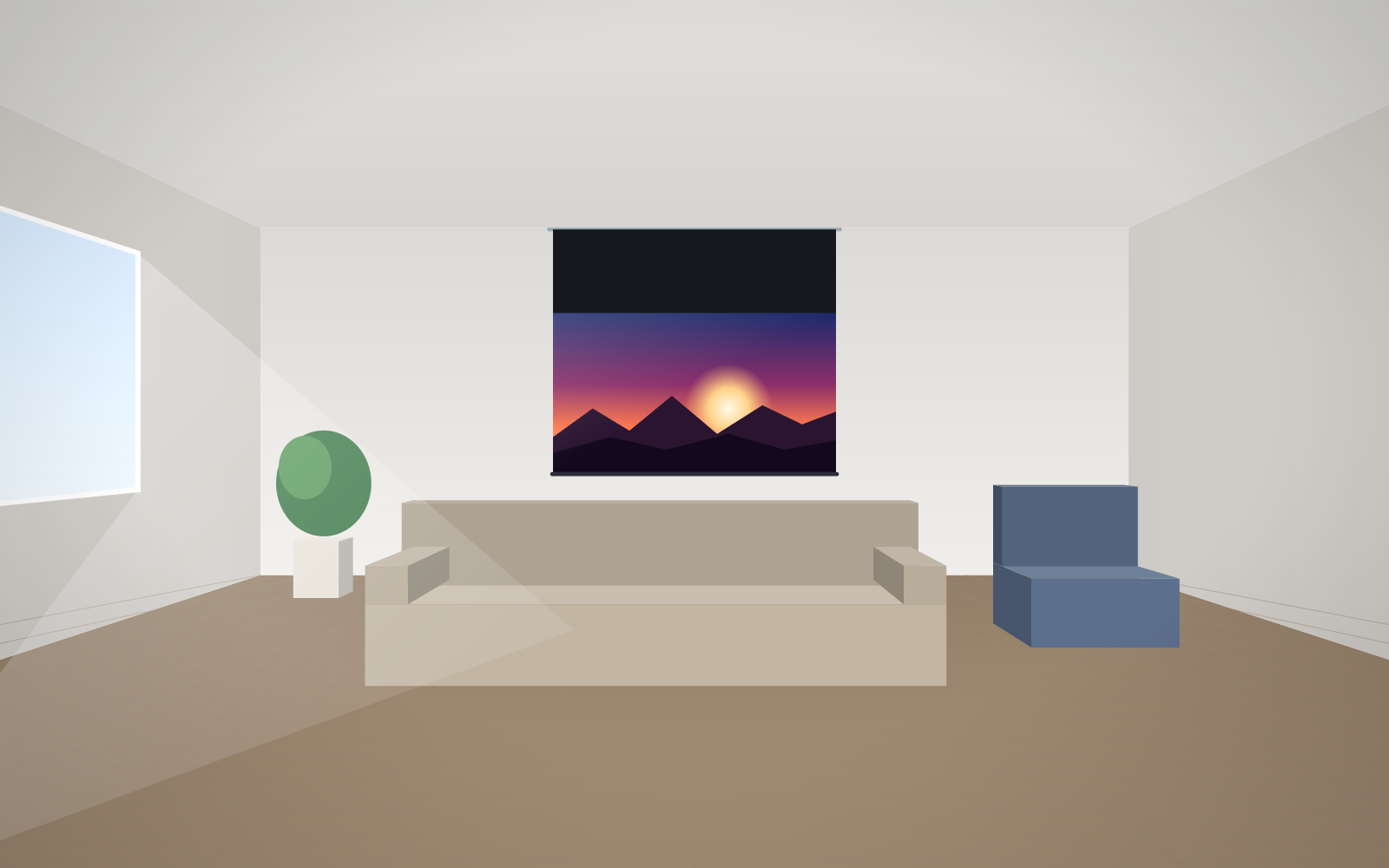
- A 2.35:1 film on a 16:9 screen fills only approx. 76% of the height – the rest is black bars.
- If you often switch formats, choose the aspect ratio of the content you watch most and match the projector to it.
The most popular projection screen formats
An aspect ratio is written as a proportion (16:9) or as a number showing how many times the width exceeds the height (1.78:1). ADEO makes screens in 1:1, 4:3 (1.33), 16:10 (1.6) and 16:9 (1.78), and on some models also 1.85, 2.35, 2.37, 2.39 and 2.40. The table below shows where each format is used and how tall the image will be at the same 3 m width.
| Format | Ratio | Typical source | Application | Height at 3 m width |
|---|---|---|---|---|
| 1:1 | 1.00 | various projectors | universal, education, projectors of different formats | 3.00 m |
| 4:3 | 1.33 | XGA projectors, older material | documents, older installations | 2.25 m |
| 16:10 | 1.60 | WUXGA and WXGA projectors, laptops | meeting rooms, training, education | 1.88 m |
| 16:9 | 1.78 | Full HD, 4K UHD, TV, consoles | home cinema, living room, video | 1.69 m |
| 1.85:1 | 1.85 | some cinema films | cinema rooms | 1.62 m |
| 2.35:1–2.40:1 (Scope) | 2.35–2.40 | widescreen cinema films | dedicated home cinema, cinema rooms | 1.28–1.25 m |
The 21:9 format you know from ultrawide monitors is approximately 2.33:1 – in practice it corresponds to 2.35:1 Scope screens.
16:9 – the standard for home cinema and video
16:9 is the native format of Full HD (1920 × 1080) and 4K UHD (3840 × 2160) projectors, as well as TV, streaming services, consoles and most video content. If the screen is going into a living room for films, series, sport and games, 16:9 is the default choice. 2.35:1 cinema films are shown on it with black bars at the top and bottom – on a white fabric in a dark room they are barely noticeable, and a screen with a black border helps “hide” them further.
16:10 – the format of meeting rooms and schools
Business and education projectors often have WUXGA (1920 × 1200) or WXGA (1280 × 800) resolution, i.e. 16:10. It is also the format of many laptops, so a presentation fills the whole screen. At the same width a 16:10 image is slightly taller than 16:9, which helps with text and spreadsheets. 16:9 content (video, video conferencing) is shown with narrow bars, filling approx. 90% of the screen height. If most material in the room is video, or 16:9 displays hang next to the screen, consider 16:9. More in the guide meeting room screens.
4:3 and 1:1 – when they still make sense
4:3 is the native format of older XGA (1024 × 768) projectors and many documents. If such projectors are still in use at a school or public office, a 4:3 screen will use their full image. The 1:1 (square) format is a compromise: it fits 4:3, 16:10 and 16:9 images (each with bars), which is useful when different projectors are connected to one screen or when the image is sometimes shown in portrait orientation. The drawback is a large unused area with widescreen content. When replacing a projector with a new one, it usually pays to replace the screen with a 16:10 or 16:9 one too.
2.35:1 and 2.40:1 – the Scope cinema format
Most cinema films are made in approx. 2.35–2.40:1. A Scope screen shows them without black bars, across the whole fabric surface – the most cinematic experience you can have at home. Here the manufacturer gives the image height from the formula H = Ds/2.5, and width = H × 2.35.
Constant image height
Scope screens are usually designed on the constant-height principle: 16:9 and cinema images have the same height, and the cinema film is simply wider. At the same height, a 2.35:1 screen is approx. 1.32 times wider than 16:9, and 2.40:1 approx. 1.35 times. Example: with the sofa at 3.5 m the image height is 1.4 m; a 16:9 screen is 2.49 m wide and a 2.35:1 screen approx. 3.29 m. 16:9 material is shown in the centre with bars at the sides.
How a projector fills a Scope screen
Projectors have 16:9 imaging chips, so one of two methods is used to fill a cinema screen:
- Anamorphic lens – an additional lens in front of the projector lens stretches the image horizontally, after the projector has pre-processed it in anamorphic mode. The full resolution of the chip is used.
- Zoom with lens memory – a projector with a motorised zoom enlarges the image so that the film fills the width of the screen and the black bars in the material fall outside the fabric. A second setting is recalled for 16:9. A simpler method, but part of the chip is unused.
A projector without either feature will show a cinema film on a Scope screen as a 16:9 image with bars – in that case a 16:9 screen is better.
How much you lose showing a cinema film on a 16:9 screen
A 2.35:1 film on a 16:9 screen fills approx. 76% of its height, and 2.40:1 approx. 74%. Conversely, 16:9 material on a 2.35:1 screen of the same height fills approx. 76% of the width. So the choice comes down to what you watch more of. Mostly films – Scope. Series, sport and games – 16:9.
Cinema format and curved screens
Wide Scope screens work well with curvature: at large widths the edges of the image are further from the viewer than the centre, and a curved screen evens out the difference and improves brightness uniformity. That is why Plano Curved and Frameless Curved are offered in cinema formats. Their advantages and requirements are described in the guide curved or flat screen.
Which formats each ADEO model offers
| Model | Available formats |
|---|---|
| Basic, Rugby Pro, Rugby Plus, Inceel, Alumid, Max One | 1:1, 4:3, 16:10, 16:9, 2.35:1, 2.40:1 |
| Linear SE | 1:1, 4:3, 16:10, 16:9 |
| OnSuperior, InSuperior, Max Inceel | 4:3, 16:10, 16:9, 2.35:1, 2.40:1 |
| Plano, Prestige, Frameless, Plano Curved | 4:3, 16:10, 16:9, 2.35:1, 2.37:1, 2.39:1, 2.40:1 |
| Frameless Curved | 16:9, 2.35:1, 2.37:1, 2.39:1, 2.40:1 |
| Big One | 1:1, 4:3, 16:9 |
| Cinema, Cinema Curved | 16:9, 1.89:1, 2.35:1–2.40:1 |
How to choose the format – a quick cheat sheet
- Check the projector's native resolution in its specification: 1920 × 1200 is 16:10, 1920 × 1080 and 3840 × 2160 are 16:9, 1024 × 768 is 4:3.
- If you don't have a projector yet, choose the format by content: office and school – 16:10, home – 16:9.
- Consider Scope only if you mainly watch cinema films and the projector has an anamorphic mode or lens memory.
- When comparing screens of different formats, compare image height, not diagonal – see the guide how to choose the screen size.
Common mistakes
- A 16:9 screen for a WUXGA projector – a 16:10 presentation either won't fit the height or will be reduced, with bars at the sides.
- A Scope screen without a projector with zoom or a lens – the film will still be shown with bars, just on a more expensive, wider screen.
- Comparing by diagonal – 120″ in 2.35:1 is an image approx. 1.19 m tall, while 120″ in 16:9 is approx. 1.49 m.
- Choosing 4:3 for a new projector – new projectors are usually 16:10 or 16:9.
Set your chosen format in the configurator for the home or for business.
Frequently asked questions
Which screen aspect ratio for a 4K projector?
4K UHD projectors have a 3840 × 2160 chip, i.e. 16:9. A 16:9 screen will use the full resolution; a 2.35:1 screen makes sense if the projector supports an anamorphic lens or lens memory.
What is the difference between 16:9 and 16:10?
At the same width, a 16:10 screen is approx. 11% taller. 16:10 is the format of WUXGA projectors and laptops; 16:9 of TV, films and Full HD and 4K projectors.
Can I watch TV on a 2.35:1 screen?
Yes, but 16:9 material will be shown with black bars at the sides and will fill approx. 76% of the screen width. The bars can be hidden with a format-masking screen.
What is the Scope format?
It is the widescreen cinema format with a ratio of approx. 2.35–2.40:1. A Scope screen shows cinema films without black bars at the top and bottom.
Which screen aspect ratio for a school?
Usually 16:10, because that is the format of WUXGA and WXGA projectors and laptops. A 4:3 screen only makes sense with older XGA projectors.