- 1 inch is 2.54 cm, so a 100″ screen has a 254 cm diagonal.
- The same diagonal gives different dimensions depending on the aspect ratio: 100″ is 221 × 125 cm in 16:9, but 203 × 152 cm in 4:3.
- With projection screens it is easier to think in terms of image width – that is how ADEO models are specified.
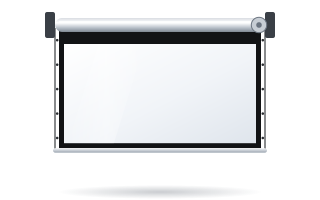
- Image size is not overall size: add the border, the black top drop and the case or frame.
How to read a screen size in inches
The screen diagonal is given in inches (″), just like with TVs. 1 inch = 2.54 cm, so a 100″ screen has a 254 cm diagonal and a 120″ screen about 305 cm. The diagonal alone, however, does not tell you how much wall space the image will take up. Width and height are determined by the aspect ratio, i.e. the proportion of the sides. A 100″ screen measures 221 × 125 cm in 16:9, 203 × 152 cm in 4:3 and 234 × 99 cm in cinema 2.35:1.
That is why, with projection screens, it is easier to work with image width. This is how ADEO models are specified – for example, Rugby Pro is available with image widths from 1580 to 4500 mm. Every screen is made to measure, so you do not have to stick to the “round” diagonals in the chart – you can order exactly the width that suits your wall and projector.
All values in the charts below were calculated from the formula and rounded to 1 cm. They refer to the image (the working surface), not the whole screen including the case or frame.
16:9 and 16:10 screen diagonal chart
16:9 is the standard for films, TV and most home projectors (Full HD, 4K). You will find 16:10 on business projectors with WXGA and WUXGA resolution and on laptops. At the same diagonal, a 16:10 screen is slightly narrower and taller.
| Diagonal | Diagonal in cm | 16:9 – W × H (cm) | 16:10 – W × H (cm) |
|---|---|---|---|
| 60″ | 152 | 133 × 75 | 129 × 81 |
| 70″ | 178 | 155 × 87 | 151 × 94 |
| 80″ | 203 | 177 × 100 | 172 × 108 |
| 90″ | 229 | 199 × 112 | 194 × 121 |
| 100″ | 254 | 221 × 125 | 215 × 135 |
| 110″ | 279 | 244 × 137 | 237 × 148 |
| 120″ | 305 | 266 × 149 | 258 × 162 |
| 130″ | 330 | 288 × 162 | 280 × 175 |
| 135″ | 343 | 299 × 168 | 291 × 182 |
| 150″ | 381 | 332 × 187 | 323 × 202 |
| 160″ | 406 | 354 × 199 | 345 × 215 |
| 180″ | 457 | 398 × 224 | 388 × 242 |
| 200″ | 508 | 443 × 249 | 431 × 269 |
| 220″ | 559 | 487 × 274 | 474 × 296 |
| 250″ | 635 | 553 × 311 | 538 × 337 |
| 300″ | 762 | 664 × 374 | 646 × 404 |
4:3 and 2.35:1 screen diagonal chart
4:3 is used by older projectors and some educational applications. 2.35:1 (Scope) is the wide cinema image chosen for home cinema rooms. Note that at the same diagonal a 2.35:1 screen is much lower – the diagonal in this format can be misleading.
| Diagonal | Diagonal in cm | 4:3 – W × H (cm) | 2.35:1 – W × H (cm) |
|---|---|---|---|
| 60″ | 152 | 122 × 91 | 140 × 60 |
| 70″ | 178 | 142 × 107 | 164 × 70 |
| 80″ | 203 | 163 × 122 | 187 × 80 |
| 90″ | 229 | 183 × 137 | 210 × 90 |
| 100″ | 254 | 203 × 152 | 234 × 99 |
| 110″ | 279 | 224 × 168 | 257 × 109 |
| 120″ | 305 | 244 × 183 | 280 × 119 |
| 130″ | 330 | 264 × 198 | 304 × 129 |
| 135″ | 343 | 274 × 206 | 316 × 134 |
| 150″ | 381 | 305 × 229 | 351 × 149 |
| 160″ | 406 | 325 × 244 | 374 × 159 |
| 180″ | 457 | 366 × 274 | 421 × 179 |
| 200″ | 508 | 406 × 305 | 467 × 199 |
| 220″ | 559 | 447 × 335 | 514 × 219 |
| 250″ | 635 | 508 × 381 | 584 × 249 |
| 300″ | 762 | 610 × 457 | 701 × 298 |
Formula: converting the diagonal to width and height
If the screen ratio is p (e.g. 16:9 = 1.778) and the diagonal is d, then:
- width = d × p / √(1 + p²)
- height = d / √(1 + p²)
To avoid square roots, use ready-made coefficients. Multiply the diagonal in inches and you get the result straight away in centimetres:
| Aspect ratio | Width (cm) = diagonal (″) × | Height (cm) = diagonal (″) × |
|---|---|---|
| 16:9 | 2.214 | 1.245 |
| 16:10 | 2.154 | 1.346 |
| 4:3 | 2.032 | 1.524 |
| 2.35:1 | 2.337 | 0.995 |
Example: a 110″ screen in 16:9. Width: 110 × 2.214 = 243.5 cm, i.e. about 244 cm. Height: 110 × 1.245 = 137 cm. The result matches the chart.
Reverse conversion: from width to diagonal
More often you know the available wall width rather than the diagonal. In that case you divide instead of multiplying. Example: a 16:9 image 300 cm wide will fit on the wall. The height is 300 / 1.778 = 168.8 cm and the diagonal is 300 / 2.214 = 135.5″. You simply order such a screen as an image width of 3000 mm.
The same 300 cm width in 2.35:1 gives a height of about 128 cm and a diagonal of about 128″. Same width, smaller diagonal – yet another reason to compare screens by width and height rather than inches.
The right width for your room depends on the viewing distance. The manufacturer's formulas and worked examples are in the guide how to choose the screen size, and the relationship between projector distance and image width is covered in the guide how to match a screen to a projector (see throw ratio).
Same diagonal, different image area
At a 100″ diagonal the image area is about 2.76 m² in 16:9, 2.90 m² in 16:10, 3.10 m² in 4:3 and only 2.32 m² in 2.35:1. The more “square” the format, the more area you get at the same diagonal.
In home cinema, 16:9 and 2.35:1 screens are usually compared at the same height. A 120″ 16:9 screen is 149 cm high. A 2.35:1 screen of the same height is about 350 cm wide with a diagonal of about 150″. Read more about choosing the aspect ratio in the guide 16:9 or 2.35:1.
Image size vs overall screen size
The charts give the image size. The screen takes up more space on the wall, and the difference depends on the design:
- Black border around the image – motorised screens are available with a 5 or 7 cm border (e.g. Basic, Rugby). The border surrounds the image, so the visible fabric is wider and taller than the image itself.
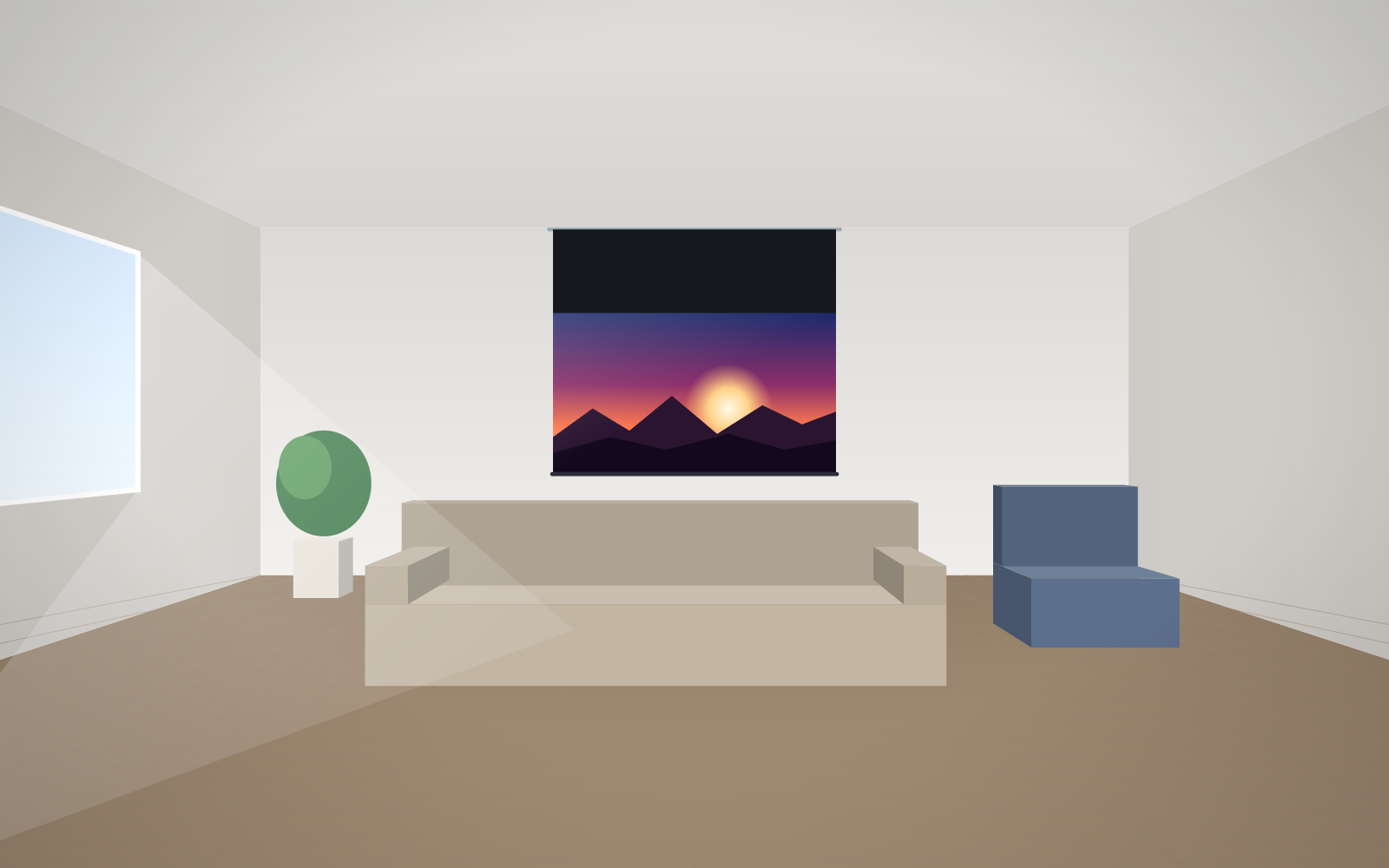
- Black top drop – roller screens often have a strip of black fabric above the image that lowers the image to the viewers' eye level. See black drop.
- Case – it is longer than the image width because it houses the motor and end caps. The case cross-section matters too: Linear SE approx. 79 × 118 mm, Rugby Pro approx. 100 × 120 mm, Alumid approx. 152 × 142 mm, Big One approx. 270 × 270 mm. The Inceel in-ceiling case measures approx. 154 × 117 mm – an important dimension for the ceiling contractor.
- Frame – with fixed-frame screens, add the frame width. Prestige has a narrow frame of approx. 10 mm, Plano a classic black-velvet frame, and Frameless a frame invisible from the front.
Before ordering, check the overall size in the specification of your chosen model or ask us – in an alcove, between shelving or in a suspended ceiling, every centimetre counts.
How to measure the space for a screen – checklist
- Measure the wall width and subtract a margin on each side (sockets, cabinets, windows, speakers).
- Measure the floor-to-ceiling height and decide how high the bottom edge of the image should be.
- Choose the aspect ratio that matches your projector (16:9, 16:10, 4:3 or 2.35:1).
- Use the chart or formula to find the largest image width and height that will fit.
- Check that this size suits the viewing distance and the projector's throw distance range.
- Add the border, black top drop and case or frame – only then compare with the wall dimensions.
The most common mistakes when converting sizes
- Comparing diagonals of different aspect ratios. A 120″ screen in 4:3 and a 120″ screen in 16:9 have completely different dimensions.
- Confusing image size with screen size. The case or frame is larger than the image.
- Choosing the size based on the wall alone. A screen that fits the wall may be too big for the projector or too small for the back row.
- Rounding to “TV” diagonals. A projection screen is made to measure – give the exact image width in millimetres.
Enter your size in the configurator – for the home or for business – and you will see the price of the screen in that size straight away.
Frequently asked questions
How many cm is a 100-inch screen?
A 100″ diagonal is 254 cm. In 16:9 the image is about 221 × 125 cm, in 16:10 about 215 × 135 cm and in 4:3 about 203 × 152 cm.
How do I convert inches to centimetres?
Multiply the number of inches by 2.54. A 120″ screen therefore has a diagonal of about 305 cm; to work out the width and height you also need the aspect ratio.
What are the dimensions of a 120-inch 16:9 screen?
A 120″ 16:9 image is about 266 cm wide and 149 cm high. The overall size of the screen is larger by the case or frame.
How do I calculate the screen diagonal from the width?
For 16:9, divide the width in centimetres by 2.214 – the result is the diagonal in inches. For example, a 300 cm width is about 135.5″.
Do I enter the diagonal or the width in the configurator?
ADEO screens are specified by image width in millimetres, and every screen is made to measure. Convert the diagonal from the chart into a width and enter it in the configurator.