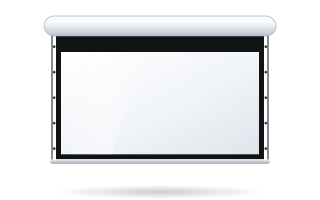
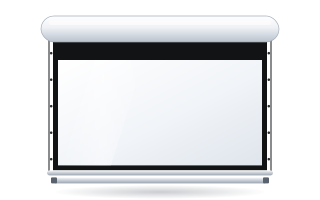
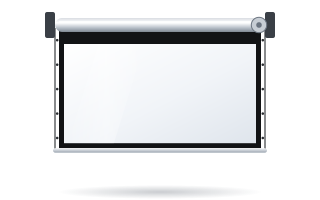
- Both models offer an image width of 1580–4500 mm, aspect ratios from 1:1 to 2.40:1, and versions without borders, with a black border and with Tensio Classic tensioning.
- The manufacturer aims Rugby PLUS at homes: aluminium end caps joined with magnets, Quiet Rolling, Softend Lowbar and Auto Adjustment as standard.
- Rugby PRO was designed for commercial installations: steel end caps and bottom bar, a case with a system that limits motor vibration, and a radio receiver inside the case.
- Their fabric lists differ: PLUS offers the acoustic Reference White 2 and Reference Grey 2 Acoustik, PRO offers a ChromaKey background.
- With an ALR fabric or a 4K projector, choose the Tensio version – it is available for both models.
Two screens from one family
The Rugby series are motorised screens in an aluminium case, mounted on a wall or below the ceiling. Our shop offers two models: Rugby PLUS and Rugby PRO. At first glance they look identical, because they share most of their specifications. The differences lie in the build of the case, noise damping, control and the list of available fabrics.
The manufacturer puts it plainly: PLUS is intended for homes and residences, PRO for professional installations. This is not a rigid split, though. Rugby PRO works well in a living room, and Rugby PLUS in a prestigious meeting room. So it is worth looking at specific features rather than just the label.
What they have in common
- Image width from 1580 to 4500 mm, made to measure.
- Aspect ratios 1:1, 4:3, 16:10, 16:9, 2.35:1 and 2.40:1.
- Finishes: a version without black borders (NOB), a version with a black border, and versions with Tensio Classic tensioning.
- Roller with a 90 mm diameter for widths above 2500 mm, with a double groove that prevents horizontal marks on the fabric.
- SuperQuick bracket – a symmetrical clamp that lets you mount the case from the front or the back, on a wall or on a ceiling.
- Configuration options: motor on the right (standard) or left, back roll (standard), front roll or Reverse Roll, case in matt white (standard), matt black or a RAL colour.
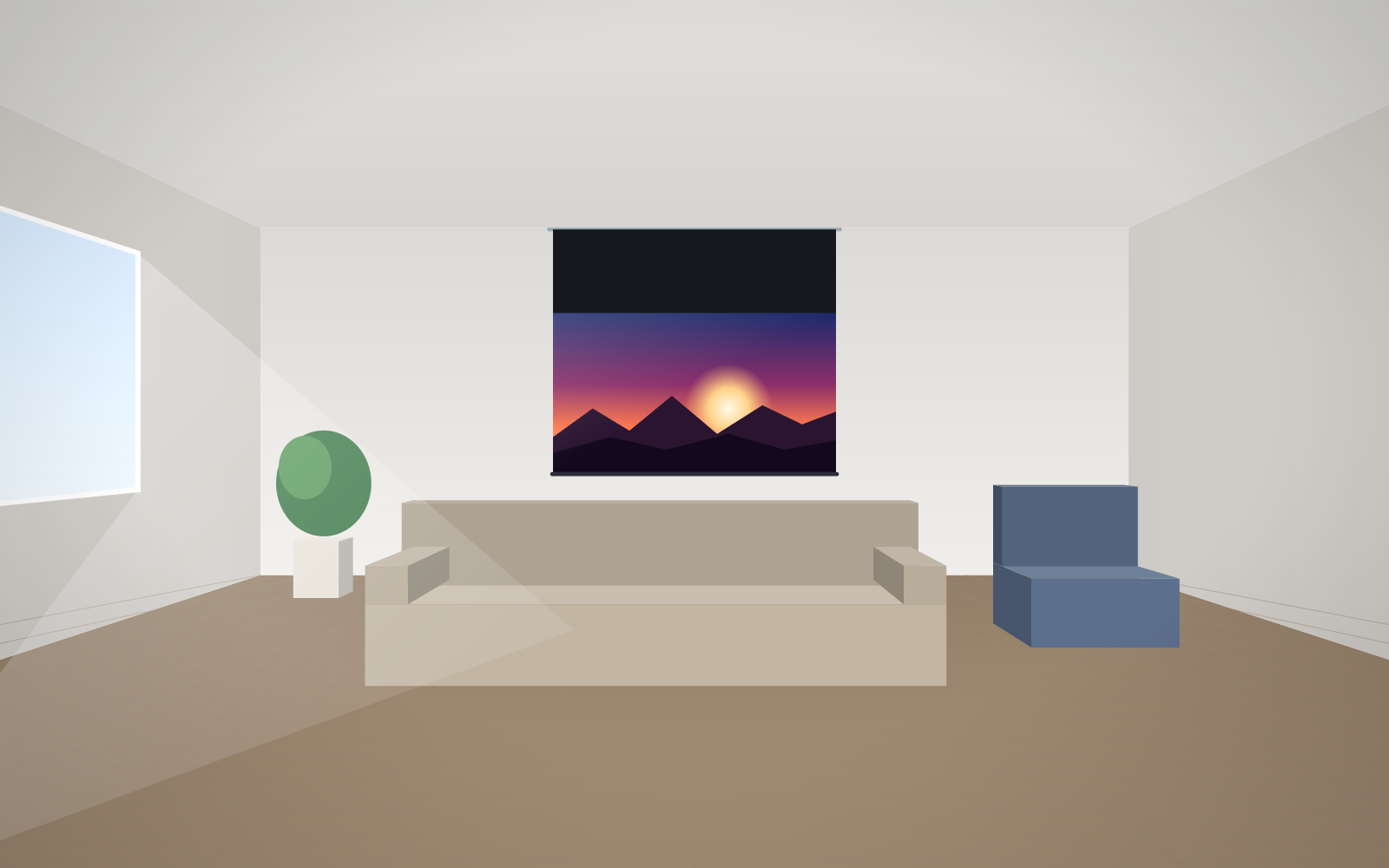
- Black top drop on tensioned versions in the 5–45 cm range – it lets you lower the image without moving the case.
Both models also share the same list of mounting accessories designed for the Rugby series: horizontal bracket extensions from 200 to 600 mm for wall mounting and ceiling extensions from 150 to 1700 mm, also suitable for angled mounting.
Key differences at a glance
| Feature | Rugby PLUS | Rugby PRO |
|---|---|---|
| Intended use (manufacturer) | homes and residences | commercial installations |
| Side end caps | milled aluminium, two-piece, joined with magnets, covering the roller and motor | laminated steel |
| Bottom bar | with automatic lock and soft seals (Softend Lowbar) | laminated steel |
| Noise damping | Quiet Rolling – rubber bushings between the case and the roller | case with a snap-fit system that limits motor vibration |
| Repeatable stop position | Auto Adjustment – a micro-switch always stops the bar in the same position | not listed as standard |
| Motor with remote (option) | Somfy io-homecontrol with radio receiver | Nice motor with RF receiver inside the case |
| Fabrics exclusive to this model | Reference White 2 Acoustik, Reference Grey 2 Acoustik | ChromaKey Green |
Rugby PLUS – when quietness and looks matter
At home the screen operates a few metres from the sofa, and the case is often in plain view. That is why so much attention has gone into the details of the PLUS. Aluminium end caps joined with magnets cover the roller and motor, so the case looks consistent from every side. Quiet Rolling rubber bushings separate the roller from the case and reduce the transfer of vibration to the wall or ceiling. Soft seals on the bottom bar let it close the case without a knock.
Auto Adjustment matters in everyday use. A micro-switch always stops the bottom bar in the same closed position, so the case does not drift out of alignment after many cycles. We cover what affects noise when the screen unrolls in our guide to quiet motorised screens.
A major advantage of the PLUS in a home cinema is the acoustic fabrics from the Reference series. Reference White 2 Acoustik and Reference Grey 2 Acoustik have 0.5 mm perforation and let you place the speakers behind the screen. When this makes sense is explained in our guide to acoustic screens.
Rugby PRO – when the screen works hard
In a conference or training room the screen rolls down several times a day, sometimes operated by whoever happens to be there. Steel end caps and a steel bottom bar cope better with such conditions. The case has a snap-fit system that limits motor vibration.
In the remote-controlled version the radio receiver sits in the case rather than in the motor. This makes integration with the room's control system and servicing easier.
The PRO fabric list is tailored to professional use. It includes a ChromaKey Green background for recording and streaming – details in our ChromaKey green screen guide. As an acoustic fabric, the PRO offers Vision Acoustik.
Shared fabrics and when you need Tensio
For both models you can choose Vision White (gain 1.2), Reference White 2 (gain 0.9), Reference Grey 2 (gain 0.5), Ambient Grey (gain 0.6), Ambient Grey 2 (gain 0.9, ALR), Vision Acoustik and Vision Rear DB for front and rear projection.
Two manufacturer rules are worth knowing before you choose:
- ALR fabric needs flatness. With Ambient Grey 2 or Ambient Grey in a roller screen, choose the tensioned version. How the Tensio system works and how its variants differ is described in our guide to Tensio tensioned screens.
- Ambient Grey 2 does not work with ultra-short-throw projectors. For UST, choose Reference Grey 2 or Ambient Grey. A comparison of grey fabrics can be found in our grey ALR screen guide.
Lift and very high rooms
The manufacturer lists a lift as an option on the datasheets of both models. It is useful when the case hangs very high and the image needs to come down further than a black top drop allows. How to choose one is covered in our guide to the Lift Screen screen lift.
Options to settle before ordering
Whichever model you choose, a few decisions are made in the configurator and are hard to change after installation.
- Motor side – right as standard, left as an option. Choose the side where it is easier to bring 230 V power or where there is already a back box.
- Roll direction – back roll, front roll or Reverse Roll. This changes the distance between the fabric and the wall, which helps clear a window sill, a skirting or a radiator.
- Case colour – matt white suits most ceilings, matt black suits cinema rooms and dark interiors, and a RAL colour suits unusual schemes.
- Border or no border – a black border defines the edge of the image and masks small inaccuracies in projector alignment.
Which to choose – quick cheat sheet
- Living room or home cinema, case in view, speakers behind the screen – Rugby PLUS, ideally with a Reference fabric.
- Conference or training room, frequent use – Rugby PRO.
- Studio, streaming, keying background – Rugby PRO with ChromaKey.
- ALR fabric, 4K projector, large width – either model in the Tensio version.
- High room and an image lowered by more than 45 cm – consider OnSuperior with a black top drop of up to 140 cm.
The motors of both models run on 230 V. The connection should be made by an electrician. You can check the price of your configuration straight away in the home cinema screen configurator or in the configurator for business & institutions.
Frequently asked questions
Is Rugby PRO suitable for a living room?
Yes. The manufacturer aims it at commercial installations, but there is nothing to stop it working at home. In a living room, choosing the PLUS makes sense mainly if you value Quiet Rolling noise damping, the look of the aluminium end caps or the acoustic Reference fabrics.
Which Rugby is quieter?
Both have vibration-limiting features. The PLUS comes as standard with Quiet Rolling rubber bushings and soft seals on the bottom bar. The PRO has a case with a snap-fit system that limits motor vibration.
Do both models come in a tensioned version?
Yes, both Rugby PLUS and Rugby PRO are available in a Tensio Classic version with side tensioning and a 5–45 cm black top drop.
Which Rugby offers the ChromaKey background?
ChromaKey Green RAL 6038 fabric is available on Rugby PRO. It is not offered on Rugby PLUS.
What is the maximum size of a Rugby screen?
On both models the image width ranges from 1580 to 4500 mm. Larger images are available with large-format screens.