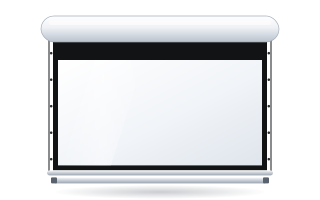
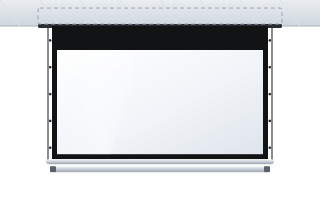
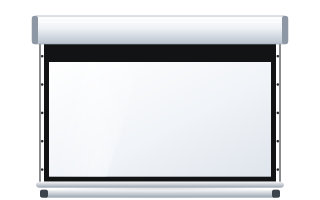
- The Lift Screen lift lowers an entire roller screen from a high ceiling and raises it again after use so that it disappears from view.
- According to the distributor's materials, the lowering range reaches approx. 400 cm, and the lift comes in versions for cases with an overall width of up to 250, 350 and 450 cm.
- A two-channel remote controls the lift and the screen separately.
- The black top drop on ADEO screens lowers the image by 5–45 cm, and on OnSuperior and InSuperior by as much as 140 cm – often enough without a lift.
- The upward viewing angle to the centre of the image should not exceed approx. 15° – this determines how low the screen needs to come.
The problem: a screen below a very high ceiling
A roller screen is usually mounted just below the ceiling. In a room 3 m high, the image starts more or less where it should. In a room 6, 7 or 8 m high, the top edge of the image ends up several metres above the viewers' heads. The result is an uncomfortable posture, neck strain and poorer legibility.
The manufacturer gives a simple rule: the angle from the viewer's eyes to the centre of the image should not exceed approx. 15° upwards. For a viewer 10 m from the screen, the centre of the image should therefore be no higher than approx. 2.7 m above eye level (10 × tan 15° ≈ 2.68 m). If the case hangs at 7 m and the image is 2 m high, it needs to be lowered by several metres.
Solution one: black top drop
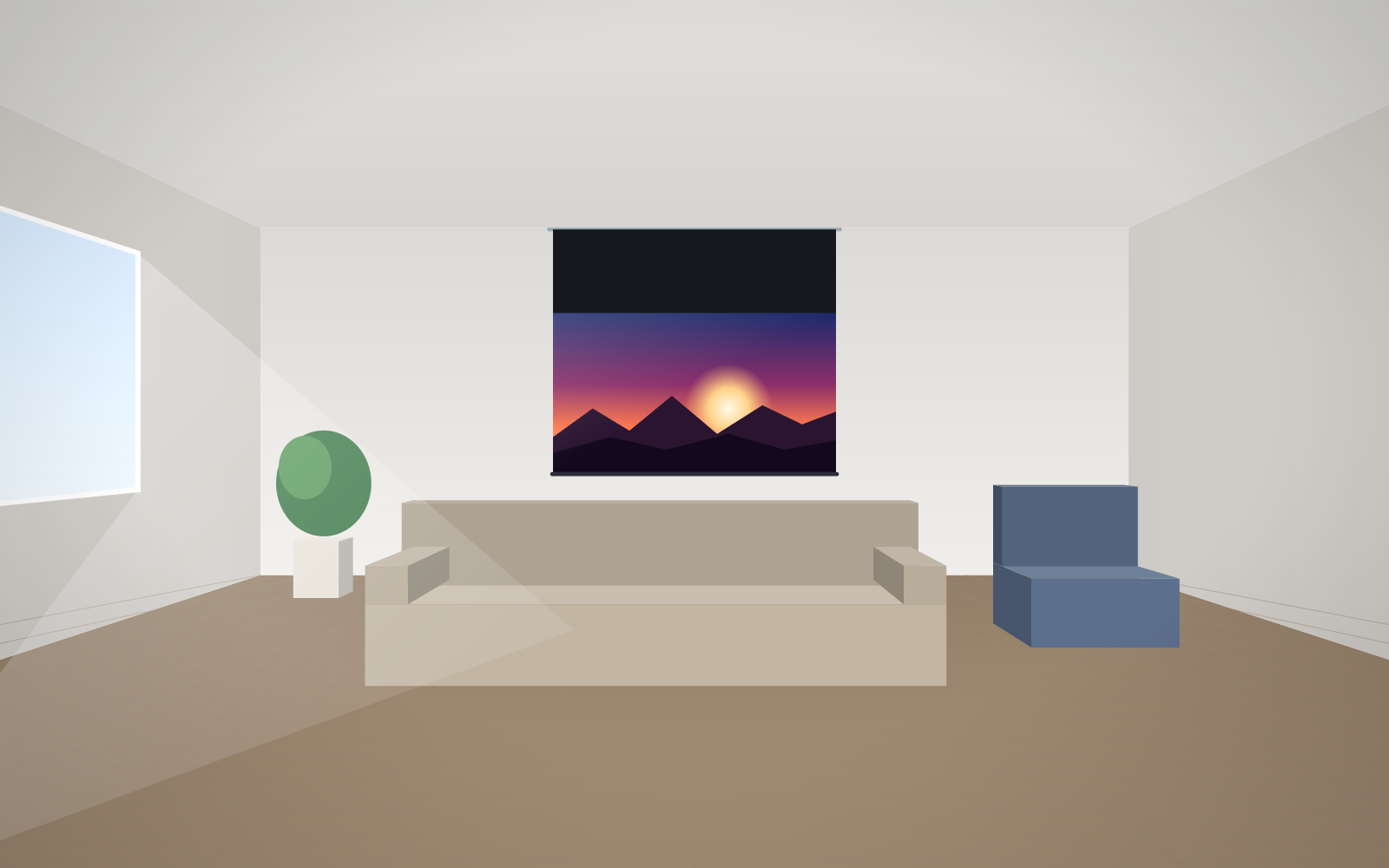
A black top drop is a band of black fabric between the case and the top edge of the image. The case stays below the ceiling, while the image starts lower down. Ranges available on ADEO screens:
| Models | Black top drop |
|---|---|
| Rugby PLUS and Rugby PRO in the Tensio version, Inceel Tensio | 5–45 cm |
| Max One and Max Inceel with MFTS tensioning | 10–20 cm |
| OnSuperior and InSuperior | 5–140 cm, in 5 cm steps |
A black top drop is simple, needs no extra mechanism and does not add components that can fail. OnSuperior was designed specifically for very high walls and ceilings. Floating Tab tensioning keeps the fabric flat even with a long drop. More in our guide black top drop and high ceilings.
There is one limitation: 140 cm is the maximum. If the image needs to come down by 2, 3 or 4 m, a drop is not enough.
Solution two: the Lift Screen lift
A lift is a ceiling-mounted mechanism that lowers and raises the entire screen case. When the presentation ends, the screen rolls up and the lift draws it back up to the ceiling. Nothing is left in the room to obstruct the view or the architecture.
According to the ADEO distributor's materials (an article from a few years ago):
- the lift lowers a roller screen by up to approx. 400 cm;
- it comes in versions for cases with an overall width of up to 250, 350 and 450 cm;
- a two-channel remote controls the lift and the screen separately, and control can be programmed;
- at the time, the lift worked with Elegance, Professional and Alumid cases.
Today the manufacturer lists a lift as an option on the datasheets of the Rugby PLUS and Rugby PRO screens, including the Tensio versions. As the compatibility data comes from different years, confirm that the lift is compatible with your chosen model and case width before ordering – ask an adviser.
Black top drop or lift – comparison
| Criterion | Black top drop | Lift |
|---|---|---|
| How far it lowers the image | up to 45 cm or up to 140 cm (On/InSuperior) | up to approx. 400 cm |
| Appearance when rolled up | case below the ceiling | case below the ceiling |
| Appearance during projection | black band above the image | case hanging low, lift fixings visible above it |
| Mechanics | screen only | screen plus an additional lift drive |
| Ceiling requirements | standard screen installation | ceiling must carry the lift together with the screen |
| Control | one channel | two channels: lift and screen |
Other ways to lower the case
Between a drop and a lift there is an intermediate solution: bracket extensions. For the Rugby series, ceiling extensions from 150 to 1700 mm are available, also suitable for angled mounting. Other bracket extensions have a load capacity of 70 to 180 kg each, depending on length. The case then hangs permanently lower. This is a good choice when the screen does not need to disappear and lowering it by a metre is enough. More in our guide to installing a motorised screen.
How to plan the height – an example
An auditorium has a ceiling at 7.5 m, and the back row sits 15 m from the screen.
- Image height according to the manufacturer's rule: 15 ÷ 6 = 2.5 m. At 16:9 the width is 2.5 × 1.78 ≈ 4.45 m. You will find the formulas in our guide how to choose screen size.
- The bottom edge of the image should be high enough not to be blocked by viewers' heads. Let's assume approx. 1.5 m above the floor. The top edge will therefore be at approx. 4 m.
- The case below the ceiling hangs at approx. 7.4 m. The difference is approx. 3.4 m.
- A 140 cm black top drop is not enough. You need a lift, or a case hung lower on extensions combined with a drop.
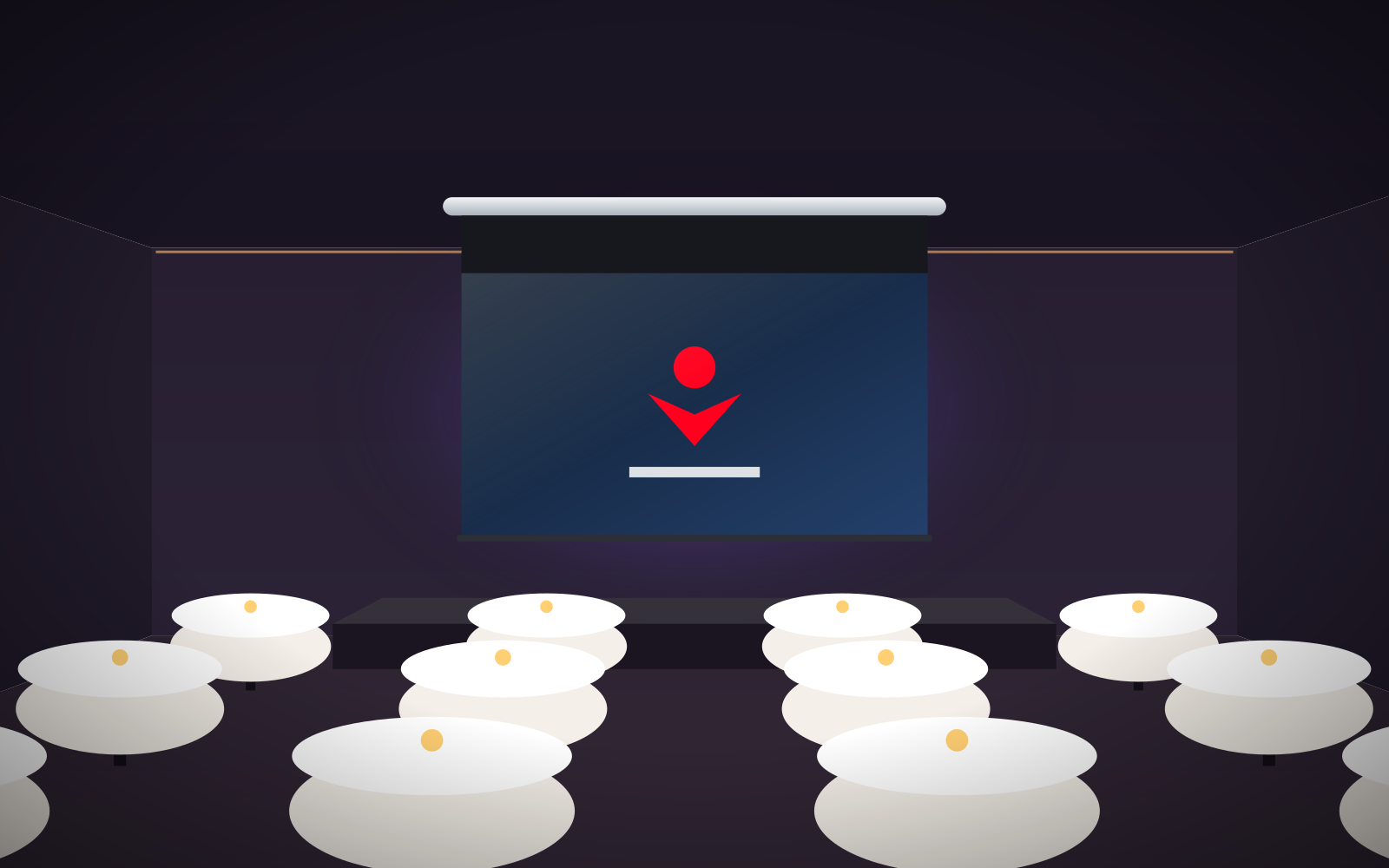
In churches and historic interiors, aesthetics also come into play. A lift means the screen is visible only when in use. We cover this in more detail in our guide screens for churches and high interiors.
Typical places where a lift is considered
- Auditoriums and lecture halls with high ceilings, where the screen is only needed for part of the teaching.
- Churches and historic interiors, where the screen must not obscure the altar, stained glass or vaulting when not in use.
- Atriums and hotel lobbies that occasionally host presentations or conferences.
- Multi-purpose halls, where the screen cannot hang low permanently because it would get in the way of other activities.
In each of these cases, first check whether OnSuperior with a long black top drop is enough. It is simpler to install and operate. Choose a lift only when the image needs to come down further than a drop allows.
Checklist before choosing a lift
- Ceiling height and the case suspension point.
- Distance to the back row and the resulting image height.
- Target height of the image's bottom edge above the floor.
- Difference between the case and the top edge of the image – whether it fits within a black top drop.
- Overall width of the case – this determines the lift version.
- Ceiling load capacity and service access.
Installation and control
- Ceiling structure – before installing a lift, the ceiling's load capacity and anchoring method should be assessed by an installer or structural engineer.
- 230 V power – both the screen and the lift need power. The connection must be made by a qualified electrician.
- Control – a two-channel remote in the basic version. In an auditorium, plan for integration with the room's control system. Options are described in our guide to controlling a motorised screen.
- Service access – plan how you will reach the case and lift several metres up, e.g. from a lift platform.
Frequently asked questions
How far can the Lift Screen lift lower a screen?
The lowering range is up to approx. 400 cm.
Which screens does the lift work with?
The manufacturer lists a lift as an option on the Rugby PLUS and Rugby PRO datasheets, including the Tensio versions. Older materials listed the Elegance, Professional and Alumid cases. Confirm compatibility with your chosen case width with an adviser.
When is a black top drop enough instead of a lift?
When the image needs to be lowered by no more than 45 cm (Rugby, Inceel) or 140 cm (OnSuperior, InSuperior). Lowering it further requires a lift or hanging the case lower on extensions.
How are the lift and screen controlled?
With a two-channel remote: one channel operates the lift, the other the screen. Control can be programmed and integrated with the room's system.
Does installing a lift require an electrician?
Yes. The lift and screen run on 230 V, so the connection should be made by a qualified electrician. The ceiling's load capacity should be assessed by an installer.