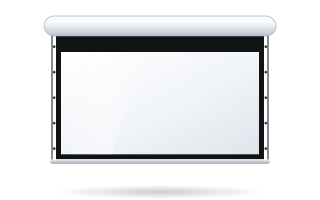
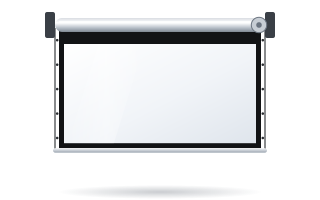
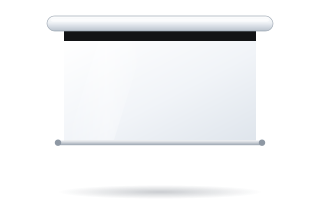
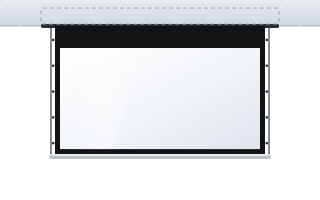
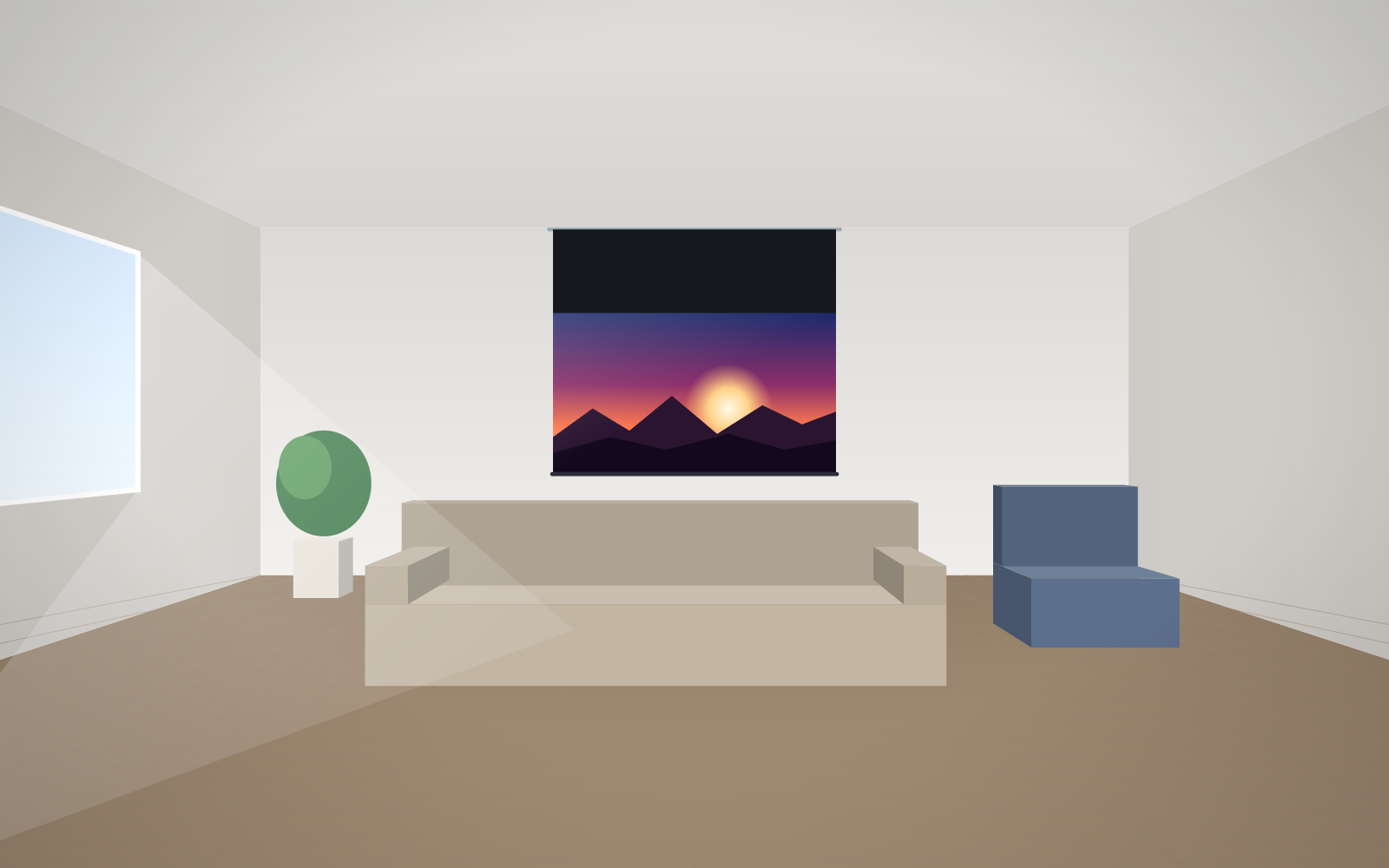
- Back roll is standard on most ADEO screens – the fabric hangs close to the wall.
- Front roll moves the fabric away from the wall, which helps it clear obstacles.
- Reverse Roll winds the fabric onto the roller the other way round; it also changes the fabric's position relative to the wall.
- When a larger gap is needed, bracket extensions help – universal ones or horizontal ones for the Rugby series.
- Availability of the variants depends on the model – check it in the configurator before ordering.
What roll direction is
The fabric in a motorised screen is wound onto a roller that turns inside the case. The fabric can come off the roller on the side nearer the wall or the side further away, and the material itself can be wound in one direction or the other. The manufacturer calls these variants the roll direction: back roll, front roll and Reverse Roll. According to the manufacturer, the choice of roll direction mainly changes the distance between the fabric and the wall.
In day-to-day use you cannot see any difference – the image looks the same. The difference shows up at installation, when there is a window sill, radiator, socket trunking or a board under the screen.
The three variants at a glance
| Variant | How it works | When to choose |
|---|---|---|
| Back roll (standard) | the fabric comes off the roller on the wall side and hangs closest to it | a flat wall with no obstacles; the screen should look as flush as possible |
| Front roll | the fabric comes off the roller on the room side, further from the wall | there is an obstacle below the screen: window sill, radiator, trim, school board |
| Reverse Roll | the fabric is wound onto the roller the other way round, changing its position relative to the case and the wall | when the model or mounting method requires a different gap than the two variants above |
The exact distance between the fabric and the wall depends on the model, roller diameter and screen size, because more or less material is wound on the roller. If the obstacle is close to the limit, ask for a technical drawing of the specific configuration – write to us.
When back roll is enough
Back roll is the factory setting on most ADEO models, including Basic, Linear SE, Rugby Pro, Rugby Plus and OnSuperior. It works well when:
- the wall below the screen is smooth over the full height of the lowered fabric;
- the case hangs on the wall rather than below the ceiling at some distance from it;
- you want the fabric not to stand off the wall or move in a draught.
When to choose front roll
Front roll moves the fabric away from the wall. Typical situations:
- A window sill or radiator under a window – fabric hanging close to the wall would rest on the sill and crease. With a radiator, heat is also a factor – the manufacturer recommends not mounting the fabric near heat sources or in strong sunlight.
- A school board or a display on the wall – the screen should come down in front of the board without rubbing against it.
- Trims, sockets, switches, wall lights – anything that sticks out from the wall by even a few centimetres.
Front roll is available as an option on many wall-mounted models, and in our shop you will also find it on the Inceel, InSuperior and Max Inceel in-ceiling screens.
Reverse Roll – winding the other way
Reverse Roll means the fabric is wound onto the roller the other way round. It is available as an option on most roller models, including Basic, Linear SE, Rugby, OnSuperior and the in-ceiling screens. It changes the fabric's position relative to the case and the wall, so it lets you adapt the screen to the installation site when the standard roll direction does not fit.
As the effect depends on the construction of the particular case, do not assume in advance that Reverse Roll will give a larger or smaller gap than front roll on a given model. Compare the variants on a technical drawing or ask before ordering.
When roll direction is not enough – bracket extensions
An obstacle may project from the wall further than roll direction can compensate for. The case then needs to be moved away from the wall or lowered from the ceiling using bracket extensions. In screen accessories you will find several types:
| Extension | Length | Notes |
|---|---|---|
| Universal wall/ceiling | 300 mm | load capacity up to 180 kg per bracket |
| Universal wall/ceiling | 450 mm | load capacity up to 120 kg per bracket |
| Universal wall/ceiling | 600 mm | load capacity up to 90 kg per bracket |
| Universal wall/ceiling | 750 mm | load capacity up to 70 kg per bracket |
| Horizontal for the Rugby series (wall mounting) | 200, 300, 400, 500, 600 mm | versions for small and large cases |
| Ceiling for the Rugby series (angled mounting) | 150–200, 200–300, 300–500, 500–900, 900–1700 mm | versions for small and large cases |
Universal extensions are white (RAL 9010, matt). Horizontal Rugby extensions move the case away from the wall, which works much like front roll but with a far greater range. Installation details are described in our guide to installing a motorised screen.
Three real-world situations
A classroom with a chalkboard or whiteboard. The screen hangs above the board and, when lowered, should cover it. The board projects a few centimetres from the wall, and its chalk tray even more. With back roll the fabric would rub against the edge of the board. Choose front roll, and if the difference is large, move the case away from the wall with extensions.
A living room with a window and sill. The screen is to come down in front of the window, and the sill projects by over ten centimetres. Roll direction alone will not be enough – you need extensions that move the case away from the wall, or ceiling mounting at a suitable distance from the window. Remember too that the fabric should not be installed in strong sunlight, so a blind or curtain at the window will help.
A conference room with a radiator below the screen. If the fabric ends above the radiator, the problem disappears – just choose the right image height and black top drop length. If the fabric reaches lower, choose front roll or extensions and leave a gap from the heat source.
Motor side – left or right
When choosing the roll direction, it is worth deciding the motor side at the same time. As standard the motor is on the right, and on many models (Basic, Linear SE, Rugby, OnSuperior, Alumid, Max One) the left side can be ordered. Choose the side where the 230 V power cable comes in – this saves running the cable along the entire case. On in-ceiling models the motor is on the right only. The power connection should be made by an electrician.
How to measure the space before ordering
- Mark the case position and measure how far from the wall the mounting axis will be.
- Check how far obstacles project at the height of the lowered fabric: window sill, radiator, board, trims.
- Measure how far below the case these obstacles begin – you may find that the fabric ends higher up and there is no problem at all.
- Take into account the black band at the top of the fabric, which lowers the image – more in our guide black top drop and high ceilings.
- Choose the roll direction and, if that is not enough, bracket extensions.
We have collected the most common mistakes when planning installation in our guide to screen installation mistakes. Once everything is measured, configure the screen in the configurator – the price of the chosen roll direction is shown straight away.
Frequently asked questions
What do back roll and front roll mean on a motorised screen?
With back roll the fabric comes off the roller on the wall side and hangs close to it. With front roll it comes off on the room side, further from the wall. The manufacturer states that the choice of roll direction changes the distance between the fabric and the wall.
What is Reverse Roll?
The fabric is wound onto the roller the other way round. It changes the fabric's position relative to the case and the wall and is available as an option on most ADEO roller models.
Which roll direction should I choose if there is a window sill below the screen?
Usually front roll, which moves the fabric away from the wall. If the sill projects a long way, you will also need bracket extensions to move the case out.
What load capacity do bracket extensions have?
Universal extensions: 300 mm – up to 180 kg, 450 mm – up to 120 kg, 600 mm – up to 90 kg, 750 mm – up to 70 kg per bracket.
Can I change the motor side?
On many models, yes – the right side is standard and the left is an option. On in-ceiling screens the motor is on the right only.