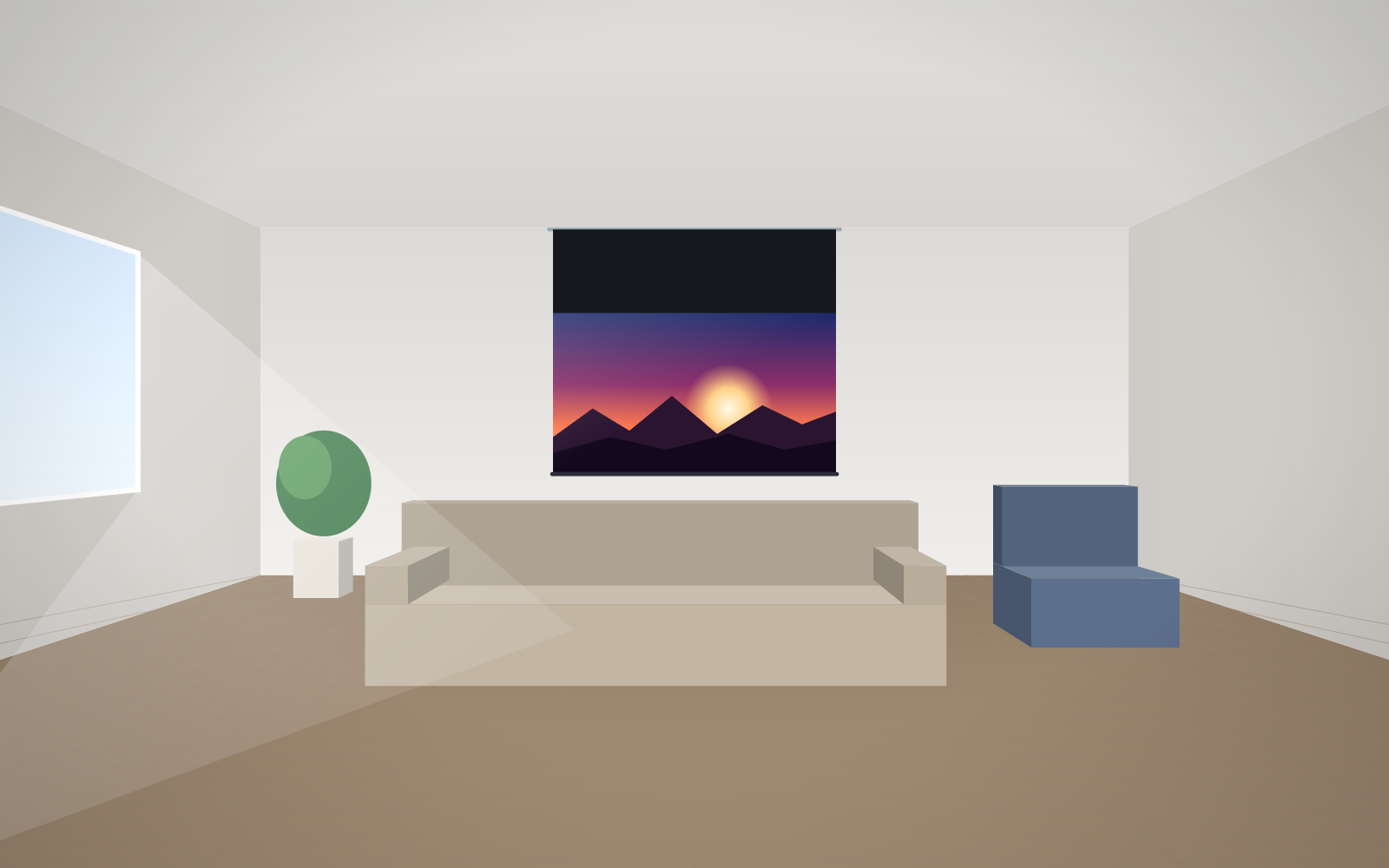
- Do not install a screen opposite a window or above a radiator, fireplace or air-conditioning vent – light and air movement spoil the image.
- The centre of the image should be no more than approx. 15° above the eye line of the nearest viewer; in meeting rooms the bottom edge is usually approx. 1.1–1.2 m above the floor.
- For a UST projector, do not choose an untensioned roller screen or Ambient Grey 2 fabric – a fixed-frame or Tensio screen with UST-compatible fabric is better.
- Plan the 230 V power supply, control cable and service access before walls and ceiling are finished; leave the connection to a qualified electrician.
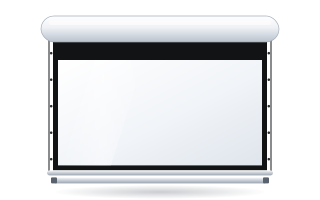
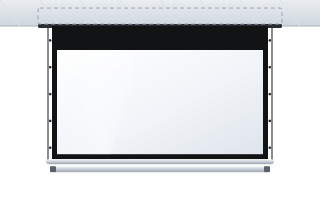
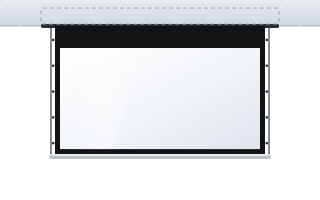
- Measure the space for the screen's overall size (case, frame, black drop), not just the image size.
Why the installation location matters so much
A projection screen reflects light – both from the projector and from anything else that falls on it. On top of that, the fabric of a roller screen is thin and light, so it reacts to air movement and temperature. That is why the same product gives a contrasty, even image in one place and a pale, rippling one in another. Below we describe the mistakes in the order they usually occur: from choosing the location, through selecting the screen, to the installation itself.
Places best avoided
A screen opposite a window or in a beam of light
Problem: daylight falling directly on the screen lifts the blacks, and the image loses contrast and colour. A white fabric reflects any light just as readily as the projector's image.
Getting it right: place the screen on a wall perpendicular to the windows or on the same wall as the windows. Plan blackout blinds or curtains. If the light cannot be controlled, consider a grey or ALR fabric – more in the guide screen for a bright living room. Also avoid spotlights shining on the screen: lighting in the screen area should be on a separate circuit.
Above a radiator or fireplace, or next to an air-conditioning vent
Problem: warm air rising from a radiator or fireplace and the airflow from a vent move the fabric of a roller screen. The image ripples, and temperature differences can make unevenness in the material permanent over time.
Getting it right: choose a wall with no heat sources below the screen and away from air vents. If you cannot move, redirect the airflow or choose a side-tensioned or fixed-frame screen that keeps the fabric flat.
Damp and unheated rooms
Problem: moisture and large temperature swings (an unheated garage, loft or unventilated basement) are bad for both the fabric and the motor electronics.
Getting it right: install the screen in a dry, heated room. In a basement intended as a cinema, sort out ventilation and a stable temperature first.
Clashes with doors, wardrobes, lamps, sensors and curtain rails
Problem: a roller screen drops vertically in front of the wall. If a door leaf, wardrobe front, wall light, motion sensor, smoke detector, curtain rail or window sill is in the way, the fabric will catch on it or part of the image will be blocked. A smoke or motion detector right next to the case can also react to the screen moving.
Getting it right: before ordering, mark on the wall and ceiling the outline of the case and the strip in which the fabric drops. If there are obstacles in front of the wall, move the case out on extension brackets – the range includes extensions of 300 mm (up to 180 kg), 450 mm (up to 120 kg), 600 mm (up to 90 kg) and 750 mm (up to 70 kg) per bracket.
Mounting height mistakes
Screen too low
Problem: the heads of people in the front row block the lower part of the image – which is usually where subtitles, tickers and the bottom rows of tables appear.
Getting it right: in training and meeting rooms the bottom edge of the image is usually set approx. 1.1–1.2 m above the floor. In a home cinema with a single row it can be lower – slightly above the eye level of a seated viewer.
Screen too high
Problem: viewers have to tilt their heads back, and after half an hour or so their necks ache. The manufacturer recommends that the angle from the nearest viewer's eyes to the centre of the image should not exceed approx. 15° upwards.
Getting it right: with a high ceiling, don't force the case lower – order a screen with a longer black strip above the image, i.e. a black drop, which brings the image down to the right height. You will find the calculations in the guide how to choose the screen size.
Wall and ceiling installation mistakes
A roller screen on an uneven wall
Problem: a case screwed to a crooked wall bends or twists, the roller runs unevenly, and the fabric rolls up askew and creases.
Getting it right: check the wall with a spirit level and straightedge along the full length of the case. Level the brackets with shims or use extensions to move the case away from the unevenness. The case must hang perfectly level.
Mounting on plasterboard without reinforcement
Problem: plasterboard alone cannot carry the weight of the case and the dynamic loads during rolling. Plugs can pull out, especially with larger screens.
Getting it right: fix the brackets to the load-bearing structure – a masonry wall, the ceiling slab or a reinforcement built into the partition (e.g. a plywood strip or additional studs). The reinforcement must be planned before the boards are closed up.
An in-ceiling screen with no service access
Problem: a case permanently sealed into a suspended ceiling with no access hatch means that replacing the motor or connections requires breaking open the ceiling.
Getting it right: fix the case to the structural ceiling, not to the suspended ceiling grid, and provide access to the motor side and the connections. Details in the guide in-ceiling screens.
No power or control cable before finishing
Problem: after painting or closing the ceiling it turns out there is no 230 V supply at the screen, and no cable to the wall switch, the projector trigger or the control system. You are left with surface trunking or chasing walls.
Getting it right: run power to the motor side (the motor is on the right as standard; many models offer a left-hand option) and the control cables according to the control plan. The 230 V connection must be made by a qualified electrician. Control options are described in the guide controlling a motorised screen, and the whole process in installing a motorised screen.
Mistakes in matching the screen to the projector and room
ALR fabric with a UST projector
Problem: Ambient Grey 2 fabric (and its acoustic version) directs light arriving at the angle of a standard projector. An ultra-short-throw projector shines from below at a very steep angle – on this fabric the image is dark and uneven. The manufacturer explicitly specifies Ambient Grey 2 for standard and short-throw projectors only.
Getting it right: for a UST projector choose Reference Grey 2 or Ambient Grey – the manufacturer approves them for this type of projection.
An untensioned roller screen with a UST projector
Problem: light arriving almost parallel to the fabric accentuates every ripple. On an ordinary roller screen this shows up as light and dark bands.
Getting it right: choose a fixed-frame screen (Plano, Frameless, Prestige) or a side-tensioned roller screen, e.g. OnSuperior or InSuperior. More in the guides screen for a UST projector and tensioned Tensio screens.
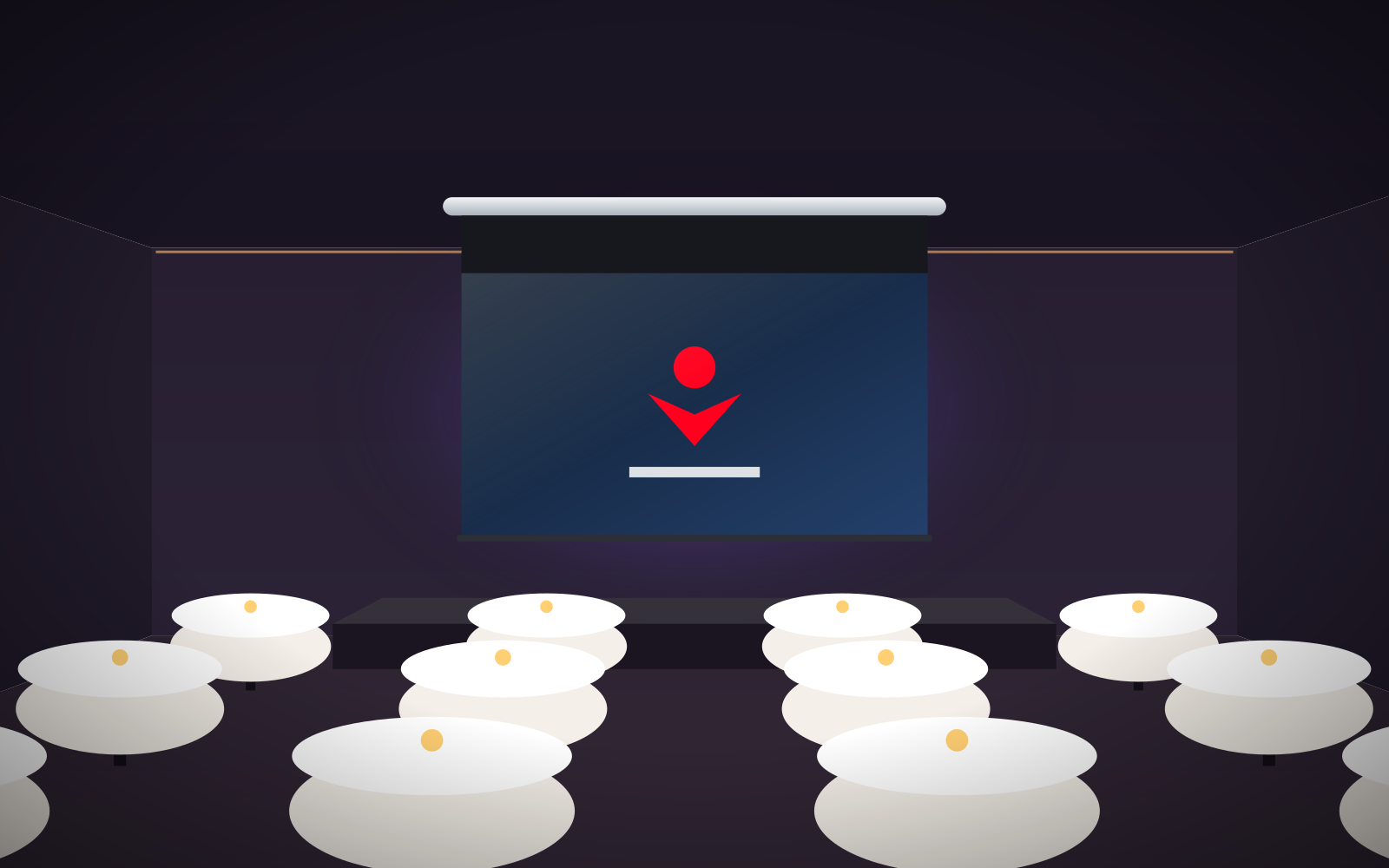
Light walls and ceiling in a cinema room
Problem: light from the screen bounces off white walls and ceiling and back onto the screen. Blacks turn grey, even in a darkened room.
Getting it right: in a dedicated room choose a dark, matte finish at least around the screen and on the ceiling in front of it. If the walls have to stay light, use a grey fabric such as Reference Grey 2.
Gain too high or viewing angle too narrow for a wide audience
Problem: the higher the gain, the more light goes to viewers on axis and the less to those sitting at the sides. ALR Ambient Grey 2 fabric has a viewing angle of approx. 60°, so in a wide room the side seats see a darker image.
Getting it right: in wide rooms choose fabrics with a 180° viewing angle, e.g. Vision White or Reference White 2, and check that everyone sits within approx. 45° of the projection axis.
Screen aspect ratio does not match the projector
Problem: a 16:10 projector on a 16:9 screen (or vice versa) leaves black bars or spills over the fabric. A 4:3 screen for films wastes a large part of its surface.
Getting it right: match the aspect ratio to the projector's native resolution and your main content. With mixed content (presentations and films), decide which format matters more, or consider a screen with format masking.
Projector off the screen axis and overused keystone
Problem: a projector hung too high, too low or off to one side produces a trapezoid image. Digital keystone correction straightens it, but at the expense of resolution and sharpness.
Getting it right: first fix the screen position, then the projector distance from its throw ratio (image width = throw distance ÷ throw ratio) and the mount height. Place the projector on the screen axis and use optical lens shift for minor adjustments, if the projector has it.
Speakers behind an ordinary fabric
Problem: unperforated fabric muffles and distorts sound, especially the high frequencies.
Getting it right: if the speakers are to stand behind the screen, choose a perforated acoustic fabric. Details in the guide acoustic screens.
Measuring the image size only
Problem: a screen with an image width of 3 m will not fit into a 3 m wide recess – the case and frame are wider than the image, and there may also be a black drop above the image.
Getting it right: compare the space with the overall size on the technical drawing of the model you are ordering, and leave a margin for brackets and installation.
Installing a large screen on your own
Problem: large-format screens are long and heavy. Installing one single-handed from a ladder risks dropping the case, damaging the fabric and an accident.
Getting it right: install large screens with at least two people and proper equipment for working at height, or leave the installation to an experienced installer; the power connection should be made by an electrician. ABC Prezentacji advises on preparing the site, including for large screens.
Mistake, consequence, solution – at a glance
| Mistake | Consequence | Solution |
|---|---|---|
| Screen opposite a window | pale image, grey blacks | a different wall, blinds, grey or ALR fabric |
| Radiator, fireplace or vent below the screen | rippling fabric | a different location, tensioning or a frame |
| Clash with a door, lamp or curtain rail | fabric catching, image obstructed | outline marked on the wall, extension brackets |
| Screen too low | heads block the image | bottom edge approx. 1.1–1.2 m in meeting rooms |
| Screen too high | neck strain | angle to image centre ≤ approx. 15°, black drop |
| Uneven wall | crooked rolling, creases | levelled brackets, extensions |
| Plasterboard without reinforcement | plugs pulled out | fixing to the structure or reinforcement |
| Ceiling without an access hatch | breaking open the ceiling for servicing | access to the motor and connections |
| No cables before finishing | surface trunking, rework | power and control in the installation plan |
| ALR Ambient Grey 2 with UST | dark, uneven image | Reference Grey 2 or Ambient Grey |
| Untensioned roller screen with UST | visible ripples | fixed-frame or tensioned screen |
| Light walls in a cinema room | low contrast | dark finish or grey fabric |
| Narrow viewing angle in a wide room | dark image for side seats | fabric with a 180° viewing angle |
| Wrong aspect ratio | bars, unused surface | aspect ratio matching the projector |
| Projector off axis | trapezoid image, loss of sharpness | projector on axis, lens shift |
| Speakers behind an ordinary fabric | muffled sound | acoustic fabric |
| Measuring the image only | the screen does not fit | overall size from the drawing |
Checklist before ordering
- I have chosen a wall with no light falling on it from a window and no heat sources or vents below the screen.
- I know the projector model, its aspect ratio, throw ratio and type (standard, short-throw or UST).
- I have calculated the image size from the viewing distance and checked the height of the bottom edge.
- I have chosen the fabric for the room's lighting, the projector type and the width of the audience.
- I have measured the space for the screen's overall size and checked for clashes with doors, lamps, sensors and curtain rails.
- I know which side the motor should be on and how the screen will be controlled.
- If the speakers are to stand behind the screen, I have chosen an acoustic fabric.
Checklist before installation
- I have the technical drawing of the ordered model with dimensions and bracket spacing.
- I have checked the substrate: load-bearing wall or ceiling slab, and reinforcement in the case of plasterboard.
- 230 V power and control cables are run to the motor side; the connection will be made by a qualified electrician.
- In a suspended ceiling, the recess and service access are prepared.
- I have a spirit level, suitable plugs and a second pair of hands – and for large screens, equipment for working at height.
- After installation I will check the case is level, the fabric rolls evenly and the limit switches are set.
Frequently asked questions
Can a projection screen be hung above a radiator?
It is best avoided. Warm air rising from a radiator moves the fabric of a roller screen and the image ripples. If there is no other place, choose a side-tensioned or fixed-frame screen.
At what height should a projection screen be installed?
In meeting rooms the bottom edge of the image is usually approx. 1.1–1.2 m above the floor. The manufacturer recommends that the angle from the nearest viewer's eyes to the centre of the image should not exceed approx. 15° upwards.
Can a screen be screwed to plasterboard?
Not to the board alone. The brackets are fixed to the load-bearing structure or to a reinforcement prepared in the partition before it is closed up.
Is an ordinary roller screen suitable for a UST projector?
Usually not. A UST projector accentuates every ripple in the fabric, so a fixed-frame or side-tensioned screen with a UST-compatible fabric such as Reference Grey 2 or Ambient Grey is a better choice.
Who should connect a motorised screen?
The connection to the 230 V mains should be made by a qualified electrician. It is worth running the power and control cables before the walls and ceiling are finished.