- A UST projector is one whose throw distance is less than half the image width.
- Light hits the screen at a very steep angle and exaggerates every ripple in the fabric – an ordinary roller screen is a poor choice.
- Choose a fixed-frame screen (Plano, Prestige, Frameless) or a tensioned screen.
- UST-compatible fabrics are Reference Grey 2 and Ambient Grey; Ambient Grey 2 is not suitable for UST.
- First set up the projector and image, then order a made-to-measure screen – or the other way round, but always with the projector manual to hand.
What is a UST projector?
An ultra-short-throw projector (UST) projects a large image from a very short distance. A projector is generally considered UST when the throw distance is less than half the image width (0.5 × width). Projectors with a distance equal to or greater than this value are standard and short-throw (ST) projectors.
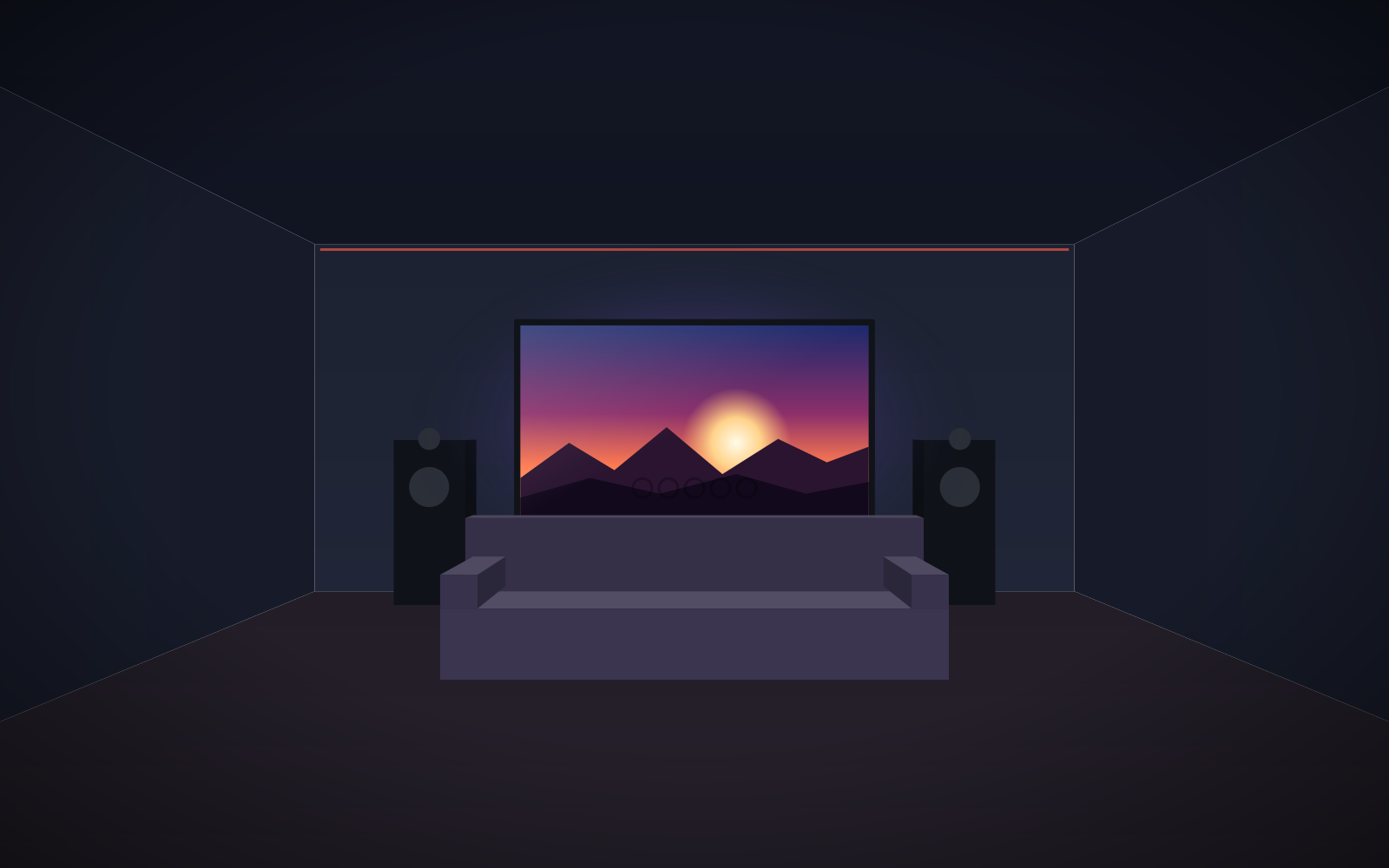
Example: for a 100″ 16:9 screen 221 cm wide, the limit is about 110 cm. Typical UST projectors have a throw ratio well below this limit, which is why they sit on a cabinet right by the wall – where a TV would usually stand. Hence the popular name “laser TV”. Always check the exact distance for your chosen diagonal in the projector manual, as manufacturers measure it differently (from the lens or from the back of the housing).
Why an ordinary roller screen is not suitable for UST
In conventional projection, light hits the screen almost perpendicularly. A slight ripple in the fabric then barely affects the image. A UST projector shines from below at a very steep angle – the light almost “glides” across the screen surface. Every bulge then casts a shadow or reflects light differently from the area next to it. The result is visible horizontal or diagonal bands, distorted lines and uneven brightness, especially in bright, uniform scenes.
That is why the manufacturer recommends a fixed-frame screen for UST projectors, or a screen with Tensio tensioning that keeps the fabric taut both vertically and horizontally. An ordinary roller screen without tensioning, even a good-quality one, will reveal its imperfections with UST.
Which screen for a UST projector
Fixed-frame screen – the best flatness
Fabric stretched over a rigid frame gives the flattest surface, and the black frame neatly defines the image edge. For UST we recommend:
- Plano – aluminium frame with black velvet, image width 1.8–3 m,
- Prestige – narrow frame of approx. 10 mm, image width 2–4 m,
- Frameless – frame invisible from the front, image width 3–7 m.
Tensioned motorised screen – when the screen needs to retract
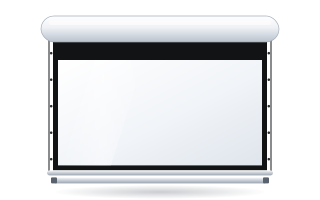
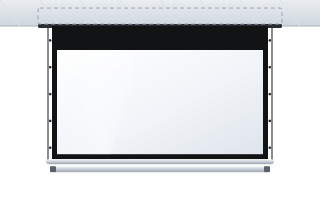
If the wall needs to be free after the film, choose a roller screen with side tensioning. OnSuperior with Floating Tab tensioning is recommended by the manufacturer for, among others, 4K and ultra-short-throw projectors. The in-ceiling version is InSuperior. With a roller screen, remember that the UST projector sits below the screen – the screen comes down from above, and the bottom edge of the image must land exactly where the projector shines.
A comparison of screen types is in the guide fixed-frame or motorised screen.
Fabric for a UST projector
Not every fabric works with a UST projector. This is especially important for ALR fabrics, which are designed for a specific angle of incoming light.
| Fabric | Gain | With a UST projector | Notes |
|---|---|---|---|
| Reference Grey 2 | 0.5 | yes | grey, improves blacks with light walls and a little light |
| Reference Grey 2 Acoustik | 0.5 | yes | acoustic version, 0.5 mm perforation |
| Ambient Grey | 0.6 | yes | 140° angle, ambient light, light or coloured walls |
| Ambient Grey 2 (ALR) | 0.9 | no | standard and short-throw projectors only |
| Ambient Grey 2 Acoustik | 0.8 | no | standard and short-throw projectors only |
For UST the manufacturer primarily recommends Reference Grey 2 and Ambient Grey. In a living room with windows and light walls, a grey fabric helps preserve contrast. More in the guides ALR screen and grey fabric and screen for a bright living room.
What size screen for a UST projector
UST projectors most often work with images of about 90–120″. 16:9 image dimensions:
| Diagonal | Image width × height | UST limit (0.5 × width) |
|---|---|---|
| 90″ | 199 × 112 cm | approx. 100 cm |
| 100″ | 221 × 125 cm | approx. 110 cm |
| 110″ | 244 × 137 cm | approx. 122 cm |
| 120″ | 266 × 149 cm | approx. 133 cm |
The “UST limit” column only illustrates the definition – the actual distance of the projector from the wall follows from its throw ratio and is usually much smaller. Also match the size to the sofa distance – according to the manufacturer, home cinema image height is Ds/2.5 (see how to choose the screen size). Other diagonals are in the diagonal chart.
Positioning the projector and cabinet
With UST, a few centimetres make a big difference. Moving the projector even slightly away from the wall noticeably enlarges the image, and the slightest tilt of the cabinet turns a rectangle into a trapezoid. Therefore:
- The cabinet must be stable and level. Check the top with a spirit level in both directions.
- Set the height of the top. A UST projector projects upwards, with a specific offset between the lens and the bottom edge of the image. The height of the top and this offset determine how high the image will be – check the values in the projector manual.
- Position the projector parallel to the wall. Even a slight rotation makes the image uneven at the sides.
- Avoid digital geometry correction if you can. Keystone and corner-point correction reduce sharpness and resolution. It is better to adjust the projector's position.
- Plan the cables. Power and signal are best routed inside the cabinet so you do not have to move the projector when connecting.
Order of work: the easiest approach is to set up the cabinet and projector, project the image onto the wall, measure the exact image rectangle and only then order a made-to-measure screen. ADEO screens are made to measure, so matching a specific setup is not a problem. You can also do it the other way round: choose the screen size and read from the projector manual exactly where it needs to stand.
The most common mistakes with a UST screen
- ALR Ambient Grey 2 fabric with a UST projector. This fabric is designed exclusively for standard and short-throw projectors.
- An ordinary roller screen without tensioning. With UST, ripples in the fabric will be clearly visible.
- An uneven cabinet or wall. The image will not fit the screen rectangle, and digital correction will reduce quality.
- A screen ordered “by eye”. With UST, measure the image from the finished setup or calculate the dimensions precisely from the projector manual.
- A screen too big for a bright room. A bigger image is a darker image – leave brightness in reserve.
Checklist: screen for a UST projector
- Check the projector manual for: the diagonal, the distance from the wall and the image offset above the lens.
- Choose the type: fixed-frame (Plano, Prestige, Frameless) or tensioned (OnSuperior, InSuperior).
- Choose a UST-compatible fabric: Reference Grey 2 or Ambient Grey (or Reference Grey 2 Acoustik).
- Prepare a stable, level cabinet of the right height.
- Measure the image or calculate the dimensions and order a made-to-measure screen.
Configure your screen in the home cinema configurator. If you already have a UST projector, send us its model and the room dimensions – we will help you choose the screen and fabric.
Frequently asked questions
Which screen for an ultra-short-throw projector?
Ideally a fixed-frame screen, e.g. Plano or Prestige, or a tensioned motorised screen, e.g. OnSuperior. The fabric should be UST-compatible – Reference Grey 2 or Ambient Grey.
Does a UST projector need a special screen?
A UST projector will project onto any surface, but because of the steep angle of the light it exaggerates every unevenness. A flat fixed-frame or tensioned screen and a UST-compatible fabric give a much better image than a wall or an ordinary roller screen.
Does an ALR screen work with a UST projector?
Not every one. Ambient Grey 2 and Ambient Grey 2 Acoustik are designed for standard and short-throw projectors only. For UST the manufacturer recommends Reference Grey 2 and Ambient Grey.
Is a roller screen suitable for a UST projector?
An ordinary roller screen without tensioning is not recommended, because with UST ripples in the fabric are visible. If the screen needs to retract, choose a model with side tensioning, e.g. OnSuperior or InSuperior.
What size screen for a UST projector?
Most often 90–120″, i.e. a 16:9 image from approx. 199 × 112 cm to 266 × 149 cm. The exact size follows from the projector's distance from the wall (see the manual) and the sofa distance.