- Curvature makes most sense with a wide 2.35–2.40:1 format and when the front row sits close to the screen.
- The projector should support geometry correction or work with an anamorphic lens – otherwise horizontal lines may bend.
- ADEO curved screens are Plano Curved (1.8–4 m), Frameless Curved (2–6 m) and Cinema Curved (7–23 m).
- For ultra-short-throw projectors and retractable screens, choose a flat screen.
What is a curved screen?
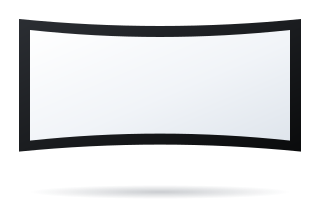
A curved screen has a surface bent horizontally – the sides are closer to the viewer than the centre. As a result, the distance from the eyes to every point of the image is more even, and the image fills the field of view better. It is a solution known from cinemas, simulators and immersive rooms, and on a smaller scale from premium home cinema rooms.
The ADEO range includes three curved models (see the curved screens category):
| Model | Image width | Aspect ratios | Typical location |
|---|---|---|---|
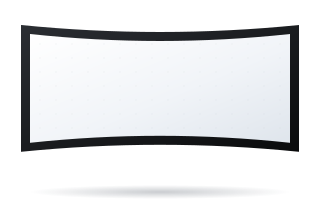
| Plano Curved | 1.8–4 m | 4:3, 16:10, 16:9, 2.35–2.40:1 | premium home cinema, screening rooms, simulators |
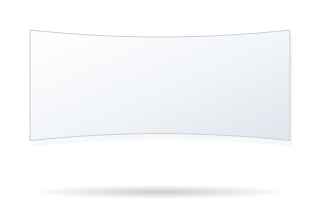
| Frameless Curved | 2–6 m | 16:9 and 2.35–2.40:1 | immersive rooms, premium home cinema, museums |
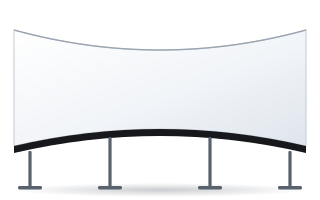
| Cinema Curved | 7–23 m | 16:9, 1.9:1, 2.35–2.40:1 | cinemas, large AV installations |
Plano Curved and Frameless Curved are fixed-frame screens – the fabric is stretched over a rigid, curved frame, so it is perfectly flat vertically and does not ripple. Cinema Curved is made to measure for cinemas and auditoriums.
When curvature really helps
Wide cinema format
In 2.35:1 the screen is almost 2.4 times wider than it is high. On a flat screen, the sides of the image are noticeably further from the viewer than the centre and are seen at a steeper angle. Curvature reduces this difference, so sharpness and brightness at the edges are more even.
Viewers close to the screen
In a home cinema, image height is chosen using the manufacturer's formula H = Ds / 2.5 (Ds – distance from the main seat). Example: a sofa 3.5 m from the screen gives a height of 1.4 m, i.e. a Scope image width of approx. 3.29 m (1.4 × 2.35). At 4 m the height is 1.6 m and the Scope width approx. 3.76 m. With such proportions the image covers a very wide field of view, and that is exactly when curvature gives the most benefit.
Uniform brightness
Higher-gain fabrics reflect the most light along the projection axis. On a wide flat screen, the sides may appear slightly darker. Curvature directs the reflected light more towards the audience, improving brightness uniformity – which is why curved screens are standard in large cinemas.
Projector requirements
A curved screen changes the image geometry. Without correction, horizontal lines – especially the top and bottom edges – may bend slightly. Before buying, check:
- geometry correction (distortion, warping) in the projector or an external video processor;
- an anamorphic lens – in 2.35:1 it often works together with a curved screen and partly compensates for distortion;
- focus across the full width – the centre and sides of the screen are at different distances from the lens, so the projector should have sufficient depth of field;
- projector position – on the screen axis, without a large horizontal offset.
Ultra-short-throw projectors (UST) shine at a very steep angle from a short distance – a curved surface heavily distorts their image. For UST choose a flat fixed-frame screen with Reference Grey 2 or Ambient Grey fabric (more in the guide screen for a UST projector).
Drawbacks and limitations of a curved screen
- Fixed installation only – a curved screen does not roll up into a case; it needs a wall dedicated to the screen.
- Installation depth – the sides project forward, so the screen takes up more space than a flat one.
- 16:9 content on a Scope screen – it is shown with bars at the sides or has to be enlarged with zoom.
- Demanding calibration – setting up geometry and focus takes longer than with a flat screen.
- Mainly worthwhile for large formats – with a 2 m wide 16:9 image, the difference compared with a flat screen is small.
Which fabric for a curved screen
Plano Curved and Frameless Curved are available with the full range of fabrics, including Reference White 2 (gain 0.9) for a dark room, Reference Grey 2 (gain 0.5) with light walls, Ambient Grey 2 (gain 0.9, ALR) with ambient light, and acoustic fabrics when the speakers are to stand behind the screen. With ALR, remember that Ambient Grey 2 has a narrower viewing angle (approx. 60°), so viewers should sit close to the screen axis. Details in the guide acoustic screen and in the overview of projection fabrics.
Curved or flat – a quick decision
| Situation | Better choice |
|---|---|
| Dedicated cinema room, 2.35:1 format, image from approx. 3 m wide | curved (Plano Curved, Frameless Curved) |
| Simulator, immersive room, museum installation | curved |
| Living room, the screen needs to retract | flat tensioned motorised (OnSuperior, InSuperior) |
| UST projector | flat fixed-frame |
| 16:9 format, image up to approx. 2.5 m | flat fixed-frame (Plano, Prestige) |
| Cinema or auditorium from 7 m wide | Cinema Curved or Cinema |
Example: a home cinema room
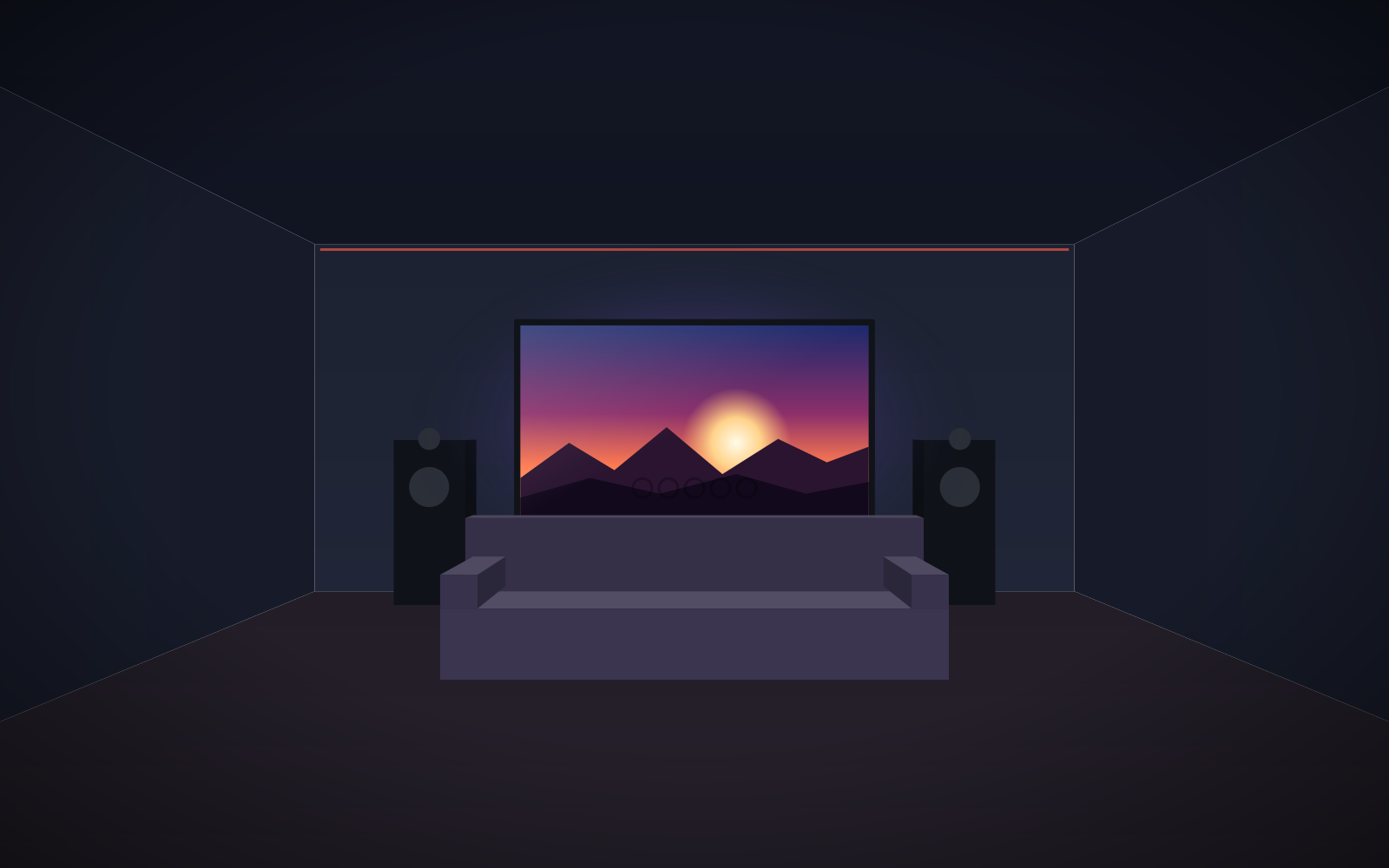
The room is 4.5 m wide and 6 m long. The main row is 3.8 m from the front wall, and the projector hangs from the ceiling at the back of the room. Image height using the formula H = Ds / 2.5 is approx. 1.52 m. In 2.35:1 this gives a width of approx. 3.57 m – within the Plano Curved range (up to 4 m) and leaving room at the sides for speakers or acoustic panels. The nearest viewer should sit at least approx. 3.6 m from the screen (1 × image width), so the second row is placed further back, on a riser.
In this room curvature makes sense: the image is wide, the viewer sits close, and the front wall is used only for projection. If the same room were a living room with a window on the side wall and a TV, a flat, tensioned 16:9 motorised screen that retracts after the film would be the more sensible choice.
Walls and ceiling around the screen
With any large screen – flat or curved – light side walls and ceiling reflect light back onto the image and reduce contrast. In a cinema room it is worth painting the first 1–2 m of the side walls and ceiling near the screen a dark, matt colour. The black velvet frame of Plano and Plano Curved screens also absorbs light spilling beyond the image.
Checklist
- Choose the aspect ratio – the guide 16:9 or 2.35:1 will help.
- Calculate the image width for the sofa distance (H = Ds / 2.5).
- Check whether the projector has geometry correction or an anamorphic lens.
- Measure the depth of space in front of the wall – the sides of the screen will project forward.
- Match the fabric to the room lighting and speaker placement.
Check prices and options in the home cinema configurator.
Frequently asked questions
Is a curved screen better than a flat one?
With a wide 2.35:1 format and viewers seated close, it gives more even brightness and greater immersion. With a 16:9 image up to about 2.5 m wide, the difference is small.
Is every projector suitable for a curved screen?
Ideally the projector has geometry correction or works with an anamorphic lens. Without it, the horizontal edges of the image may bend slightly.
Can a curved screen roll up?
No – ADEO curved screens are fixed-frame designs mounted permanently. If the screen needs to retract, choose a flat, tensioned motorised screen.
Can a curved screen be used with a UST projector?
It is not recommended – a UST projector shines at a very steep angle and the curvature heavily distorts the image. For UST choose a flat fixed-frame screen.