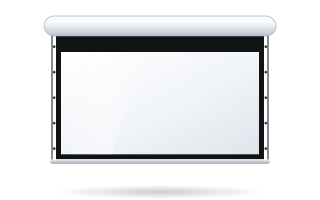
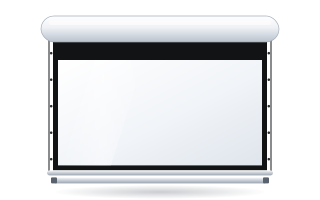
- Screen noise is mainly motor and roller vibration transmitted to the case, plus the clunk of the bottom bar when closing.
- In all ADEO screens, a rubber plate and rubber adapters isolate the motor from the case.
- The Rugby Plus has Quiet Rolling, soft bottom-bar seals (Softend) and Auto Adjustment, with an optional “silent” io motor.
- The Rugby Pro limits vibration with a snap-fit case and steel end caps.
- Even the quietest screen will sound loud if it is installed crooked or on a resonant wall.
Where motorised screen noise comes from
A motorised screen has a tubular motor inside the roller onto which the fabric is wound. During operation, sound is produced in several places:
- the motor – its running and gearbox produce a hum that is transmitted to the roller,
- the roller and case – vibration passes from the roller to the end caps and the aluminium case, which acts like a sound box,
- the bottom bar – when rolling up it reaches the case and can knock against it,
- the fixings – the case transmits vibration to the wall or ceiling, and lightweight walls and suspended ceilings can amplify it.
Across the ADEO range, all of these sources are reduced by various design features. The combination depends on the model.
Noise-reducing features in all ADEO screens
The manufacturer uses several elements in all its roller screens to reduce vibration:
- A rubber plate between the motor and the sides of the case – damps vibration and noise before they reach the housing.
- Rubber adapters at the ends of the motor – their elasticity is chosen so that the motor does not shift, yet does not transmit vibration directly to the roller and case.
- A double-groove roller – guides the fabric evenly. The roller diameter (60–150 mm) depends on the model and screen size.
- Springs connecting the fabric to the bottom bar – compensate for the material expanding and contracting.
Read more about these components in our guide how a motorised screen is built.
Rugby Plus – a screen designed for the home
The Rugby Plus is the version intended for homes and residences. The manufacturer lists several features that directly improve its refinement:
| Feature | How it works | What it gives you |
|---|---|---|
| Quiet Rolling | rubber sleeves between the case and the roller | less vibration transmitted from the roller to the case |
| Softend Lowbar | soft seals on the bottom bar | the case closes gently, without a clunk |
| Auto Adjustment | a microswitch always stops the bar in the same closed position | the bar does not press against the case harder than necessary |
| Aluminium end caps | two-piece, milled, joined by magnets, covering the roller and motor | a closed, neat housing |
| "Silent" io motor (option) | io-homecontrol motor with radio receiver and remote | remote control; the manufacturer describes this version as "silent" |
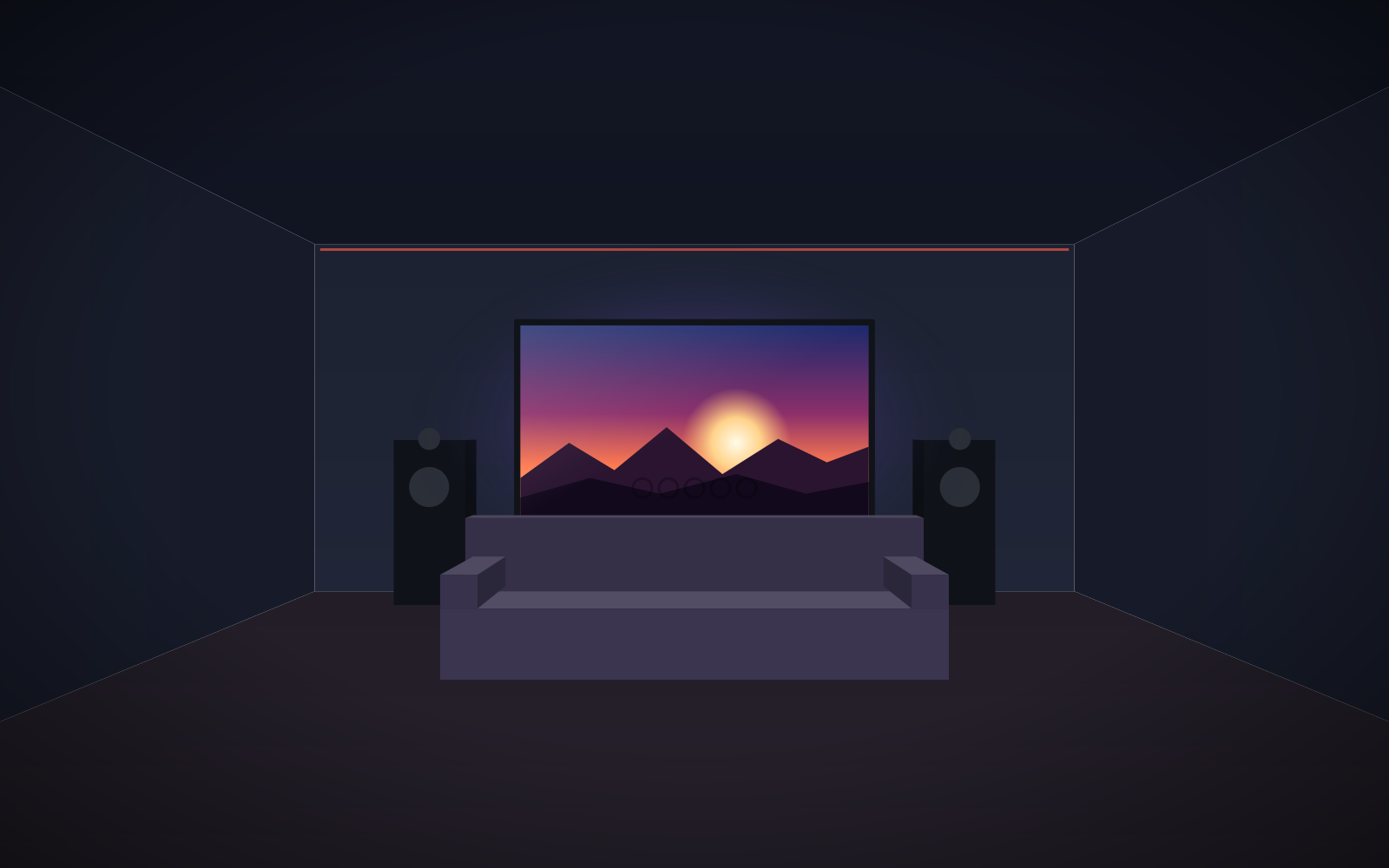
That is why the Rugby Plus is the natural choice for a living room or home cinema room, where the screen comes down quietly, often just before the film starts.
Rugby Pro – less vibration in professional installations
The Rugby Pro is designed for commercial installations. Rather than home comforts, it focuses on structural rigidity: the end caps and bottom bar are laminated steel, and the aluminium case has a snap-fit system that limits motor vibration. The radio receiver is fitted inside the case. It is a good solution for conference rooms and lecture theatres where the screen is used many times a day.
A detailed comparison of the two versions is in our guide Rugby Plus or Rugby Pro.
In-ceiling and tensioned screens
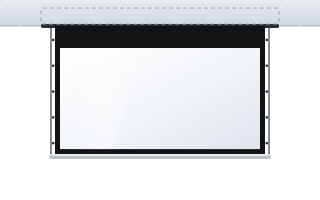
On in-ceiling screens such as the Inceel or InSuperior, the case is hidden in a suspended ceiling. The Inceel case hangs on adjustable threaded rods that are secured with thread-locking adhesive so they do not work loose over time. Because suspended ceilings resonate easily, it is important that the case hangs from rods fixed to the structural ceiling rather than resting on the ceiling tiles alone. Read more in our guide in-ceiling screens.
Tensioned (Tensio) screens add side cables and bottom-bar weights. They run smoothly but require the case to be correctly levelled. How the different systems work is described in our guide tensioned Tensio screens.
Installation and noise – what to avoid
Even the best-damped screen can be noisy if it is installed badly. Based on installation experience:
- Level the case – a crooked case makes the fabric wind unevenly and puts an uneven load on the roller.
- Fix to a load-bearing element – concrete, brick or the ceiling structure. A lightweight plasterboard partition can act like a membrane and amplify the hum.
- Tighten the brackets – a loose bracket causes vibration and clunks when the motor starts and stops.
- Keep the case clear of obstacles – the case should not touch furniture, curtain rails or enclosures that may start to vibrate. If you need more clearance, use bracket extensions.
- Set the limit switches – a lower limit set too low or an upper limit set too high causes the fabric and bar to be pressed.
A full description of installation is in our guide installing a motorised screen. Have an electrician connect the motor to the 230 V supply.
How to check the screen after installation
Once the screen is installed and connected, carry out a simple test in a quiet room:
- Lower the screen fully and listen to whether the motor hum is even throughout the movement. An uneven sound that rises and falls may indicate a crooked case.
- Place your hand on the wall or ceiling next to a bracket while it is running. Clearly noticeable vibration means the substrate is transmitting sound – check the fixings.
- Roll up the screen and watch the last few centimetres. The bar should reach the case smoothly, without a knock.
- Repeat the cycle a few times – the lower and upper positions should be the same every time.
If anything seems wrong, do not force adjustments on the motor – get in touch and describe the symptoms.
Control that helps keep things quiet
Noise is also a matter of the screen moving at the wrong moment. A motor with a radio remote or a 12 V trigger from the projector lets the screen lower automatically when the projector is switched on and roll up when it is switched off – no getting up to look for a switch mid-film. The options are described in our guide controlling a motorised screen.
When quiet operation matters most
- Home cinema – the screen comes down quietly just before the film, often in a soundproofed room. The Rugby Plus is the best fit here. See also our guide screens for home cinema.
- Lecture theatres and council chambers – the screen is lowered during a talk. Smooth, predictable operation without clunks is what counts.
- Recording studios – any background sound can end up on the recording, so it is better to lower the screen before recording starts.
You can put together a quiet home screen in the home cinema screen Configurator – you will see the price straight away.
Frequently asked questions
Which ADEO screen is the quietest?
The manufacturer does not publish noise levels in decibels. For the home, the Rugby Plus has the most noise-reducing features: Quiet Rolling, soft bottom-bar seals and Auto Adjustment, plus an optional “silent” io motor.
What is Quiet Rolling?
Rubber sleeves between the case and the roller on the Rugby Plus. They reduce the transmission of vibration from the roller to the case.
Why does my screen knock when rolling up?
Most often the bottom bar reaches the case too hard – because of an incorrectly set limit switch or loose brackets. On the Rugby Plus this is prevented by soft seals and the Auto Adjustment microswitch.
Does installation affect how loud the screen is?
Yes. A case fixed to a lightweight partition or a suspended ceiling without suspension from the structural ceiling can resonate. Fix the screen to load-bearing elements, level, on tightened brackets.
Is the Rugby Pro louder than the Rugby Plus?
The Rugby Pro uses different features – steel end caps and a snap-fit case that limits motor vibration. The manufacturer lists Quiet Rolling and Auto Adjustment as standard on the Rugby Plus, which is why we recommend the Rugby Plus for home cinema.