- The best maintenance is prevention: roll the screen up after use and do not touch the fabric with your fingers.
- Remove dust dry – with a soft, clean brush or a microfibre cloth, without pressing.
- Do not use solvents, alcohol, glass cleaners or abrasive sponges.
- Acoustic, grey and ALR fabrics are more delicate – for stains, contact our service team first.
- Uneven rolling, stopping or motor noise is a signal to call for service, not to adjust things yourself.
Prevention first
Most screen dirt is dust, fingerprints and accidental splashes. They are easier to prevent than to remove:
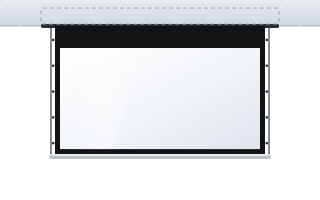
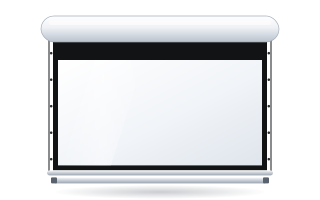
- Roll up a motorised screen after use. Inside the case, the fabric is protected from dust and light. On many models (e.g. Rugby, Inceel, InSuperior, OnSuperior) the bottom bar closes the case when rolled up, giving extra protection from dust.
- Do not touch the projection surface. Greasy fingerprints are hard to remove. When pointing something out on the screen, use a laser pointer.
- Do not write on the screen. Projection fabric is not a whiteboard – markers and pens leave permanent marks.
- Keep drinks and food away from the screen – especially in training rooms and classrooms.
- Protect the screen during renovation. Plaster dust and paint are the most common causes of permanent dirt. Wrap a screen rolled up in its case with film, and remove a fixed-frame screen or cover it tightly.
How to remove dust from a projection screen
Remove dust dry. Lower a motorised screen fully so the fabric is taut. Then:
- Use a soft, clean brush (e.g. one for dusting delicate surfaces) or a dry microfibre cloth.
- Move it lightly, without pressure, in one direction – from top to bottom.
- Do not rub hard in one spot – a lighter, polished patch may appear on the matt surface.
- If you use a vacuum cleaner, only with a soft brush, on low power and without touching the fabric with the plastic nozzle.
Light dust on the screen is usually not visible in the image. Do not clean the screen “just in case” – every contact with the fabric is a risk.
Stains and fingerprints
Take care with stains. Different fabrics have different coatings, and the correct cleaning method may depend on the specific surface. General rules:
- Act as quickly as possible, before the dirt soaks in.
- Start with the gentlest method – dry microfibre.
- If that is not enough and the fabric is white and smooth, you can gently wipe the spot with a cloth lightly dampened with clean water (well wrung out). Test the effect first in an inconspicuous spot near the edge.
- Do not rub – instead, dab and gently lift the cloth.
- Let the fabric dry completely in the unrolled position before rolling the screen up.
On acoustic (perforated), grey and ALR fabrics, do not use water without consulting us. Moisture can get into the perforation, and ALR surfaces are sensitive to any change in structure – a local wipe may show up in the image as a patch of different brightness. Fabric descriptions are in the projection fabrics tab and in the guide how to choose a fabric.
What not to do with a screen
| Don't do this | Why |
|---|---|
| Solvents, alcohol, acetone, glass and furniture cleaners | they can dissolve the coating, discolour the fabric or leave shiny patches |
| Abrasive sponges, rough cloths, paper towels | they scratch and polish the matt surface |
| Wet-washing large areas | streaks and a change in fabric tension |
| Rolling up damp fabric | imprints, discolouration, risk of permanent creases |
| Pulling the fabric of a motorised screen by hand | it shifts the fabric on the roller and can damage the mechanism |
| Straightening creases with an iron or hairdryer | heat can permanently damage the coating |
| Adjusting the motor limit switches yourself | a wrong setting can cause the fabric to roll up too far or drop too low |
Motorised screen – everyday use
ADEO screens have features that keep the fabric flat: two springs at the ends securing the fabric (they compensate for expansion), a double-groove roller that prevents horizontal imprints, and anti-vibration rubber between the motor and the case. To get the most from them:
- Do not leave the screen stopped halfway for long. A screen left partly unrolled for a long time may become deformed. Day to day, unroll it fully or roll it up completely.
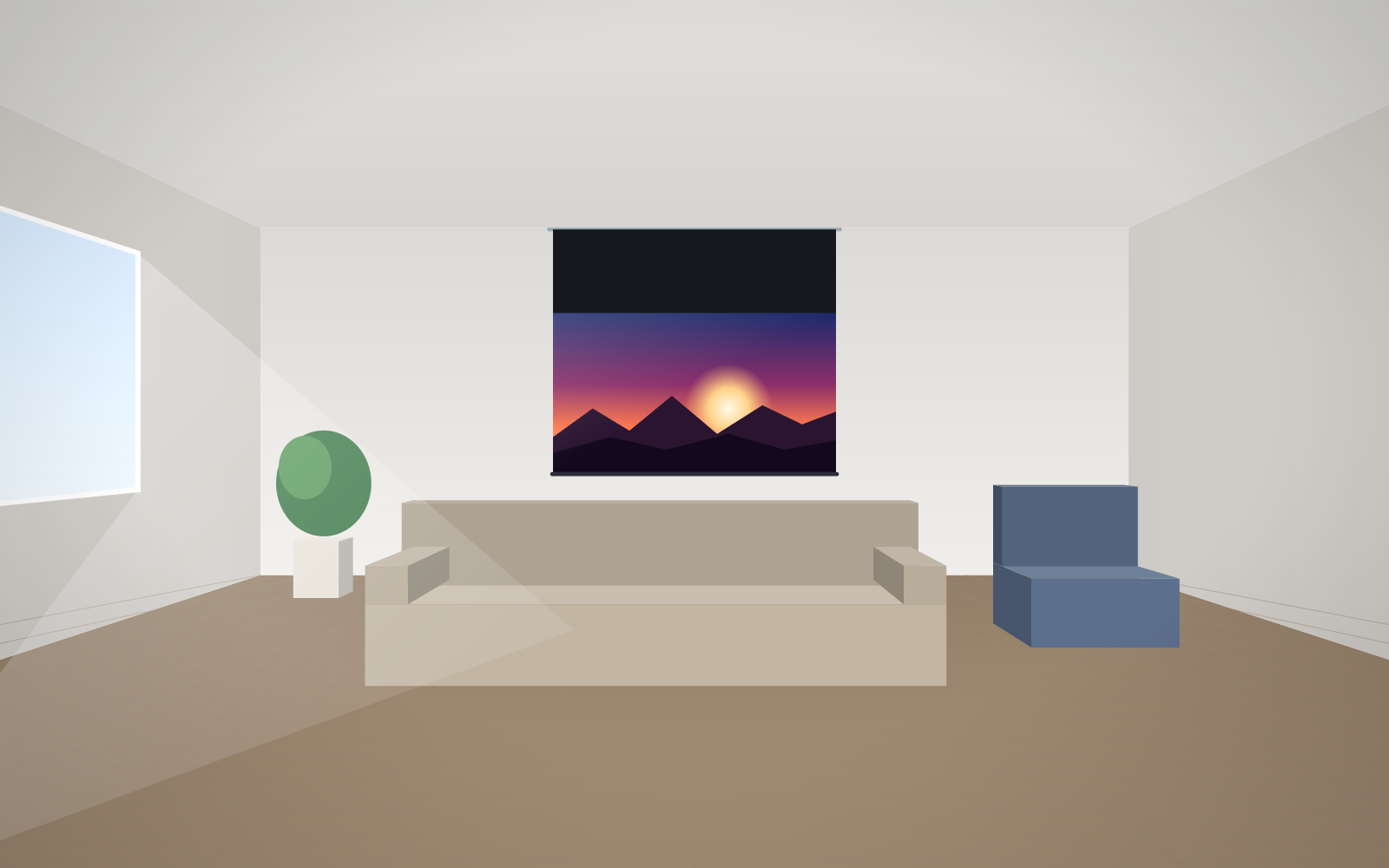
- Do not obstruct the fabric or the bottom bar. Furniture, plants, flowers on the windowsill – anything in the screen's path can damage the fabric.
- Do not give conflicting commands in quick succession. Constant up–down–up strains the motor.
- On tensioned screens (Tensio) do not touch the cords or eyelets – the tension is set by the installer.
- Automatic control (12 V trigger from the projector, room control system) reduces the risk of leaving the screen unrolled. See the guide motorised screen control.
Fixed-frame screens: storage and transport
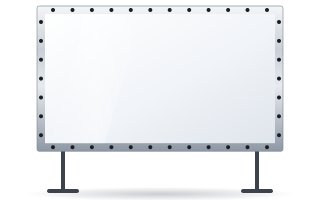
A fixed-frame screen permanently mounted on the wall only needs dusting. If you take it down during renovation, protect the surface from dust, do not put anything on the fabric and do not lean the frame against the wall with the projection surface facing it.
FramePro folding frames, used at events and in rental, require discipline at every set-up and take-down:
- Remove the fabric from the press studs or bungees one by one, without tugging at the edges.
- Fold it according to the instructions and store it in a clean, dry cover. Vision Fold 2 fabric is flexible and crease-resistant, but it still does not like dirt and moisture.
- Transport the frame parts separately from the fabric so they do not rub through it in transit.
- After the event, check the fabric and fixings – replace a damaged press stud or bungee before the next job.
More on mobile screens in the guide screens for events and rental.
When to call for service
Some symptoms need a professional assessment. Contact us when:
- the fabric rolls up crookedly, “drifts” to one side of the roller or forms creases that were not there before,
- the screen stops at a different point than usual or does not stop at its end position,
- the motor runs louder, unevenly or does not respond to commands at all,
- the remote or control system has stopped working despite new batteries,
- there is dirt on the fabric that cannot be removed dry, or mechanical damage.
ABC Prezentacji provides advice and servicing for ADEO screens. Describe the problem and – if you can – attach a photo or short video. Our details are on the contact page. For schools and companies with several screens, it is worth arranging a periodic inspection with us, ideally during a break in classes.
Screen maintenance checklist
- After every use: roll up the motorised screen completely.
- From time to time: gently dust the surface with a soft brush or dry microfibre.
- For a stain: act quickly, dry; for acoustic, grey and ALR fabrics – consult our service team.
- Before renovation: protect the screen from dust and paint.
- If the mechanism shows worrying symptoms: do not adjust it yourself – call for service.
Frequently asked questions
What should I clean a projection screen with?
Remove dust with a soft brush or a dry microfibre cloth, gently and without pressure. Do not use solvents, alcohol or glass cleaners.
Can I wash a projection screen with water?
Do not wet-wash large areas. On a white, smooth fabric, a small stain can be carefully wiped with a cloth lightly dampened with clean water after a test near the edge; do not wet-clean acoustic, grey or ALR fabrics without consulting us.
How do I remove fingerprints from a projection screen?
First try dry microfibre, dabbing and lifting rather than rubbing. If the mark does not come off and the fabric is delicate (acoustic, grey, ALR), contact our service team instead of using chemicals.
Why does my motorised screen ripple?
The cause may be leaving the screen partly unrolled for long periods, rolling up damp fabric or uneven winding. If the ripples appeared suddenly, report it for service; if flatness is a priority, a screen with Tensio tensioning is a better choice.
Does a projection screen need to be rolled up after every use?
Yes, it is the best protection for the fabric against dust, light and accidental touching. On many ADEO models the bottom bar closes the case when rolled up.