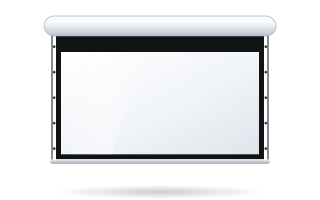
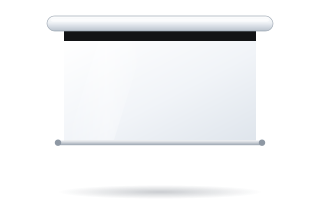
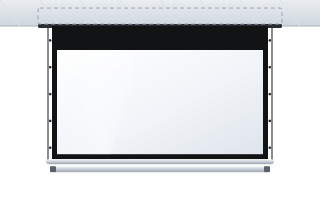
- White is standard for most ADEO cases; on many models a black case is available as an option.
- The manufacturer uses various textures: smooth matt, Grinz texture and Emboss texture.
- Special colours from the RAL palette are available to order from the manufacturer.
- Black borders around the image (5 or 7 cm) improve perceived contrast and hide small inaccuracies in projector alignment.
- On fixed-frame screens, black velvet (flock) absorbs light falling on the frame – the solution for cinema rooms.
Why the screen finish matters
A screen's finish involves two different things. The first is aesthetics: the case or frame is visible all the time and should suit the walls, ceiling and furniture. The second is the image: the elements immediately around the image – the black fabric borders, the black band at the top, the frame of a fixed-frame screen – affect how the eye perceives contrast and the edge of the image.
Case colours and textures for motorised screens
The manufacturer uses several standard finishes. The paints used on the cases contain no toxic substances.
| Finish | Character | Example models |
|---|---|---|
| White Matte | smooth matt white | Rugby Plus, Alumid |
| Black Matte | smooth black, optional | Rugby Plus |
| White Grinz / Black Grinz | powder coating with a wrinkle texture | Linear SE, Max One, Max Inceel, Big One |
| White Emboss | white with an embossed texture | OnSuperior, InSuperior |
In our shop you can choose a matt black case as an option on models including Linear SE, Rugby Pro, Rugby Plus, Alumid and Max One. On the Rugby Plus series both the case and the bottom bar can be black. On the Basic model a matt black weight bar is available as an option.
Special colours from the RAL palette are available to order from the manufacturer – if the case needs to match a particular wall colour or interior elements, get in touch with us.
White or black case – how to choose
- White ceiling and light walls – a white case disappears against the ceiling. This is the most common choice in offices, schools and living rooms.
- Dark ceiling or wall – in cinema rooms, studios and rooms with a black technical ceiling, a white case would be the brightest object in the room. A black one is better there.
- Case just above the projected image – a black case does not reflect light that happens to spill above the image.
- Invisible case – if you do not want to see it at all, consider a screen built into a suspended ceiling, such as InSuperior; when rolled up, only a narrow slot is visible. See our guide to in-ceiling screens.
Remember the mounting details. Universal bracket extensions are white (RAL 9010), bracket sets for Linear SE and Rugby come with white or black wedges, and sets for Max One in white or black. On OnSuperior, the version with a quick-mount case is available in white only.
Black fabric borders – 5 cm, 7 cm or none
Many roller models offer a choice between a borderless version (marked NOB) and versions with black side borders 5 or 7 cm wide. On tensioned Rugby versions the borders are black as standard, with white as an option. On OnSuperior and InSuperior, a 5 cm black border or a white version is available.
A black border serves several purposes:
- the eye perceives an image surrounded by black as having more contrast;
- it masks small inaccuracies in projector alignment – an image spilling slightly beyond the fabric disappears into the black;
- it clearly separates the image from a light wall.
The manufacturer welds the borders to the fabric using high frequency rather than painting them, so the edge is sharp and the matt black absorbs light. The borderless version suits places where the screen should be as unobtrusive as possible when lowered and the projector is precisely aligned, e.g. a conference room with light walls.
The black band at the top
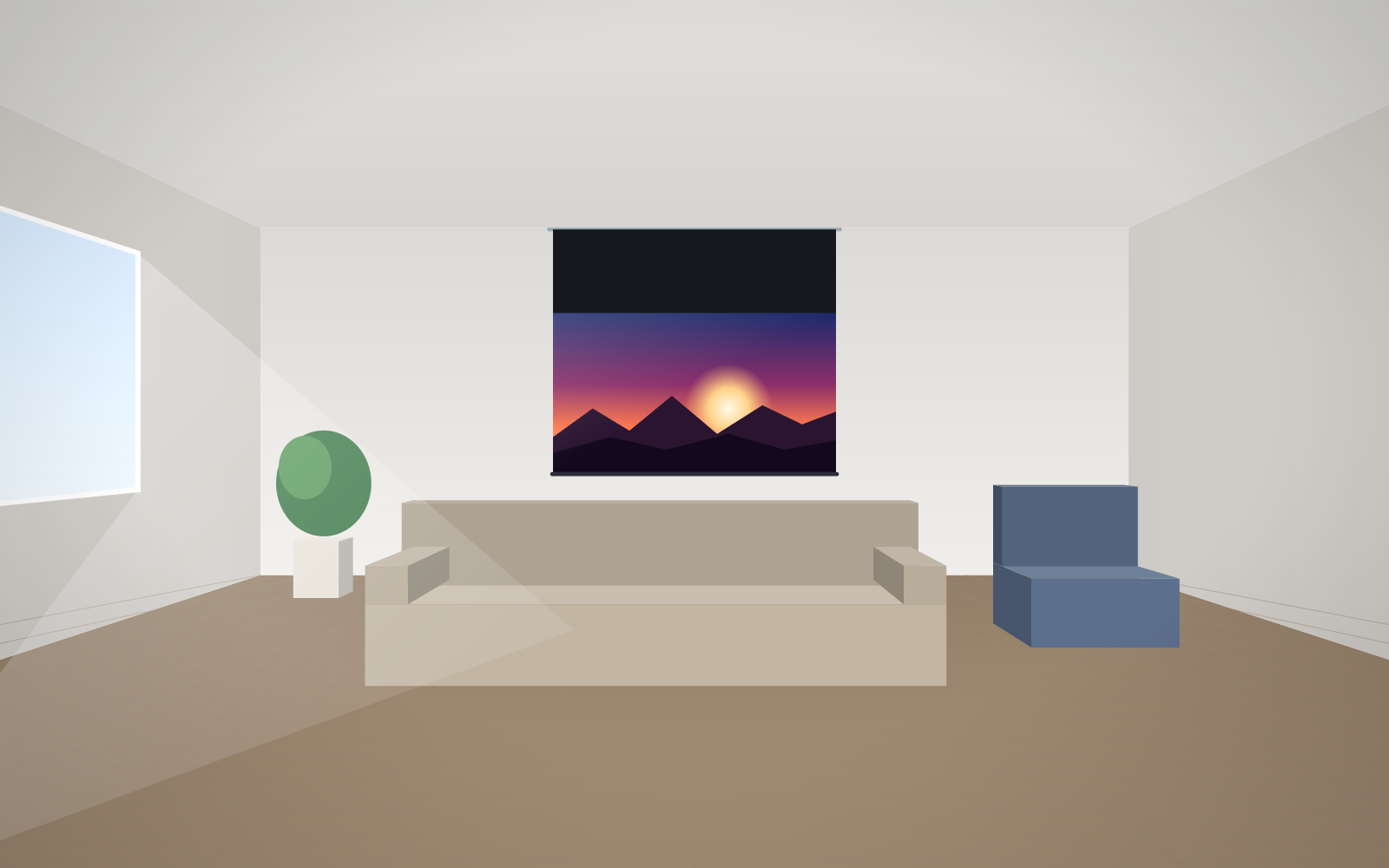
Between the case and the image there is usually a black band of fabric – known as the drop or black top drop. Its main job is to lower the image to a comfortable height, but it also has an aesthetic role: the top edge of the image is black rather than white. The band length is chosen to suit the room height – we describe this in our guide black top drop and high ceilings and in the glossary under black drop.
Fixed-frame screens: black lacquer, velvet and slim frames
On fixed-frame screens the frame directly surrounds the image, so its finish matters even more for the picture.
| Model | Frame | Finish |
|---|---|---|
| Plano | aluminium profile bevelled on the inside – reflections are directed away from the image and the audience | black lacquer (Black Grinz) or black velvet – Velvet version (Black Flock) |
| Plano Curved | curved frame | black velvet (Black Flock) |
| Prestige | very slim frame of approx. 10 × 6 mm, styled like a TV | matt black, optional Black Flock; optional LED wall backlighting |
| Frameless | profile hidden under the fabric, invisible from the front | only the fabric is visible from the front |
Velvet (flock) absorbs light that falls on the frame from the projector or reflects off the fabric. In a dark cinema room the frame becomes invisible and the image seems to float in the darkness. It is a good choice for a dedicated cinema room. Prestige with the optional LED wall backlighting lets you add a colour accent around the screen in a living room.
The colour of the walls around the screen counts too
Even the most carefully chosen case will not help if the walls and ceiling near the screen are light or strongly coloured. Light from the projector reflects off the fabric, hits the walls and bounces back onto the image, lifting the blacks and shifting colours. In a dedicated cinema room, the walls and ceiling near the screen are therefore painted a dark, matt colour.
In a living room or conference room this is rarely possible. That is where fabric choice helps: the manufacturer recommends the grey Reference Grey 2 fabric for rooms with light walls and a small amount of light, and Ambient Grey for rooms with light or colourful walls and ambient light. More on this in our guide to ALR and grey screens. Black fabric borders and the black band at the top create a dark surround that partly separates the image from bright surroundings.
Matching the finish to the room
| Room | Case or frame | Fabric borders |
|---|---|---|
| Living room with a white ceiling | white case or in-ceiling installation | black borders if the screen is used mainly for films |
| Dedicated cinema room | fixed-frame screen with a velvet frame or a black case | black borders or a velvet frame |
| Conference room | white case or in-ceiling installation; a special colour to match the decor | with or without borders, depending on the walls |
| Studio, room with a black ceiling | black case | black borders |
| School classroom | white case | economy version without borders or with borders |
If you are setting up a cinema at home, start with our guide to home cinema screens, and you will find the differences between fixed-frame models in our guide Plano, Prestige or Frameless. You choose the case and border colour in the configurator – the price of each option is shown straight away.
Frequently asked questions
What case colour is standard on ADEO screens?
On most models a white case is standard. Many models, including Linear SE, Rugby Pro, Rugby Plus, Alumid and Max One, offer a matt black case as an option.
Can I order a case in a RAL colour?
Special colours from the RAL palette are available to order from the manufacturer. Contact us with the colour code and the screen model.
Are black borders around the image necessary?
They are not essential, but they improve perceived contrast, mask small inaccuracies in projector alignment and separate the image from a light wall. Borders of 5 or 7 cm are available, depending on the model.
What is the Velvet version of the Plano screen?
It is the version with a frame covered in black velvet (Black Flock), which absorbs light falling on the frame. It works well in dark cinema rooms.
Does a white case suit a home cinema?
In a living room with a white ceiling, yes – the case disappears against the ceiling. In a dedicated cinema room with dark walls, a black case or a fixed-frame screen with a velvet frame will be better.