- Screens are made to measure using the Personal Screen System – the manufacturer cites more than 50 million possible combinations.
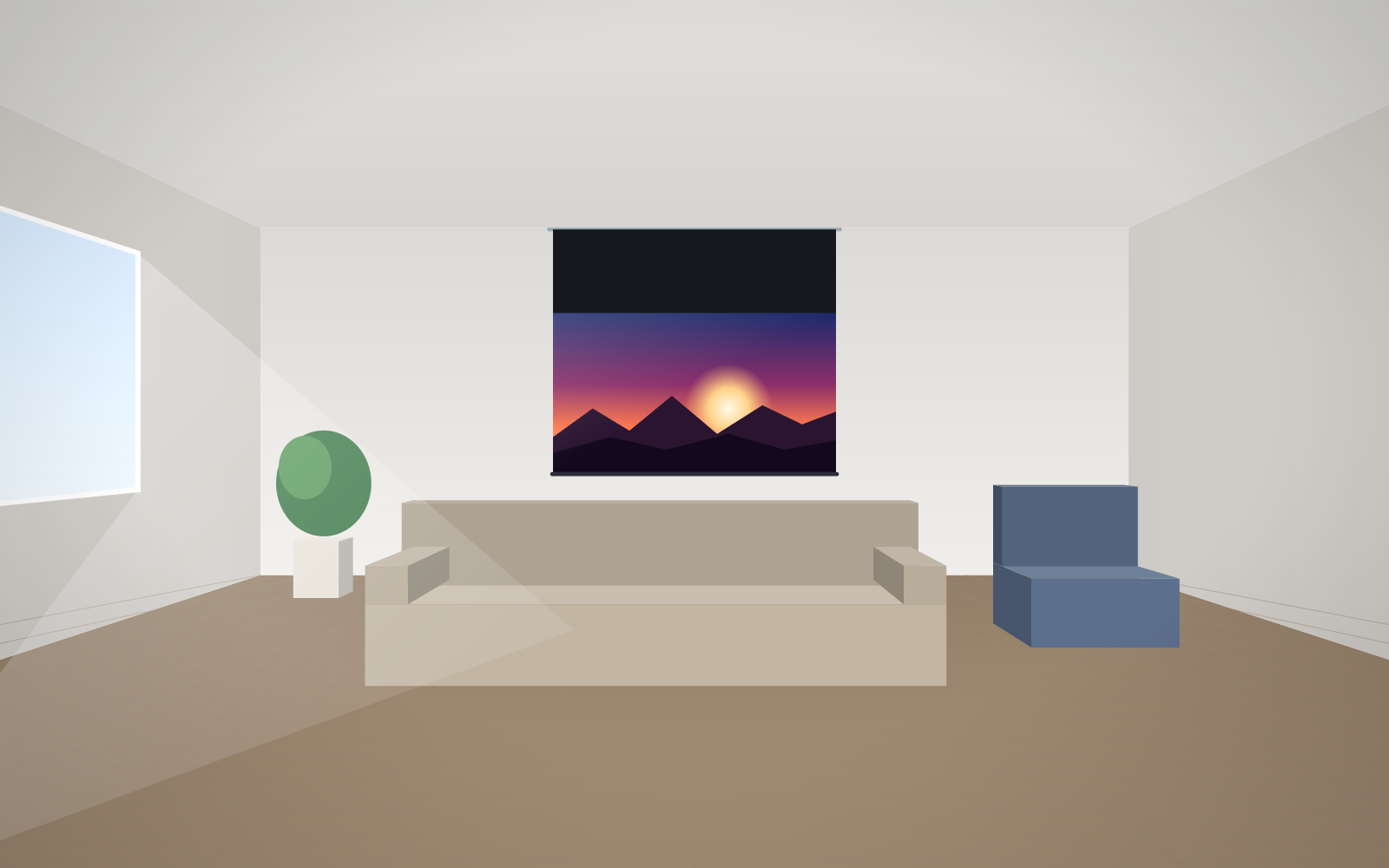
- Before using the Configurator, establish the viewing distance, the projector's throw distance and throw ratio, the room lighting and the mounting location.
- Remember that the Configurator asks for the image size – the case or frame is larger than that.
- You see the price immediately in the Configurator, order with the “Buy now” button, and we ship anywhere in Poland at no extra transport cost.
- Lead time depends on the model – we confirm it once the order has been placed.
What "made to measure" means at ADEO
ADEO Screen does not make screens for stock in a handful of standard sizes. Every screen is built at the factory in Złotoryja for a specific order, using the Personal Screen System (PSS). The manufacturer says this offers more than 50 million combinations. The fabric is designed in a CAD/CAM system and cut with a plotter, and the image size is matched within the geometry of each model – to the centimetre, and according to the manufacturer even to the millimetre.
In practice, for a single screen you can specify:
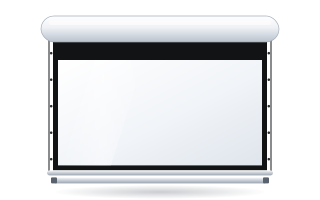
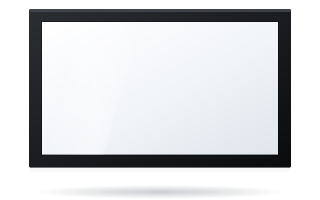
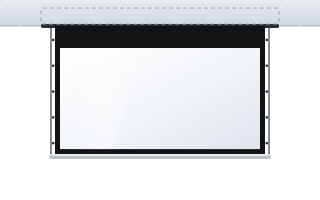
- model and mounting method – a roller screen for wall or ceiling, an in-ceiling screen, a fixed-frame or a large-format screen,
- aspect ratio – from 1:1 through 4:3, 16:10 and 16:9 to the 2.35–2.40:1 cinema formats (the range depends on the model),
- fabric – white, grey, ALR, acoustic, rear projection or a ChromaKey backdrop,
- finish – no borders, 5 or 7 cm black borders, Tensio tensioning,
- details – motor side, roll direction, control (wall switch or radio remote), case colour and the length of the black top drop above the image.
Before you open the Configurator – what to measure and decide
Most ordering mistakes come not from the Configurator itself but from a few missing measurements. Prepare them in advance and the selection will take just a few minutes.
| Information | What it is needed for | How to get it |
|---|---|---|
| Distance to the furthest viewer (D) or to the main seat (Ds) | image height | measure with a tape from the screen wall |
| Projector-to-screen distance and its throw ratio | the image width the projector will actually produce | projector manual or datasheet |
| Projector resolution and native aspect ratio | screen aspect ratio | projector specification |
| Projector type: standard or ultra-short-throw | choice of fabric and tensioning method | projector specification |
| Room lighting, wall colour | fabric type (white, grey, ALR) | observe the room at the time it is used |
| Width of the wall or recess, ceiling height, obstacles | whether the case or frame will fit, black top drop length | measure on site |
| Location of the 230 V power supply | motor side, control | agree with your electrician |
Example: a training room
The back row sits 7.2 m from the wall. Using the manufacturer's rule for presentations, the image height is D/6, i.e. 7.2 / 6 = 1.2 m. The projector has a 16:10 panel, so the image width is 1.2 × 1.6 = 1.92 m – round up to 2000 mm. Now check the projector: with a throw ratio of 1.6 and a distance of 3.2 m it produces an image 3.2 / 1.6 = 2.0 m wide. The size works. More formulas are in our guide how to choose screen size, and matching to a specific projector is covered in how to match a screen to a projector.
Image size versus overall size
In the Configurator you enter the image width, i.e. the surface the projection falls on. The overall size is always larger:
- on a roller screen the case is longer than the image, as it houses the motor and end caps,
- black side borders add 5 or 7 cm on each side,
- on a fixed-frame screen the width of the frame profile is added,
- vertically, there is the black top drop above the image, which brings the image down to eye level.
If the screen has to fit in a recess, between pillars or above furniture, check the overall size on the model's datasheet, not just the image width. With a high ceiling, also see our guide black top drop and high ceilings.
Ordering step by step
- Choose your section. For the home, go to the home cinema screen Configurator; for an office, school or institution, to the Configurator for business & institutions.
- Choose a model to suit the mounting method and size.
- Set the aspect ratio to match the projector's panel or the content you show most often.
- Choose the fabric – if you are unsure, use our guide how to choose a projection fabric.
- Decide on the finish – borders, tensioning, case colour.
- Enter the image width you calculated earlier.
- Choose options – motor side, roll direction, motor with radio remote.
- Check the price, which is shown immediately, and click "Buy now". The screen goes into your cart.
Payment and delivery
In the Cart you choose how to pay. You can pay via Przelewy24 (BLIK, instant bank transfer, card) or buy the screen in instalments online. Businesses can use leasing, and schools and public institutions can pay by bank transfer with 14-day payment terms. Shipping anywhere in Poland comes at no extra transport cost. You can order a single unit.
ABC Prezentacji also provides advice on preparing the site and ships at no extra transport cost – get in touch. Details of payment and shipping options are on the Delivery & payment page.
What the lead time depends on
Because every screen is made to order, the lead time depends on the model and configuration. Simple roller screens and basic frames are usually made faster than models with Floating Tab tensioning, curved screens, cinema screens or large made-to-measure surfaces. We confirm the exact lead time once the order has been placed.
Also bear in mind the factory calendar. The manufacturer schedules periodic production breaks, usually in the summer. If the screen has to be installed on a specific date – for example at a school during the summer holidays or before a room opens – order it with time to spare.
What happens to the screen before dispatch
The manufacturer tracks every screen through all stages of production, and each stage is supervised by a technician. Once assembled, roller screens go onto a test bench where they are adjusted and checked. Every screen comes with a CE declaration, and the packaging is designed for the specific model so that the case and fabric arrive undamaged.
Common mistakes when ordering a made-to-measure screen
- Confusing image size with overall size – the case does not fit the recess.
- An aspect ratio that does not match the projector – on a 16:9 screen, the image from a 16:10 projector will spill over the surface or leave bands. We cover aspect ratios in our guide 16:9 or 2.35:1.
- ALR fabric on a standard roller screen – ALR fabrics need to be perfectly flat, so choose a tensioned version or a frame.
- Ambient Grey 2 with an ultra-short-throw projector – this fabric is designed for standard projectors only.
- Motor on the wrong side – choose the motor side so that it is closer to the prepared power cable.
Unsure about a particular room? Get in touch before ordering – we will check the dimensions and configuration.
Frequently asked questions
Can I order a screen in a non-standard width?
Yes. Every ADEO screen is made to measure, and you set the image width in the Configurator within the range available for each model.
How long does a made-to-measure screen take?
It depends on the model and configuration – simple roller screens are usually made faster than tensioned, curved or cinema models. We confirm the exact lead time once the order has been placed.
Do I enter the image size or the size of the whole screen in the Configurator?
You enter the image width. The case, borders and frame are larger, so if the screen is going into a recess, check the overall size on the model's datasheet.
How can I pay for a screen?
Via Przelewy24 (BLIK, bank transfer, card) or in instalments online. Businesses can use leasing, and schools and public institutions can pay by bank transfer with 14-day payment terms.
Do I pay for delivery?
No. We ship anywhere in Poland at no extra transport cost – to the address you provide, without carrying in.
What if I am ordering several screens for a school or business?
You can configure and buy each screen in the Configurator and see the price immediately. ABC Prezentacji also provides advice on preparing the site and ships at no extra transport cost – get in touch.