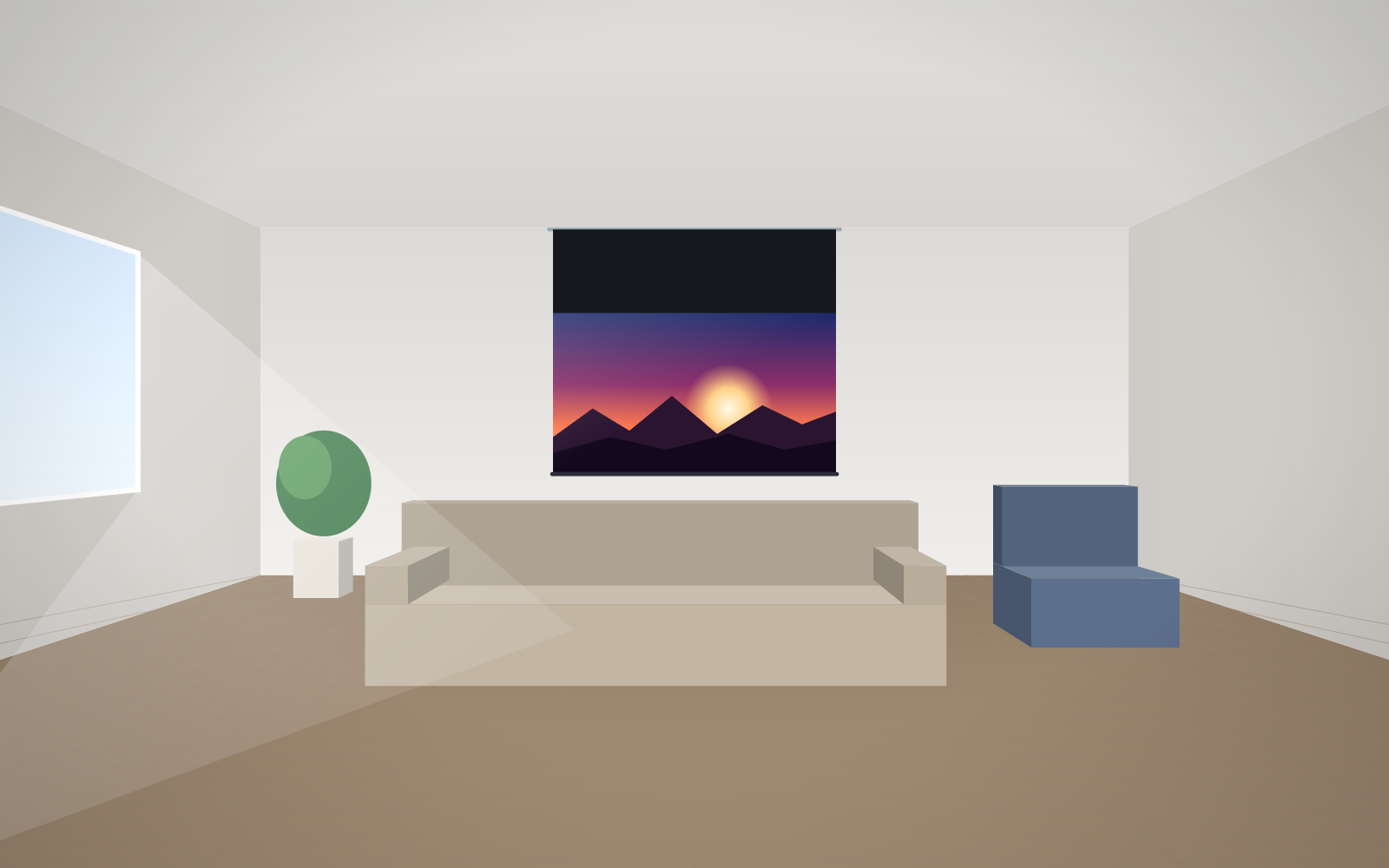
- Above about 100″ a projector and screen has practically no competition – large TVs are expensive, heavy and hard to get into the house.
- In a bright room, for daytime viewing, a TV gives a clearer picture without any extra measures.
- ALR fabric and a UST projector narrow the TV's advantage, but do not eliminate it.
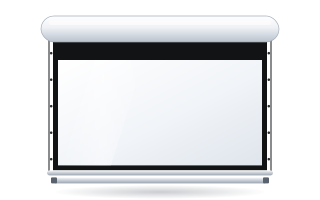
- A motorised screen disappears after the film – the wall stays free, which is often decisive in a living room.
- Many people choose both: a TV for everyday use and a drop-down screen for films and sport.
The short answer
If you mainly watch during the day in a bright living room and an image of up to about 85″ is enough – choose a TV. If you want a 100″ image or larger, mostly watch in the evening and can darken the room at least partly – a projector with a well-matched screen gives you more for the same money and does not dominate the interior when switched off. Below we break the decision down into its factors.
Image size: where TVs run out
The biggest advantage of projection is scale. The difference between 85″ and 120″ looks modest on paper, but image area grows with the square of the diagonal:
| 16:9 diagonal | Image width × height | Area relative to 85″ |
|---|---|---|
| 85″ | 188 × 106 cm | 1.00 × |
| 98″ | 217 × 122 cm | 1.33 × |
| 100″ | 221 × 125 cm | 1.38 × |
| 120″ | 266 × 149 cm | 1.99 × |
| 150″ | 332 × 187 cm | 3.11 × |
A 120″ screen therefore has almost twice the area of an 85″ TV. TVs around 100″ do exist, but they are heavy, need a solid wall or stand and can be hard to carry through doors and up stairwells. A projection screen rolls up into a case or assembles into a frame, and ADEO makes it to measure – you can order exactly the image width that suits your wall. Full dimensions are in the diagonal chart.
Cost per inch
We do not quote prices of specific devices here, as they change quickly. The mechanism, however, stays the same: TV prices climb very steeply above about 85″, while the price of a projection screen rises with size much more gently. The same projector can show 100″ or 130″ – only the distance and image brightness change. As a result, the cost per inch of a projector + screen set is usually lower the bigger the image.
To be fair, there are costs a TV does not have: installing the projector (mount, cables), possibly blackout for the windows and – with lamp projectors – lamp replacement. Laser projectors practically do not have that last issue. You can check the price of the screen itself straight away in the configurator.
Daylight: this is where the TV wins
A TV emits its own light, so it copes in a bright room. A projector lights the screen, and the screen also reflects light from windows and lamps – blacks turn grey and contrast drops. This is the most important limitation of projection, and there is no point hiding it.
It can be mitigated to a large extent:
- ALR fabric – ALR (Ambient Light Rejecting) fabric suppresses ambient light. In the ADEO range this is Ambient Grey 2 (gain 0.9, viewing angle approx. 60°) – for standard and short-throw projectors only.
- Grey fabric – Ambient Grey (gain 0.6, 140° angle) and Reference Grey 2 (gain 0.5) improve black levels with light-coloured walls and are also suitable for UST projectors.
- A brighter projector and blinds – even partial darkening in the evening makes a big difference.
Details are in the guides screen for a bright living room and ALR screen – grey fabric.
UST projector – the “laser TV”
An ultra-short-throw projector (UST) sits on a cabinet right by the wall, where a TV would stand. There is no need to hang it from the ceiling or run cables across the room, and nobody walks through the light beam. It is the most TV-like way to enjoy projection.
It does have requirements, though: the light hits the screen at a very steep angle, so it exaggerates every ripple in the fabric. That is why UST setups use a fixed-frame screen or a tensioned screen and a UST-compatible fabric. We cover everything in the guide screen for a UST projector.
Viewing comfort and your eyes
With projection you look at light reflected off a matt surface rather than directly into an emitting panel. Many people find a large, reflected image less tiring during long viewing sessions, especially in the evening. Treat this as user experience rather than a health claim, though – comfort also depends on image brightness, distance and room lighting. A TV, on the other hand, offers higher peak brightness, which matters for HDR content watched during the day.
Space and interior design
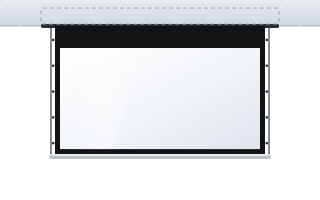
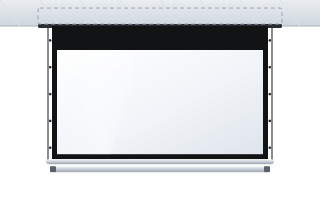
A switched-off 85″ TV is a large black rectangle on the wall. A motorised screen rolls up into its case after the film, and an in-ceiling screen disappears completely – once rolled up, only a narrow slot in the ceiling is visible (Inceel, InSuperior). The slim Linear SE case also suits a living room well. For many people this is the deciding argument.
A screen does, however, need a place for the projector (ceiling, a shelf at the back, or a cabinet by the wall for UST) and planned cabling – ideally before decorating or renovation.
Sound, noise and everyday use
- Noise – a projector has a fan. Modern models are quiet, but in a small room it is worth checking the operating noise in the specification.
- Sound – in both cases a soundbar or speaker system is worthwhile. With projection, speakers can even stand behind an acoustic screen.
- Daily operation – you switch a TV on with one button. A projection setup can be configured the same way: the screen lowers automatically when the projector is switched on (12 V trigger) or via remote control.
- Gaming – TVs usually have lower input lag; with a projector, check the game mode in the specification.
Comparison table
| Criterion | 85–100″ TV | Projector + screen |
|---|---|---|
| Image size | usually up to approx. 100″ | no practical limit at home, made-to-measure screen |
| Cost per inch at large diagonals | rises quickly | rises gently |
| Daytime viewing, bright room | very good | needs ALR, a bright projector or blackout |
| Appearance when off | black rectangle on the wall | screen retracts into a case or the ceiling |
| Installation | simple | projector and cabling need planning |
| Transport and delivery | difficult with the largest models | easy – a case, or a fixed-frame screen in parts |
| Cinema experience | good | very good at 100″ and above |
When a TV is the better choice
- You mainly watch during the day in a room with large windows and no way to darken it.
- You sit close (approx. 2–2.5 m) and 75–85″ is perfectly enough.
- The TV is on for many hours a day as background – news, cartoons, music.
- You do not want any installation or cable planning.
When a projector and screen wins
- You want an image of 100″ or more – films, sport, concerts.
- You mainly watch in the evening or have a separate room that can be darkened.
- You want the wall to be free after the film.
- You are setting up a cinema room – projection is the standard there. See the home cinema screen guide.
The hybrid solution: TV and screen
A very popular setup is a TV for everyday use plus a motorised screen mounted under the ceiling above it, lowered in front of the TV for an evening film. The screen must come down in front of the TV without catching on it – extension brackets that move the case away from the wall help here (available in lengths from 300 to 750 mm), as does choosing the roll direction (front or back of the case). A tensioned screen such as OnSuperior will also keep the surface flat.
If you are not sure which option suits your room, send us the room dimensions, window positions and projector location – we will advise whether projection makes sense and which screen to choose.
Frequently asked questions
Which is better: a projector or a 100-inch TV?
A 100″ TV wins in a bright room during the day. A projector and screen gives a similar or larger image, usually at a lower cost, is easier to get into the house, and the screen retracts after the film – it works best for evening viewing.
Is a projector suitable for daytime viewing?
Yes, but with compromises. A bright projector helps, as does ALR fabric (e.g. Ambient Grey 2 for standard projectors) or grey fabric for UST, plus blinds – in full sunlight a TV will still be clearer.
Is a projector easier on the eyes than a TV?
With projection you look at reflected light rather than an emitting panel, and many people find this less tiring. It is, however, a subjective impression – comfort depends mainly on image brightness, distance and room lighting.
Can a UST projector replace a TV?
It can, because it sits on a cabinet by the wall just like a TV. However, it needs a very flat screen (fixed-frame or tensioned) and a UST-compatible fabric, and in a bright room it still falls short of a TV.
Can I have a TV and a projection screen on the same wall?
Yes – a motorised screen is mounted under the ceiling above the TV and lowered in front of it. Extension brackets move the case away from the wall so the fabric does not catch on the TV.