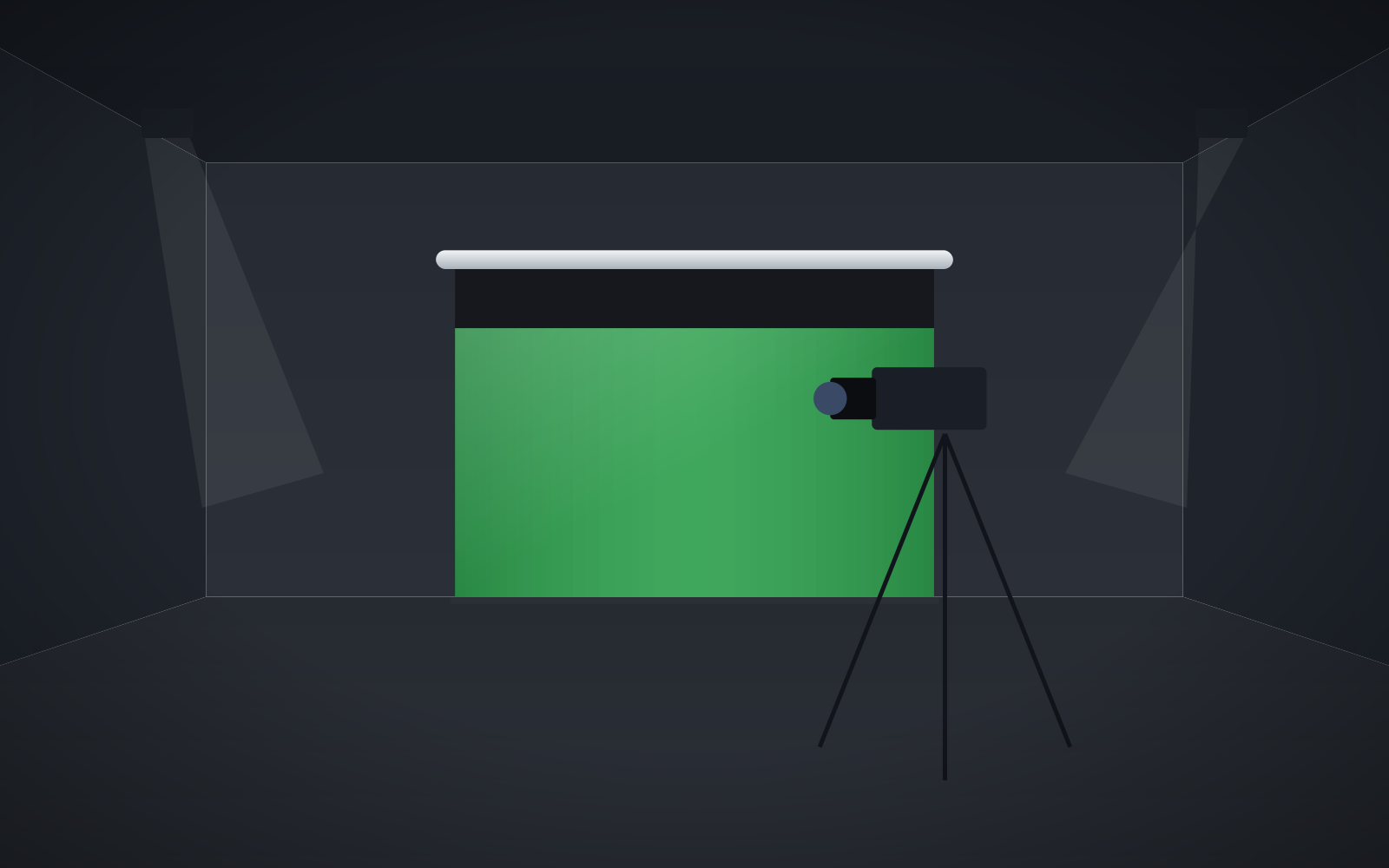
- ChromaKey Green RAL 6038 is a backdrop for keying camera footage, not a projection surface – do not project onto it.
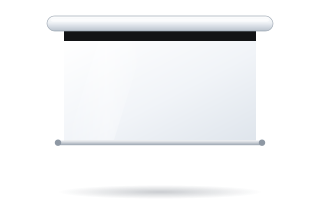
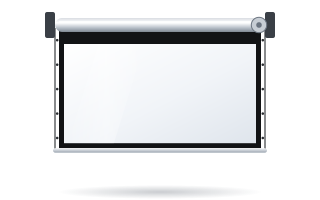
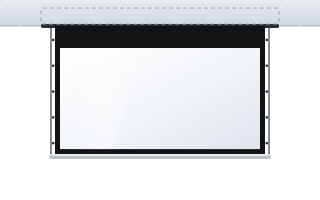
- ChromaKey fabric is offered on the Basic, Linear SE and Rugby Pro roller screens and the in-ceiling Inceel.
- Size the backdrop to the shot with a margin: wider than the frame, with room at the sides for the presenter to move.
- Even, separate lighting of the backdrop and keeping the person away from it matter more than the material itself.
- A roller gives a smooth, taut, crease-free surface and retracts after recording – an advantage over loose fabric.
What a ChromaKey backdrop is and what it is for
Chroma keying means that software or a vision mixer cuts one uniform background colour out of the camera image and replaces it with any graphic, presentation, video or virtual studio. For this to work cleanly, the backdrop must have a uniform colour, even brightness and a matte finish, and the person in front of it must not be wearing that colour.
In the ADEO range this role is played by the ChromaKey Green RAL 6038 fabric. The manufacturer makes it clear that it is not a projection surface – which is why no gain figure is given for it. It is a backdrop for the camera, not a screen for a projector. If you also need projection in the same room, plan a separate screen with a projection fabric (more in the guide how to choose a projection fabric).
Where a green backdrop in a roller screen works well
- Recording and corporate studios – training videos, management announcements, product content. The backdrop comes down only for the recording.
- Streaming and webinars – the presenter in front of a graphic or presentation, without building a permanent set.
- Schools and universities – media labs, school TV, student projects. The room is used for lessons day to day, and the backdrop stays hidden in its case.
- Multi-purpose rooms – the same space is a meeting room one day and a recording studio the next.
Which ADEO models offer ChromaKey fabric
ChromaKey Green RAL 6038 fabric is available in four roller models. The choice depends on the backdrop width, the mounting method and how the screen should look when retracted.
| Model | Image width | Mounting | When to choose |
|---|---|---|---|
| Linear SE | 1800–4000 mm | wall or ceiling, slim case approx. 79 × 118 mm | small studio, office, streaming desk; the manufacturer lists recording studios as a typical application |
| Basic | 2000–6500 mm | wall or ceiling, no case | an economical backdrop for schools and training rooms, including large widths |
| Rugby Pro | 1580–4500 mm | wall or ceiling, case approx. 100 × 120 mm | corporate studios and conference rooms where the screen is used often |
| Inceel | 1800–4000 mm | in a suspended ceiling | when the backdrop should be invisible when retracted – only a narrow slot in the ceiling remains |
All these screens are made to measure, and you can check the price of a specific configuration in the configurator for business & institutions.
Roller or fabric on a frame – which to choose
A green backdrop can be bought as loose fabric, a roll of paper or a backdrop in a roller screen. Each has its place, but for a permanent set-up a roller has several practical advantages.
| Feature | Roller screen with ChromaKey fabric | Loose fabric on a frame |
|---|---|---|
| Surface smoothness | fabric wound on a roller and weighted with a bottom bar, no creases from folding | folds and creases after folding; needs ironing or stretching |
| Set-up time | lowered with a button or remote | frame set-up and stretching for every recording |
| After recording | backdrop retracts into the case, wall is free | frame has to be dismantled and stored somewhere |
| Dust protection | fabric rolled up in the case | material exposed to dust and dirt |
| Mobility | permanent installation | easy to take on location |
In ADEO screens the fabric is attached to a double-groove roller that reduces horizontal marks, and springs at the ends compensate for expansion of the material. As a result the backdrop hangs evenly when lowered – and folds in the backdrop are one of the most common causes of uneven keying, because every fold casts a shadow.
How to size the backdrop to the shot
The backdrop must fill the whole camera frame, including the presenter's movement. A practical rule: decide on the shot first, then choose the backdrop.
- Head-and-shoulders shot (webinar, announcement) – a backdrop approx. 2 m wide is enough, provided the camera is close and the person does not move around.
- Waist-up shot, two people – allow 3 m width or more.
- A presenter who walks around the frame – the backdrop width should clearly exceed the frame width where the person stands, with a margin on both sides.
Remember that the further the person stands from the backdrop (and they should stand well away from it, as explained below), the larger the backdrop needs to be, because the camera “sees” a wider section of the wall behind the person.
The backdrop height also matters. A roller screen comes down from above and ends in a weighted bar, so it does not cover the floor. For waist-up and head-and-shoulders shots this makes no difference. If you plan full-length shots including feet, you need a green floor or another solution – a roller cannot replace it. To get a taller backdrop at the same width, choose a squarer aspect ratio, e.g. 1:1 or 4:3 instead of 16:9 (the Basic, Rugby Pro, Inceel and Linear SE models offer 1:1 and 4:3).
Lighting the backdrop – the key to clean keying
Even the best fabric will not help if the backdrop is unevenly lit. The software cuts out a range of green shades – bright and dark patches on the backdrop fall outside that range and stay in the picture.
- Light the backdrop separately – with dedicated lights, independent of the lighting on the person. Place the lights symmetrically on both sides so that the light falls evenly on the backdrop.
- Use diffused light – softboxes or panels with diffusers give an even pool of light without hard reflections.
- Check uniformity – look at the camera image on a monitor and compare the brightness of the centre and corners of the backdrop. Many streaming programs and cameras have tools to help assess exposure.
- Move the person away from the backdrop – at least 1.5–2 m of separation is commonly recommended. This reduces green spill on shoulders and hair as well as the person's shadow on the backdrop.
- Add a backlight – a light behind and above the person separates the silhouette from the backdrop and helps the software key out hair.
- Limit window light – it changes throughout the day, so the keying settings stop matching. Cover the windows or record under artificial light.
Common green-screen mistakes
- Green items in shot – clothing, ties, logos, plants and even reflections in glasses will be keyed out along with the backdrop. Ask presenters to wear other colours.
- Projecting onto a ChromaKey backdrop – it is not a projection surface. If the room also needs a projector, plan a separate screen.
- Backdrop too small – the person moves off the green with every gesture, and the edge of the backdrop shows in the frame.
- Person leaning against the backdrop – a shadow on the backdrop and green spill on the silhouette. Keep your distance.
- One light for everything – light aimed only at the person leaves the backdrop with a bright patch in the middle and dark corners.
- Backdrop left down permanently – dust settles on the fabric. Roll the backdrop up after use; care instructions are in the guide on screen cleaning and maintenance.
Mounting and controlling the backdrop
A screen with a ChromaKey backdrop is mounted like any motorised screen – on the wall, below the ceiling or in the ceiling. Plan the location so that there are a few metres in front of the backdrop for the person's distance from it, tripods and lighting. The motor runs on 230 V – the connection should be made by a qualified electrician. Details in the guide installing a motorised screen.
In a studio a radio remote or control from the room system is convenient – the options are described in the guide controlling a motorised screen. In a school, an ordinary wall switch works well because it is the simplest to use.
Checklist before ordering a ChromaKey backdrop
- Shot decided: head and shoulders, waist up or full length (the latter needs an additional floor solution).
- Backdrop width with a margin for movement and for the person's distance from the backdrop.
- Aspect ratio: 16:9 for wide shots, 4:3 or 1:1 when you need a taller backdrop.
- Model depending on mounting: Linear SE, Basic, Rugby Pro for wall or ceiling, Inceel for a suspended ceiling.
- Separate lighting for the backdrop and the person, and a way to black out the windows.
- 230 V power at the motor location and the control method.
Planning several set-ups or a studio in a school or company? ABC Prezentacji also provides advice on preparing the site and ships at no extra transport cost – contact us.
Frequently asked questions
Can a projector image be shown on a ChromaKey backdrop?
No. The manufacturer states that ChromaKey Green RAL 6038 is not a projection surface but a backdrop for keying camera footage. For projection, plan a separate screen with a projection fabric.
Which ADEO screens are available with ChromaKey fabric?
The Basic, Linear SE and Rugby Pro roller screens and the Inceel in-ceiling screen.
How wide should a green screen for webinars be?
For a head-and-shoulders shot approx. 2 m wide is usually enough; for a waist-up shot or two people, 3 m or more is better. Always leave a margin for the presenter's movement.
Is a roller screen suitable for full-length shots?
A roller does not cover the floor, so shots including feet need an additional green floor. For head-and-shoulders and waist-up shots a roller screen is sufficient.
How far from the backdrop should the person stand?
At least 1.5–2 m is commonly recommended. This reduces the shadow on the backdrop and green spill on the silhouette.